Last Updated: August 5, 2026
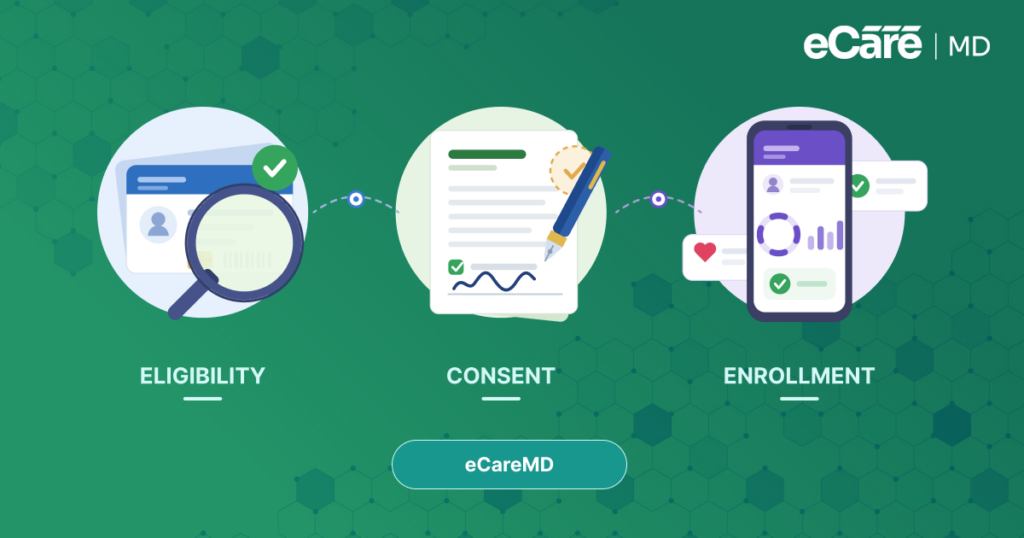
You launch an RPM program in five steps: identify eligible patients, capture consent, ship and set up devices, monitor incoming vitals, and log time to bill CMS. Here’s the full step-by-step guide.
Did you know almost 80% of Americans are in favor of using Remote Patient Monitoring?
Yes, according to MSI International, four in every five Americans are inclined towards using remote patient monitoring as a part of their medical care. Furthermore, a Harvard Health Letter stated that there are almost 50 million users of remote patient monitoring.
That’s a huge number — and with the RPM market valuation projected to reach tens of billions of dollars by 2028, it’s logical for your practice to start its own remote patient monitoring program.
This rapid growth highlights that Remote Patient Monitoring (RPM) is not just a trend, but a new direction of modern healthcare delivery.
However, before exploring how to implement RPM program, it is necessary to understand what Remote Patient Monitoring is and why it is becoming essential for healthcare providers in 2026.
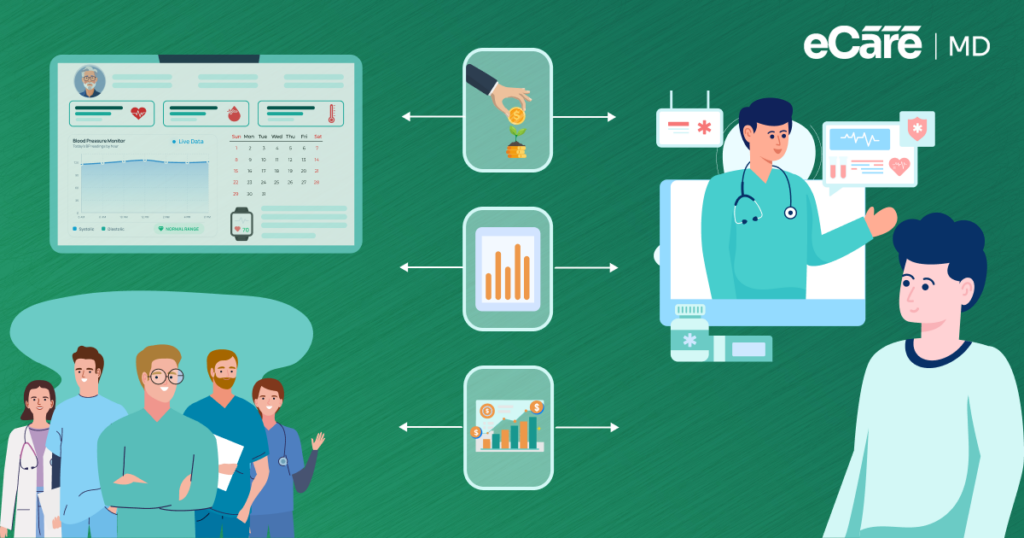
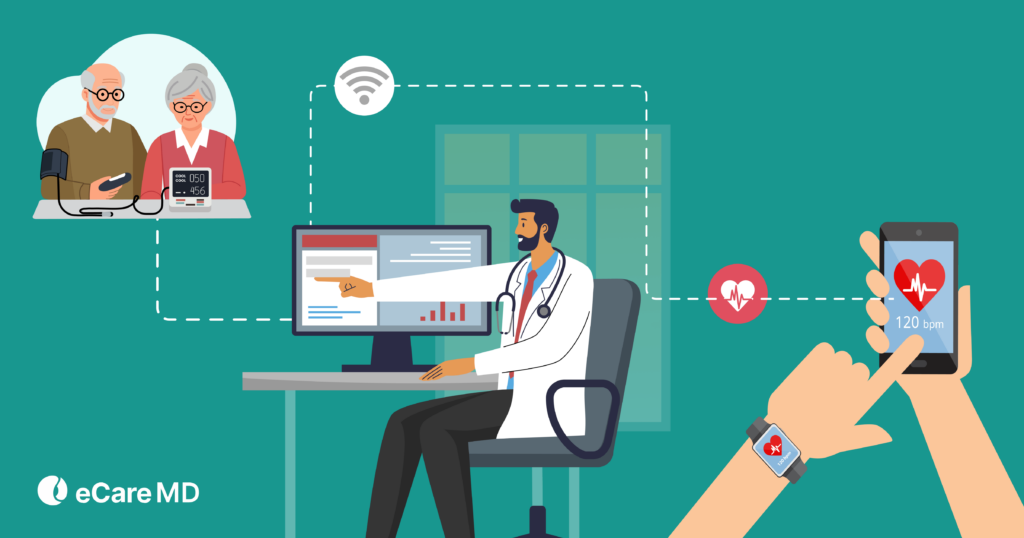
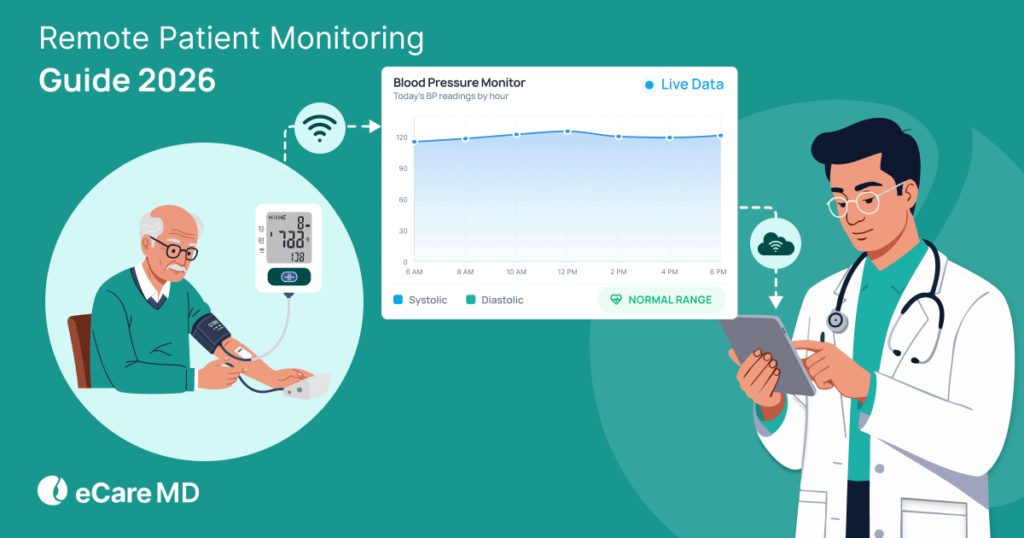
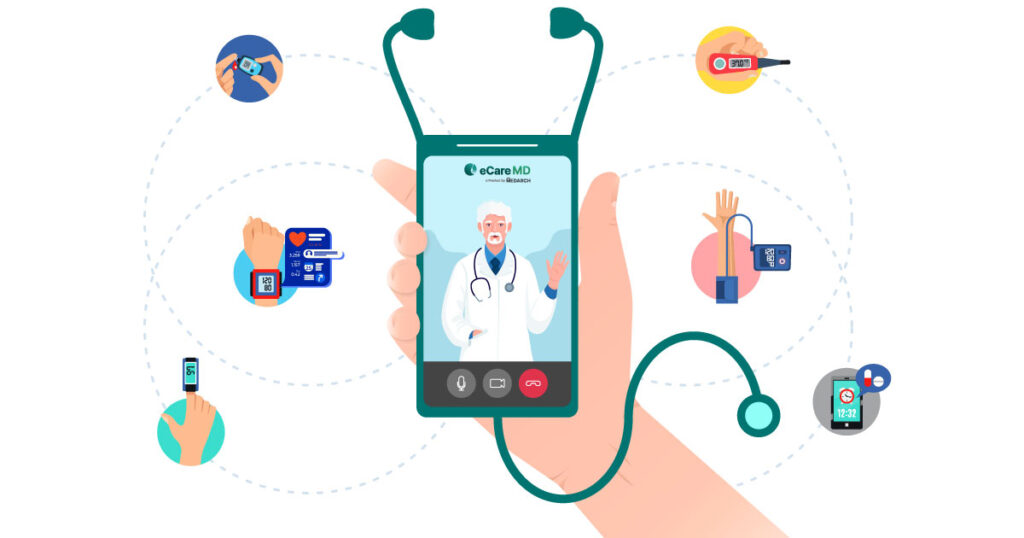
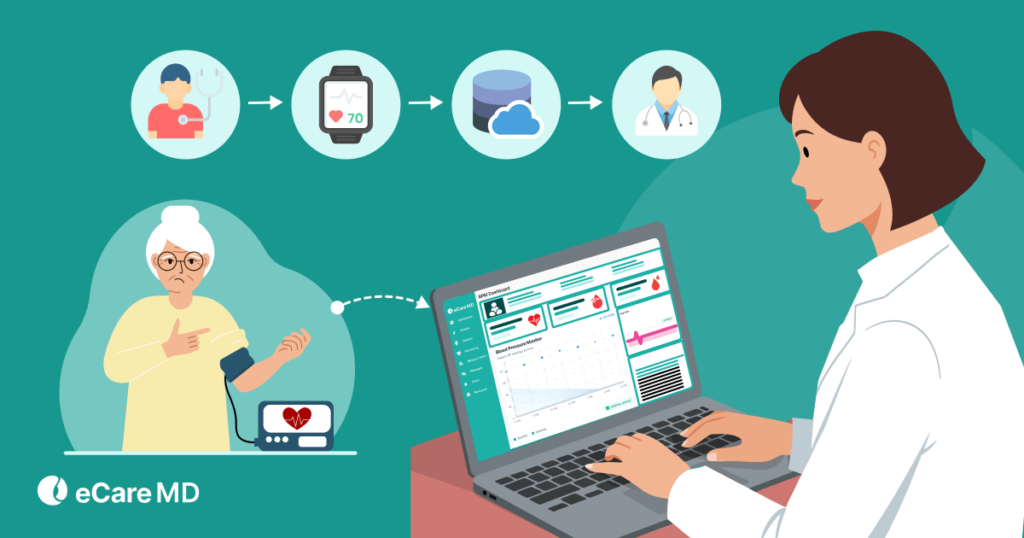
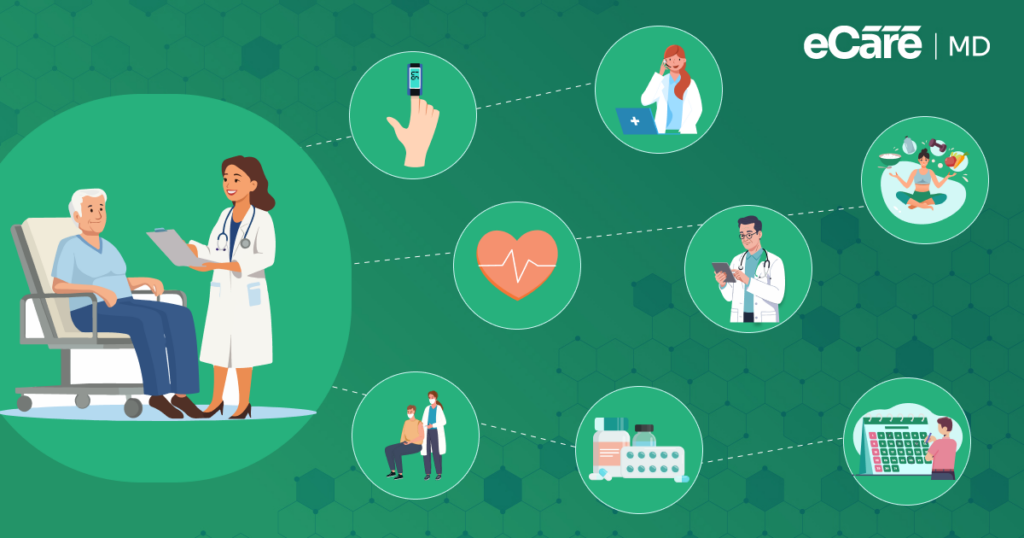
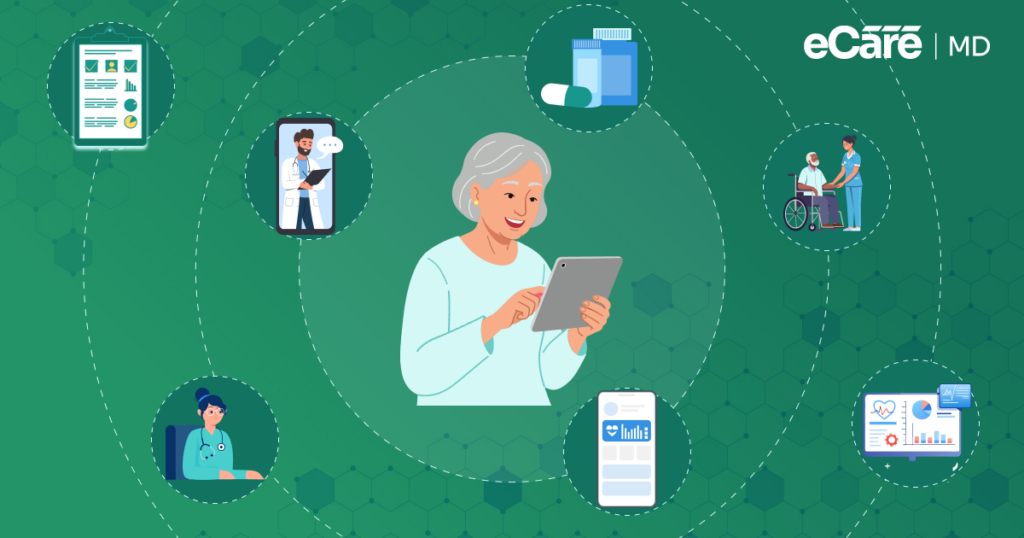
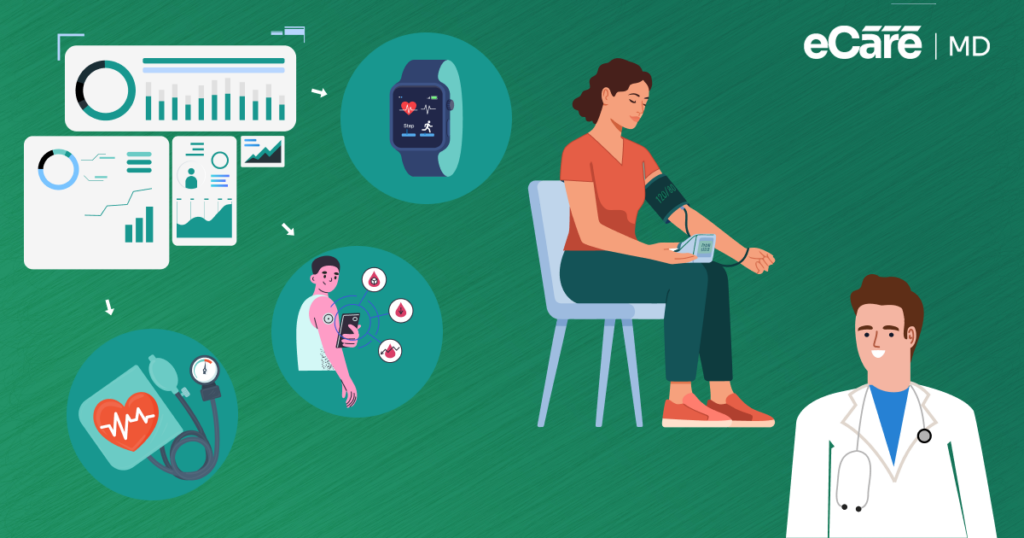
Remote patient monitoring enables you to track patient health data in real time using connected medical devices. This allows continuous monitoring, improves patient engagement, reduces avoidable hospitalizations by 30-50%, and helps manage chronic conditions more effectively.
As the healthcare industry continues to focus more on value-based and proactive care models, implementing an RPM program is becoming essential for providers in 2026 and beyond.
However, launching an RPM program successfully is not as easy as purchasing devices and signing up for software. It requires proper planning, the right technology ecosystem, well-trained staff, and a clear strategy.
Even with these complexities, remote patient monitoring has gained significant popularity due to its ability to reduce operational burden, improve patient engagement, and support better care outcomes.
Here, you might be wondering, ‘How can healthcare organizations successfully implement an RPM program?’
Let this blog be your guide to understanding the key steps involved in remote patient monitoring implementation and how to build an effective and scalable RPM program.
Step-by-Step RPM Program Implementation Guide
Download NowStep I — How Do You Plan and Prepare for an RPM Program
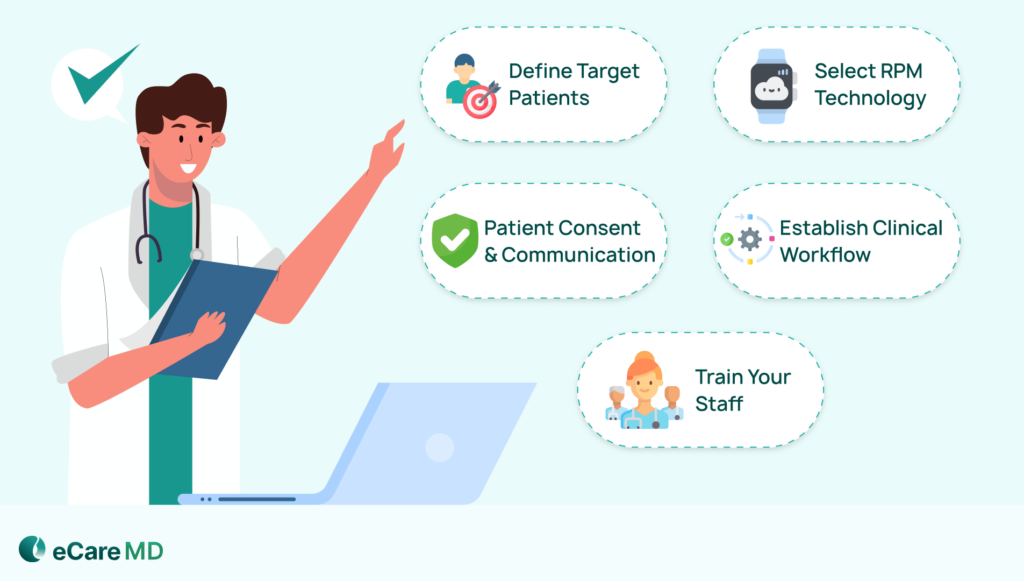
| Step | Who Does It | Tool / System | Time |
|---|---|---|---|
| Identify eligible patients | Care Coordinator | EHR / Eligibility Check | 1–2 days |
| Capture consent | Front Desk / Medical Assistant (MA) | eCareMD Consent Workflow | At enrollment |
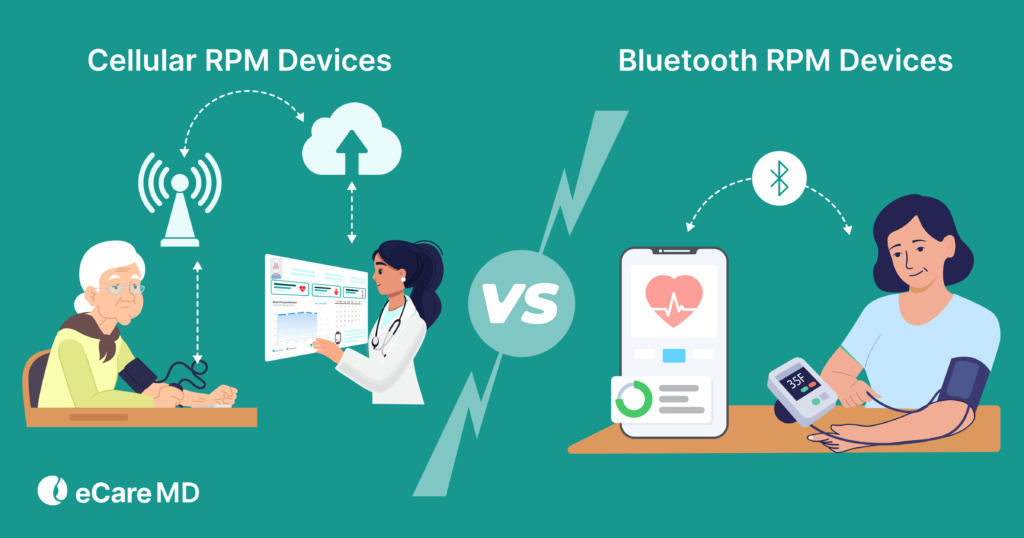
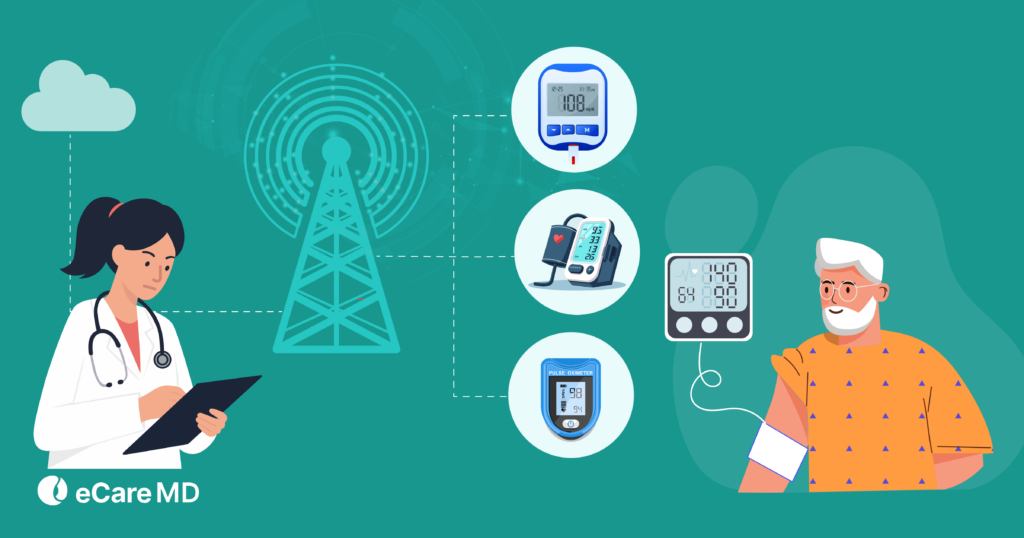
| Ship & Set Up Devices | Care Team | Cellular RPM Devices | ~1 week |
| Monitor vitals & Intervene | Nurse / Clinician | eCareMD Dashboard | Ongoing |
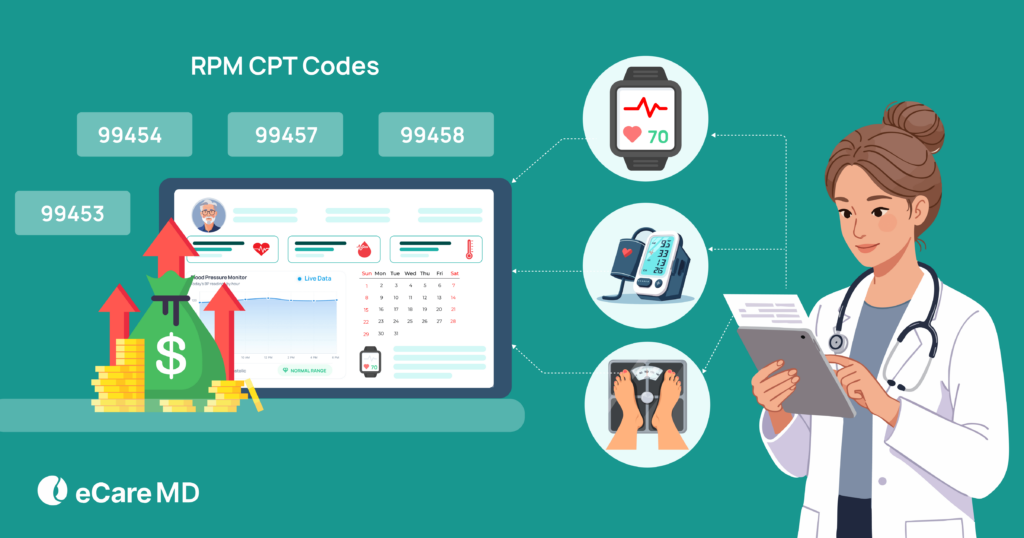
| Log Time & Bill | Biller | eCareMD Time Tracking (CPT 99453, 99454, 99457, 99458) | Monthly |
1. Define Your Target Patient Population
Deciding why you want to start the RPM program and which specific services you plan to offer is the very first step. As RPM programs support various healthcare services, it is necessary to define the specific health condition your program will address.
For example, many providers use RPM programs for chronic disease management, post-surgical recovery monitoring, and long-term condition management. RPM plays a key role in monitoring patients with chronic illness and those needing post-operative or acute care.
After identifying the conditions your program will focus on, the next step is to prioritize high-risk patients who would benefit most from continuous monitoring programs. For example, patients with uncontrolled chronic conditions, constant hospitalization, and those who need frequent health data tracking.
To identify patients and enroll them into the program, you can use your Electronic Medical Record (EMR) systems. This ensures you can enable continuous monitoring through connected medical devices.
2. Selecting the Right RPM Technology
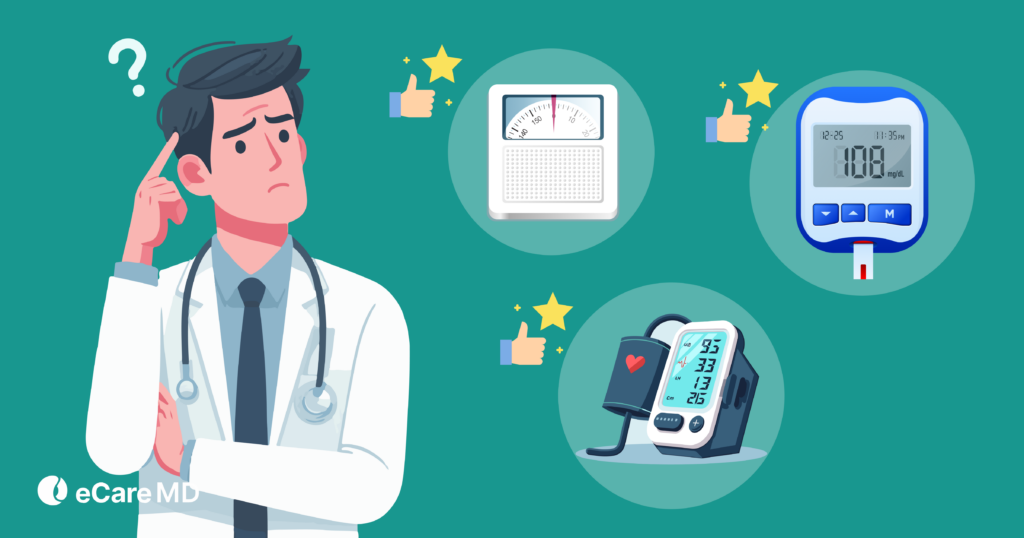
Once you have decided on the services you want to provide with RPM, it’s time to focus on technology integration to build a strong foundation for your program. Start by choosing the right remote patient monitoring devices.
Here, it is important to consider factors such as device compatibility, data security, user-friendly UI/UX, and interoperability with existing systems.
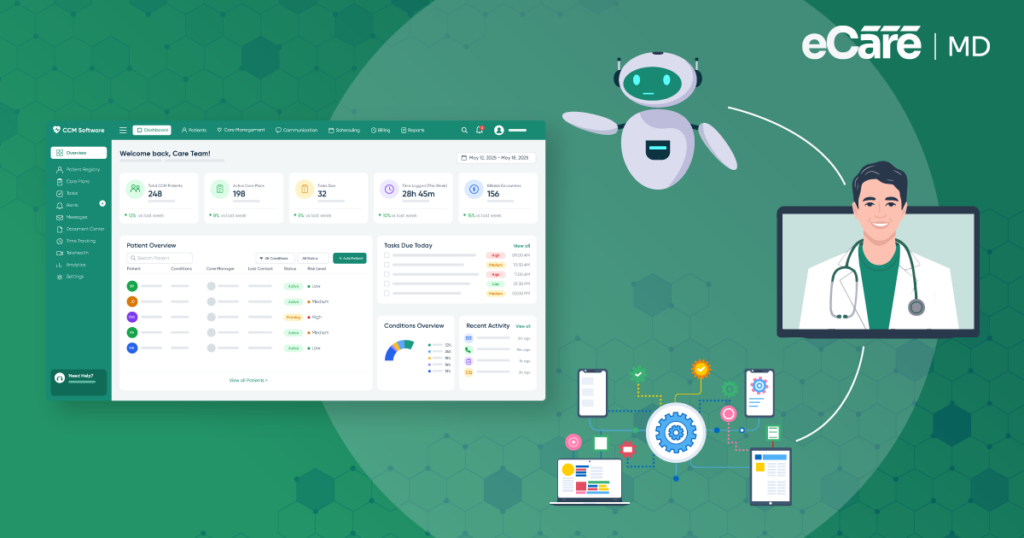
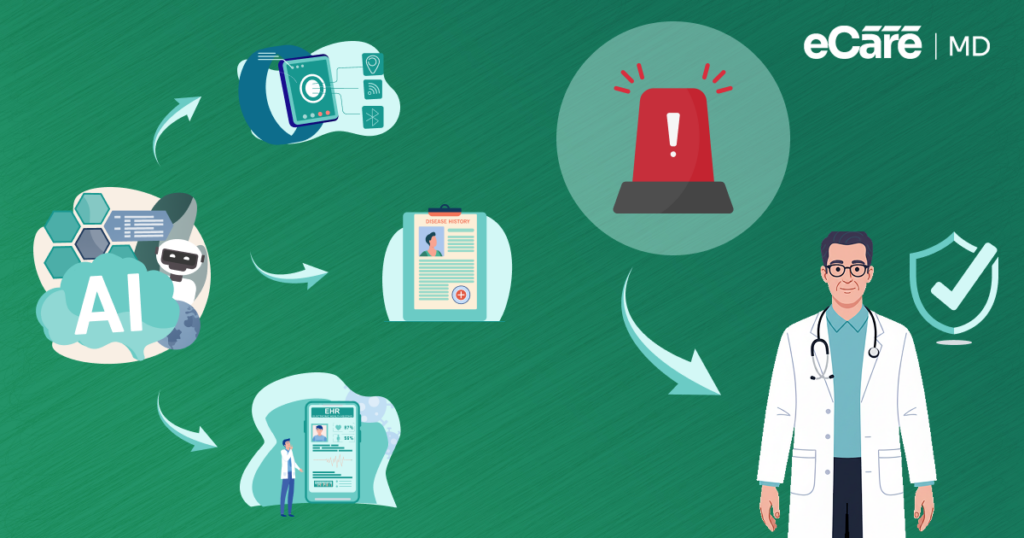
However, along with device functionality, you should also evaluate the platforms that support AI-assisted monitoring to intervene earlier and prevent complications. For example, with these platforms, you can analyze real-time patient data and detect abnormal health patterns.
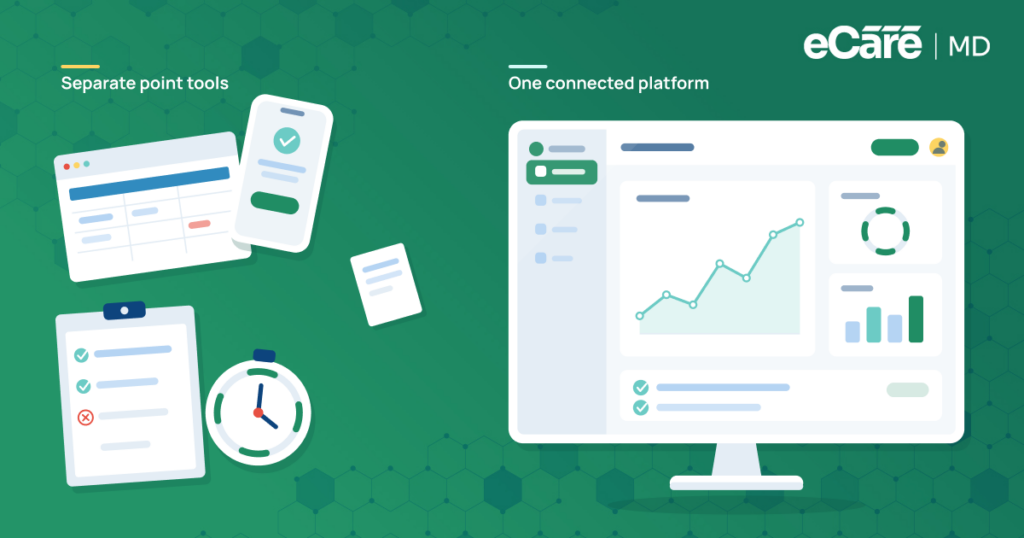
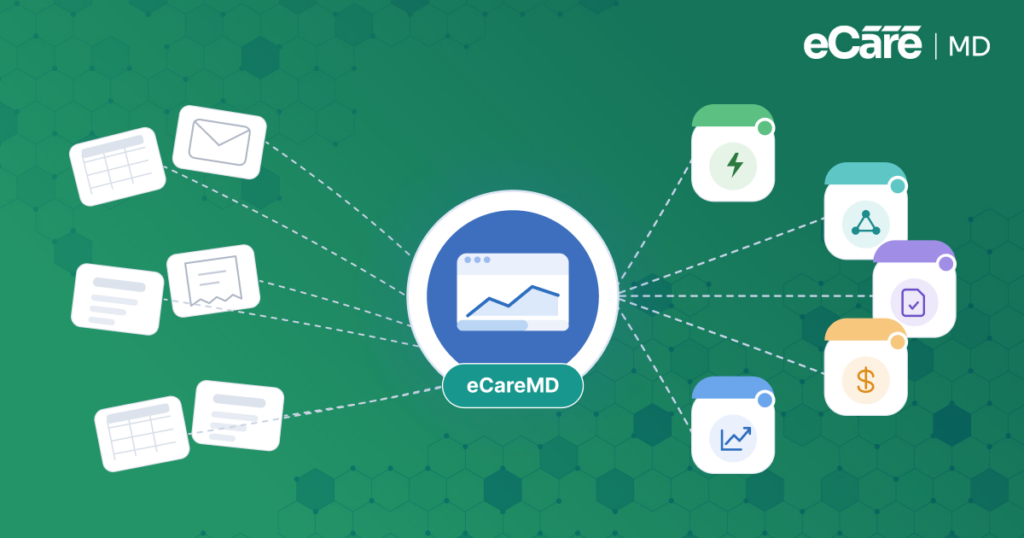
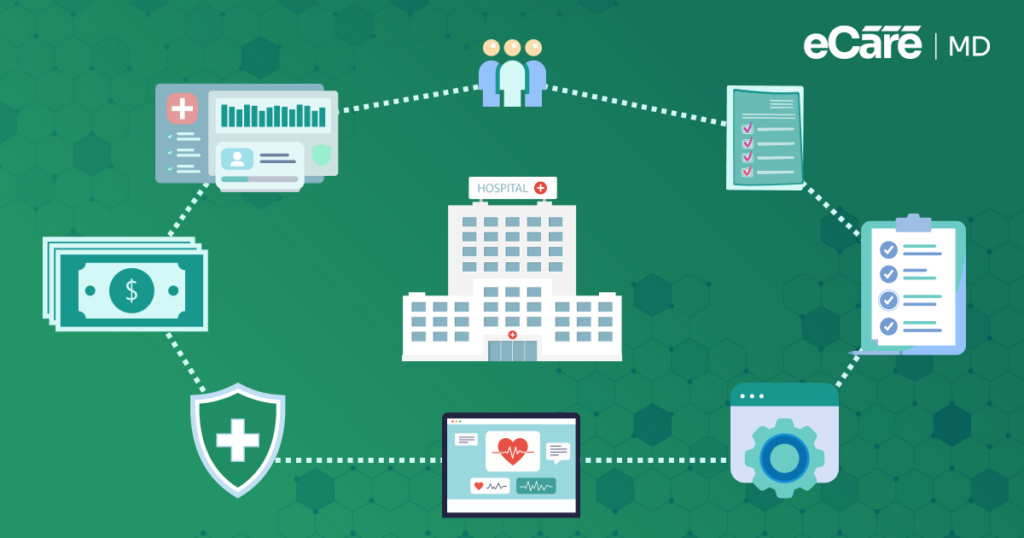
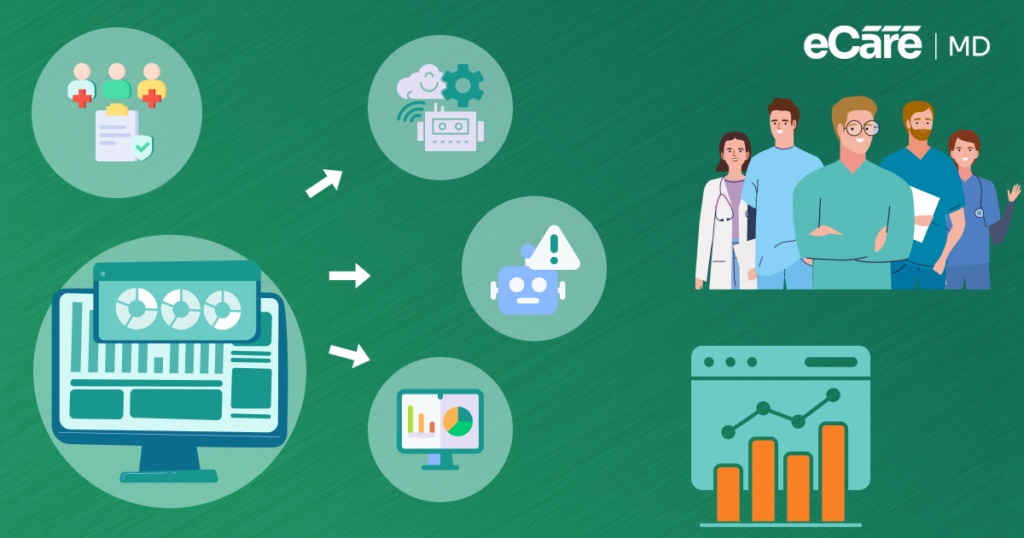
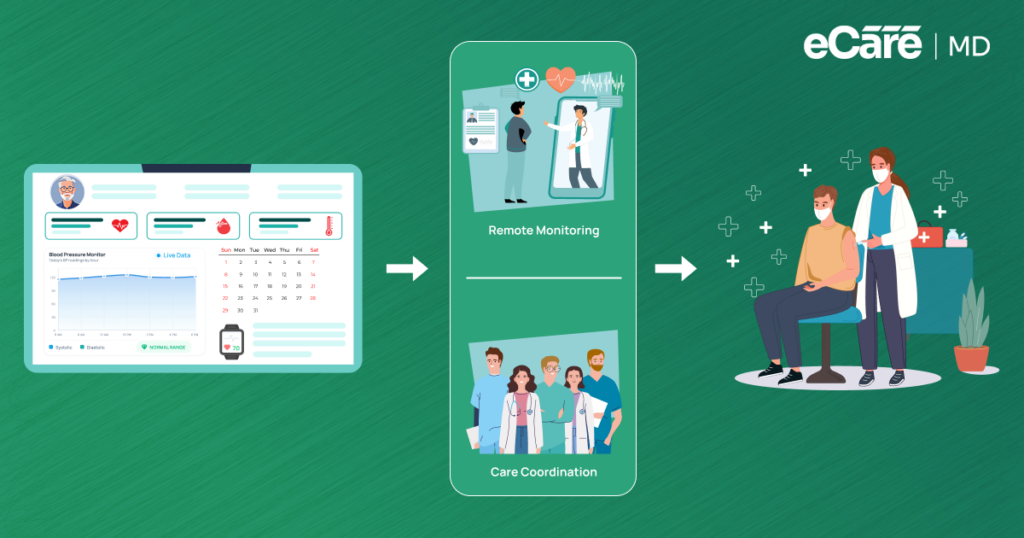
Additionally, it is also important to understand the key difference between standalone monitoring devices and a fully integrated RPM platform ecosystem. Standalone devices can collect patient data, while integrated RPM platforms connect devices with analytics tools and clinical dashboards. These allow you to efficiently track patient data and make informed clinical decisions.
Ensure seamless integration with existing electronic health record (EHR) systems, as this helps reduce manual data entry and allows easy access to patient data within your clinical workflow. For example, this helps you to minimize manual data entry and allows you to access patient monitoring data easily within your clinical workflow.
3. Develop a Communication Plan
4. Establish Clinical Workflow
RPM implementation challenges often involve data; so it is important to clearly define your clinical workflow. Since every healthcare practice has a unique workflow, define how the data will be collected and monitored to identify trends and how the care team will intervene with appropriate data-backed decisions to improve patient health outcomes.
You should design a structured remote patient monitoring workflow to make this process efficient. For example, to allow RPM data to be incorporated into everyday clinical operations, you should define some pointers like: how patient data will be reviewed, how alerts will be managed, and how care teams will respond when abnormal health patterns are detected.
Furthermore, to review patient data, communicate with patients, and make timely care decisions, you need to plan how your RPM will fit into your existing workflows across different care teams. For example, physicians, nurses, care coordinators, and administrative staff should each have defined roles.
5. Train your Staff
While you will focus on patient engagement strategies once you onboard the patients, it is equally important to prepare your care team to use RPM software effectively. And the best way to do that is by developing robust training programs for providers to interpret RPM data and provide the required services accordingly.
Along with that, conduct ongoing training sessions to adapt to evolving workflows and patient needs.
Moreover, in addition to general training, your staff should also be trained to interpret automated alerts and insights generated by AI-enabled RPM platforms. These systems allow you to analyze patient data and detect abnormal potential risks.
For example, with proper training, your care team can understand these alerts, focus more on critical cases, and make timely clinical decisions.
If you’re new to RPM, explore our complete guide on What is Remote Patient Monitoring (RPM)? to understand its fundamentals, benefits, and use cases.
Get Started with Your RPM Program
Free ConsultationStep II - Implementation
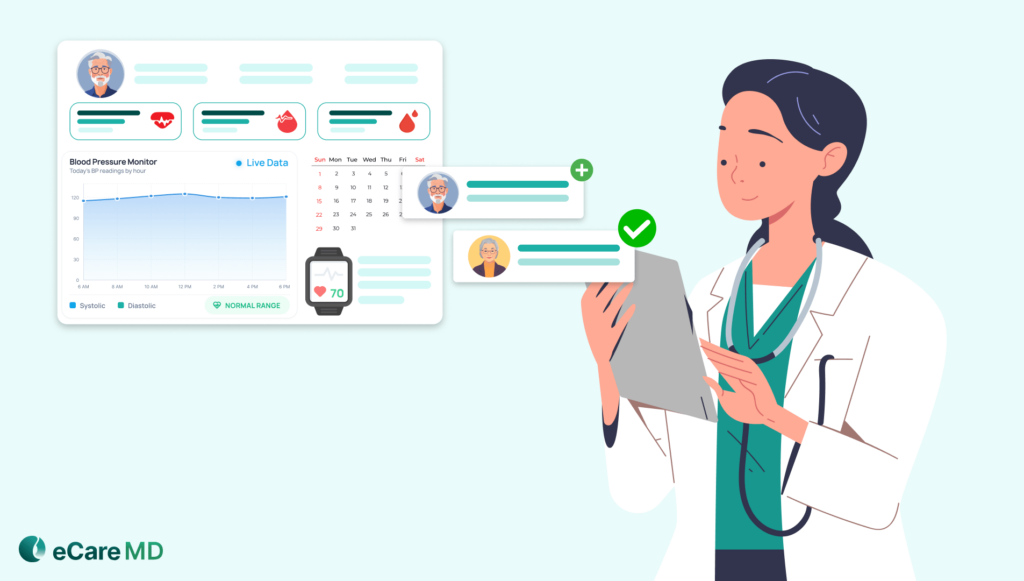
Here are the remote patient monitoring implementation steps that you should follow for the successful implementation of your program:
1. Enroll Patients
The first step when starting any healthcare program is patient enrollment. Here, you need to develop patient engagement strategies, starting with explaining the RPM program to them and addressing their concerns. However, to successfully enroll the patients, you need to get their consent. This consent can be obtained either verbally or in writing, depending on your workflow.
2. Equip Patients with Devices & Training
Once the patients are enrolled, you need to assign them the necessary RPM devices to monitor their health. At this stage, it is important to understand that not all patients are comfortable with technology, so proper training is essential.
For an easier process, you can also use automated onboarding tools like guided setup flows or digital tutorials. These tools help your patients learn how to set up and use RPM devices step by step. This not only makes the enrollment process easier but also reduces the workload of your care team.
3. Connect Devices & Integrate Data
After assigning the RPM devices to the patients, you need to connect the devices to your clinical system. Once devices are connected, ensure that data flows correctly within your workflow and that readings are transmitted accurately.
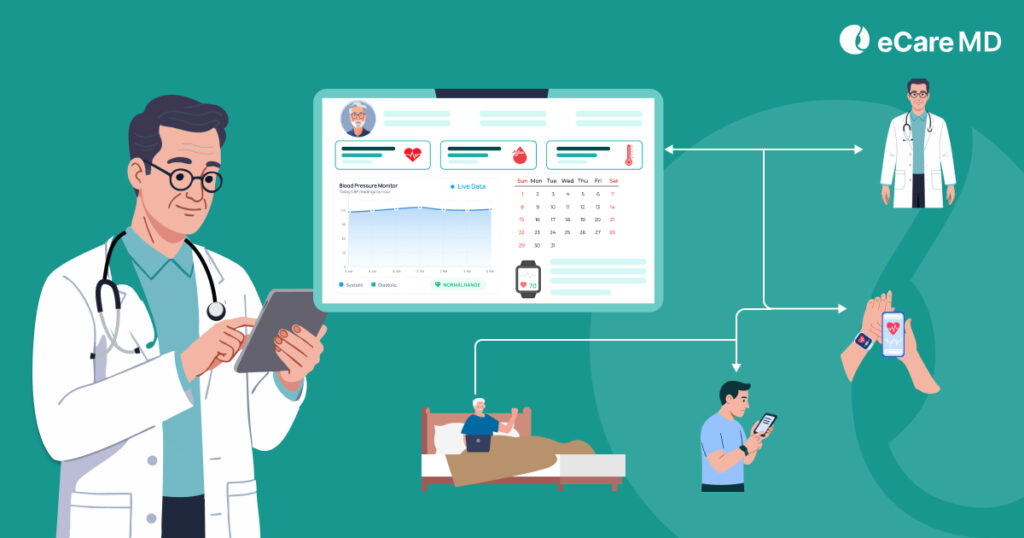
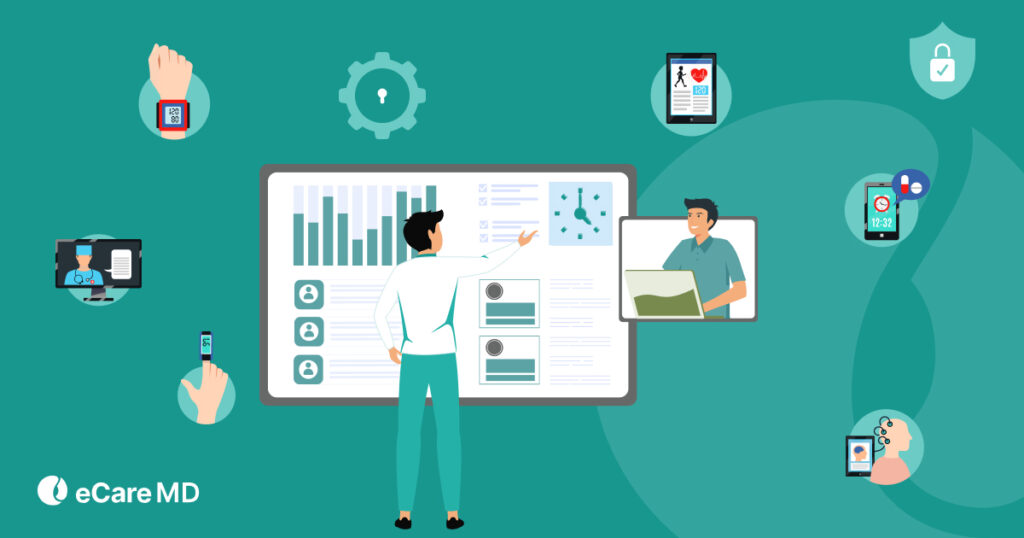
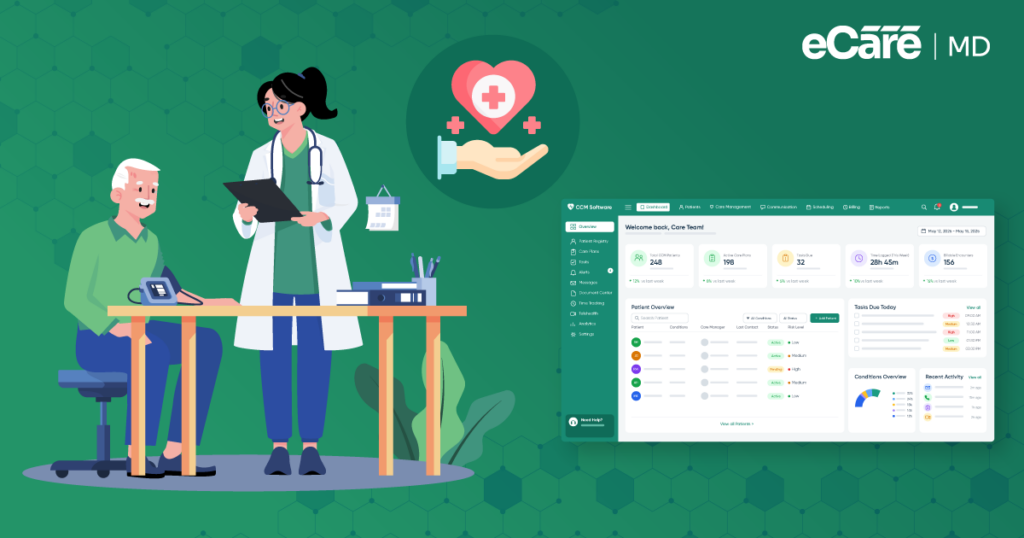
Along with this, it is essential to verify that the patient data is accurately displayed on your RPM dashboard. After this, your care team needs to regularly review patient data, identify trends, and intervene when necessary based on patient readings.
4. Monitor Patient Data & Intervene
By successfully integrating data with your chosen platform, you will have developed an ecosystem for remote monitoring. After this, your care team needs to regularly review patient data, identify health trends, and intervene in the care delivery wherever required, depending on the readings and deviations.
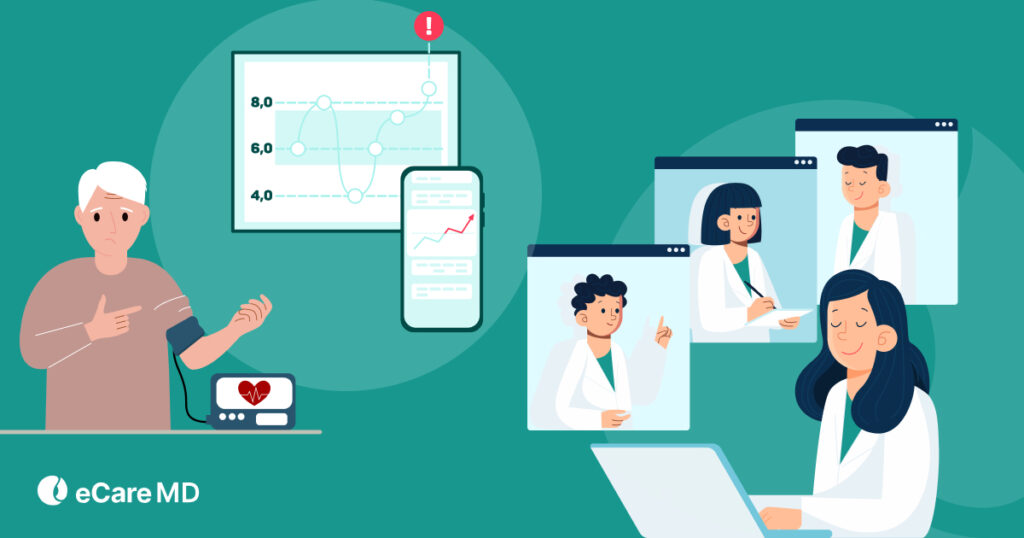
To support this process, you can use intelligent monitoring tools, which can help you to focus more on high-risk patients and trigger alerts. For example, these tools can analyze patient data constantly and notify your care team if potential health risks are detected. This further helps you to respond quickly and deliver timely care.
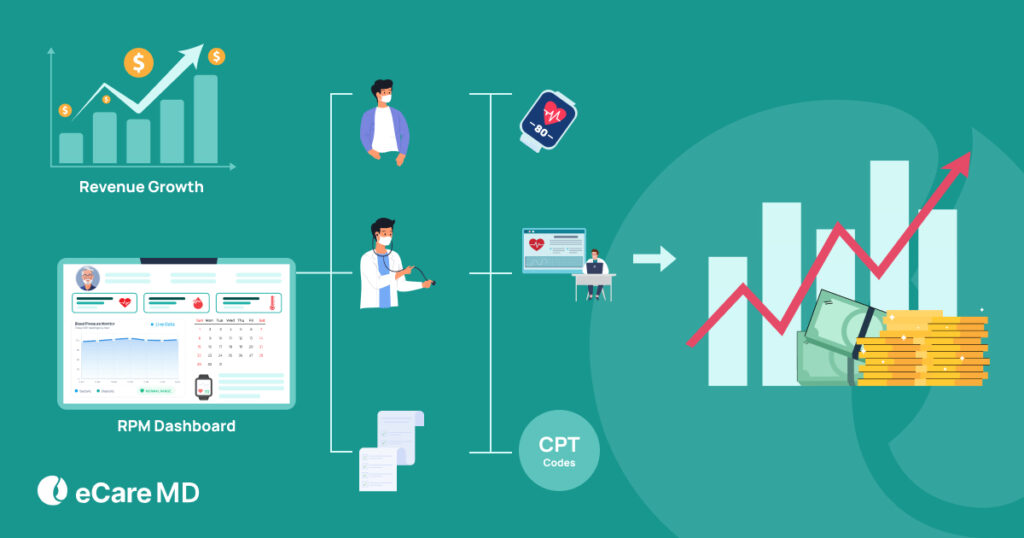
5. Billing, Coding & Reimbursement
Once you’ve delivered care, the next step is billing. For this, you need to deploy a billing and coding strategy for remote patient monitoring services that aligns with your clinical workflow.
While developing this plan, ensure that your RPM program aligns with reimbursement policies and regulatory requirements. Along with that, to maximize revenue, you need to implement efficient billing processes and improve the accuracy of your billing and coding.
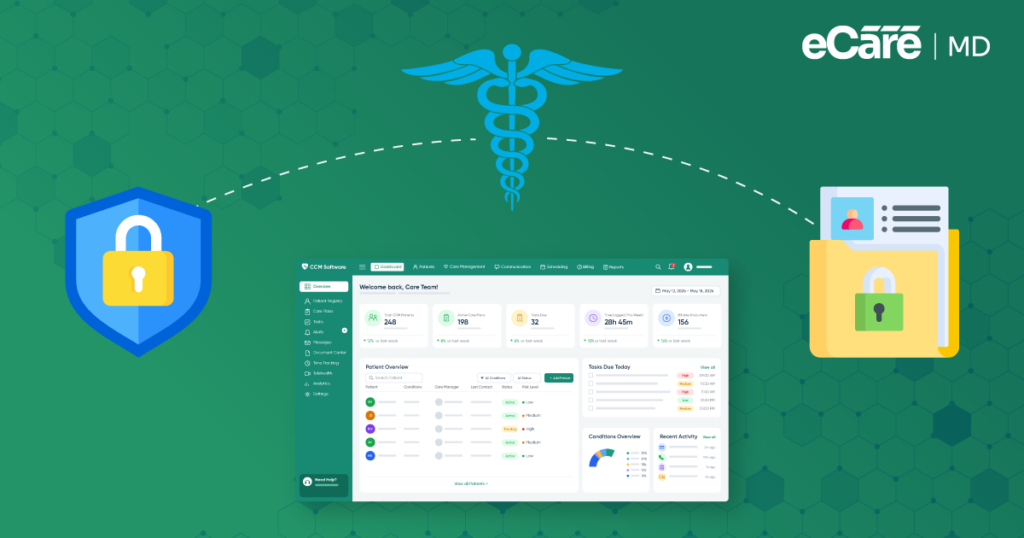
Also, you should strictly ensure that your RPM program follows healthcare data privacy and security regulations like HIPAA and CMS requirements. Staying aligned with these regulations helps you to protect patient information and supports accurate reimbursement for remote patient monitoring services.
Common Challenges in RPM Implementation
1. Managing Large Volumes of Patient-Generated Health Data
2. Using AI-prioritized Dashboards to Filter Critical Alerts & Prevent Clinician Data Fatigue
3. Ensuring Patients Consistently Use Monitoring Devices and Applications
Maintaining consistent patient engagement is another key challenge in RPM implementation. Without constant patient engagement, program benefits decrease, data collection is limited, revenue drops, and overall patient health impacts are reduced.
For example, if patients forget to use monitoring devices regularly or face difficulties while using mobile applications, it can affect the continuity of RPM data collection.
4. Integrating RPM Data with Existing Clinical Systems & Workflows
5. Training Care Teams to Respond Quickly to Monitoring Alerts
6. Maintaining Regulatory Compliance and Protecting Patient Data
Guide to Aligning RPM Program with Your Practice
Free DownloadStep III - Maintaining & Optimizing Your Program
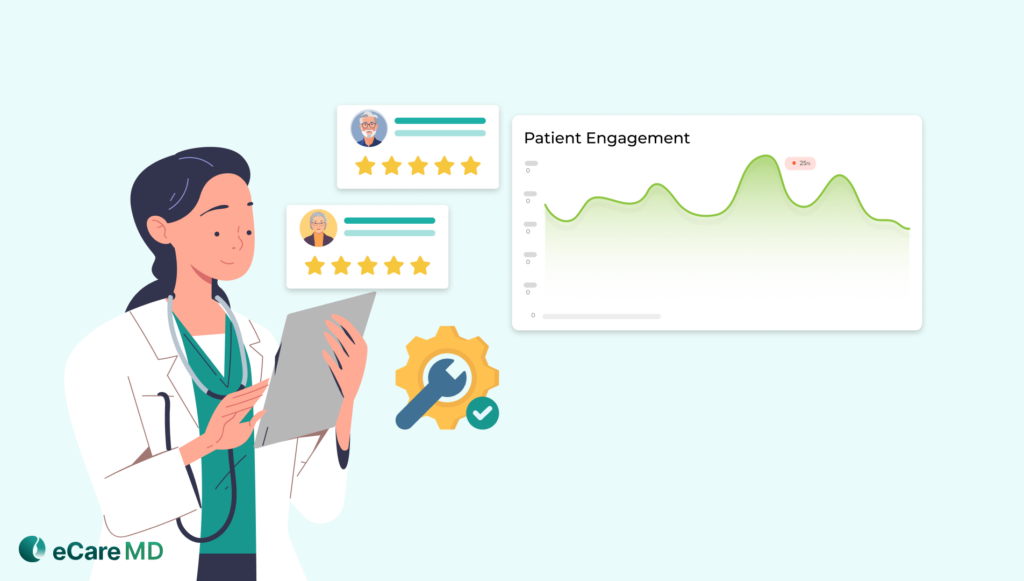
1. Gather Patient Feedback
2. Track Key Performance Indicators (KPIs)
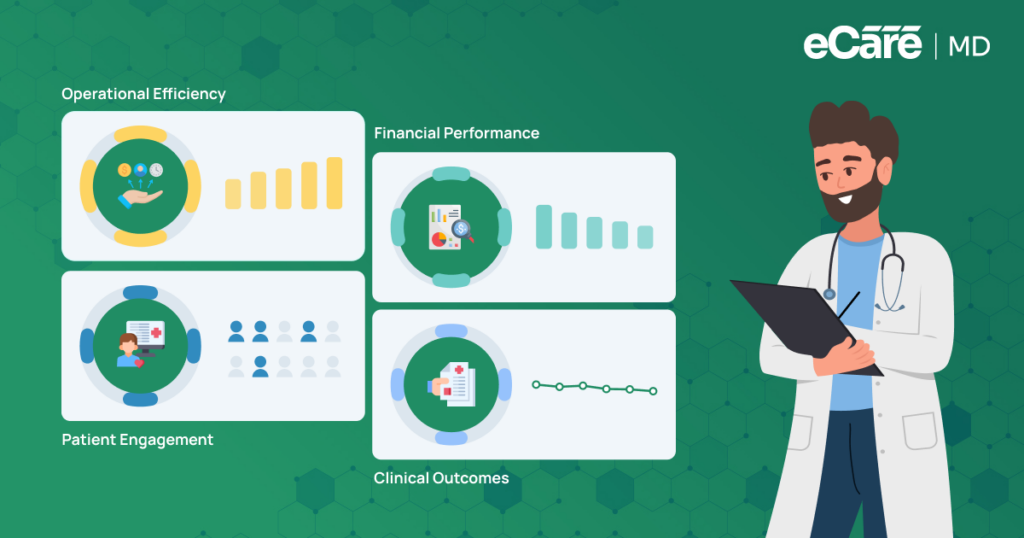
During this process, you should also evaluate how well your RPM program is performing. For your RPM program evaluation, track key performance indicators like patient engagement, hospital readmission rates, and medication adherence. This provides deeper insights that help you optimize and scale your program effectively.
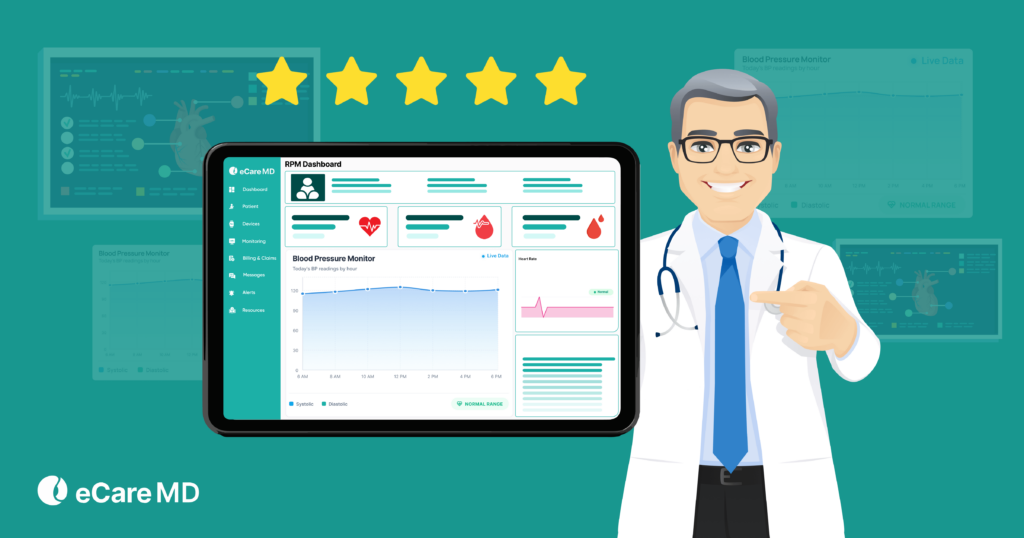
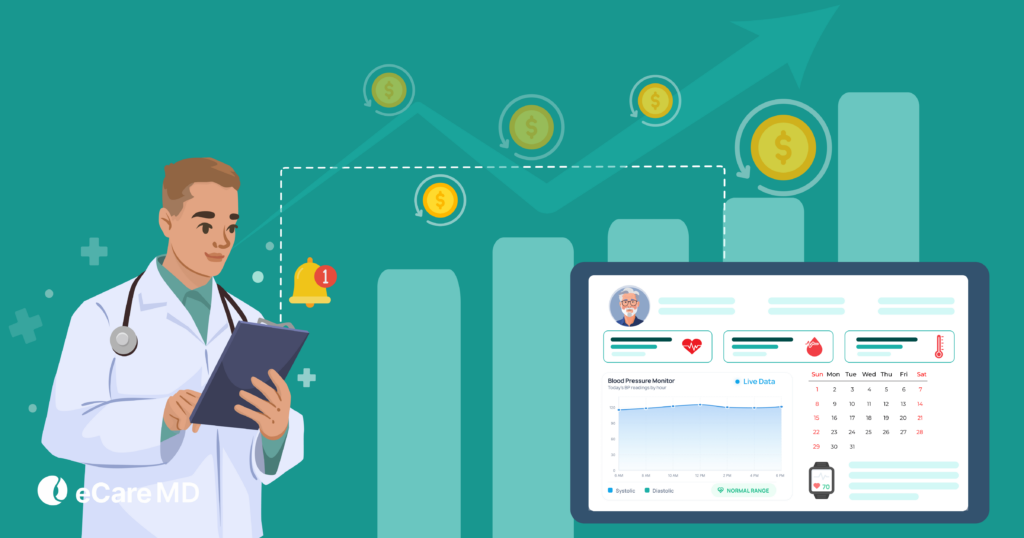
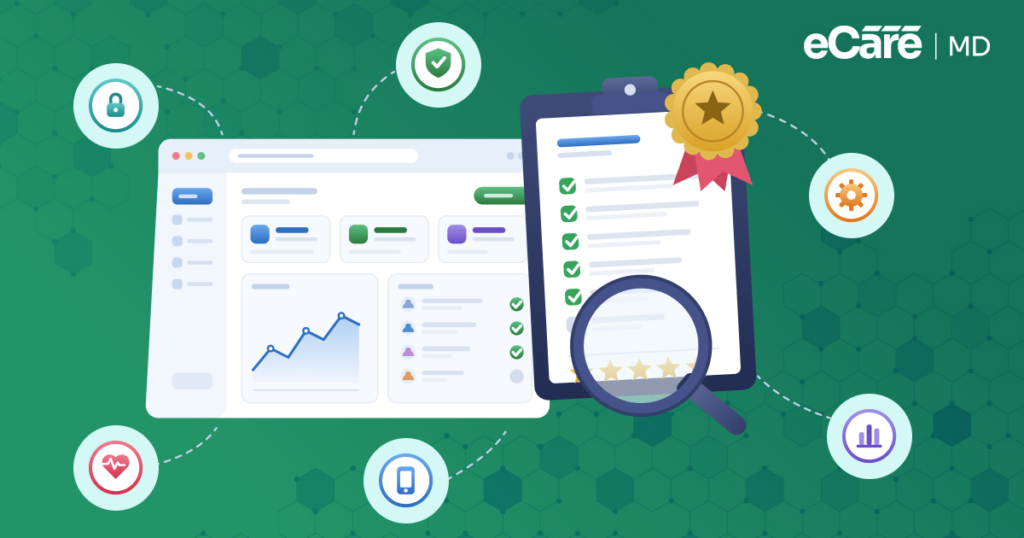
Additionally, you can use an analytics dashboard, which provides a clear view of RPM program performance. Also, these dashboards help you to track key metrics, visualize patient data trends, and identify areas where your program can be improved.
3. Continuously Refine Your Program
Based on the feedback from the surveys and deep analysis of KPIs, check the effectiveness of your program, identify and address the challenges, and cater to the patient needs to make your remote patient monitoring solution effective in its use.
You can also use predictive analytics insights to refine your remote patient monitoring workflow. This will help you to detect potential health risks earlier, enhance care delivery, and improve your clinical decision-making.
At the same time, ensure that your RPM program setup is scalable so it can be easier for you to support a larger patient population as the program grows.
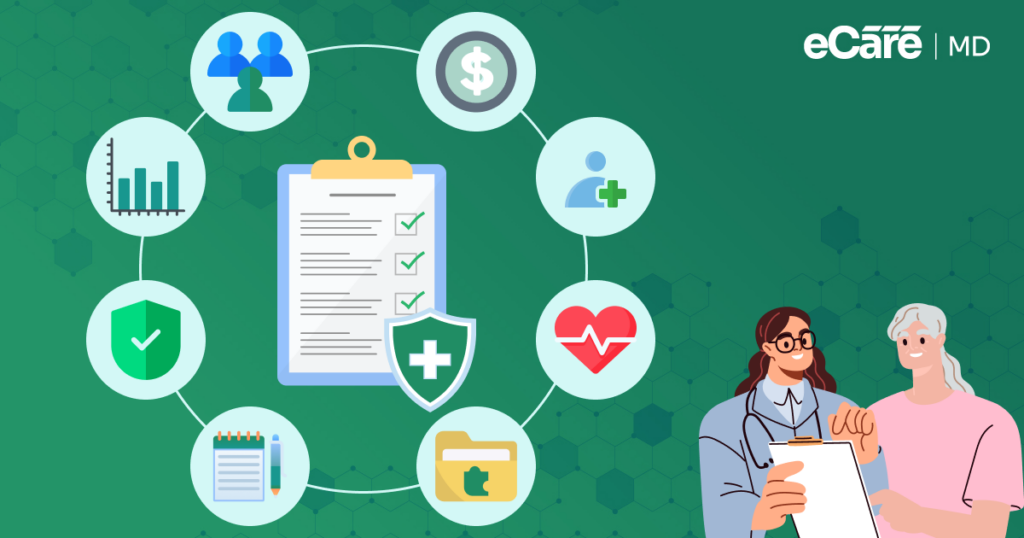
Remote Patient Monitoring Implementation Checklist
1. Identify the Patient Population Suitable for Remote Monitoring
2. Select Compliant RPM Devices & Monitoring Software
3. Define the Remote Patient Monitoring Workflow for Clinicians
4. Train Staff and Educate Patients on Device Usage
5. Establish Monitoring Protocols & Escalation Procedures
6. Implement Billing & Compliance Processes
7. Track Program Performance through Defined KPIs
Conclusion
The successful implementation of your RPM program defines its success. With this guide, you can easily navigate through the different aspects of your program and successfully implement them in your practice.
Furthermore, as healthcare continues to move towards a digitalized landscape, advancements such as AI-powered analytics, smart wearable devices, and improved data integration will further enhance RPM programs. Also, future innovation and adoption will enhance the healthcare practice and lower the overall cost of healthcare.
By adopting a structured RPM implementation approach, healthcare organizations can build scalable solutions that support proactive, patient-centered care while improving overall healthcare efficiency.
Click here to know more about it.


![The Future of Remote Patient Monitoring: CMS Innovations & Emerging Trends [2026]](/wp-content/uploads/2024/07/Blog-36-The-Future-of-Remote-Patient-Monitoring_-Trends-AI-Innovation-CMS-Updates-for-2026-1024x538.png)