Last Updated: August 26, 2026
Standalone RPM software beats EHR built-in RPM on device flexibility, automation, and support; built-in RPM wins on simplicity for low-volume programs.
And this is one of the key shifts today.
With evolving care models and rising patient expectations, many providers are now looking for an advanced solution that goes beyond traditional and in-clinic interactions.
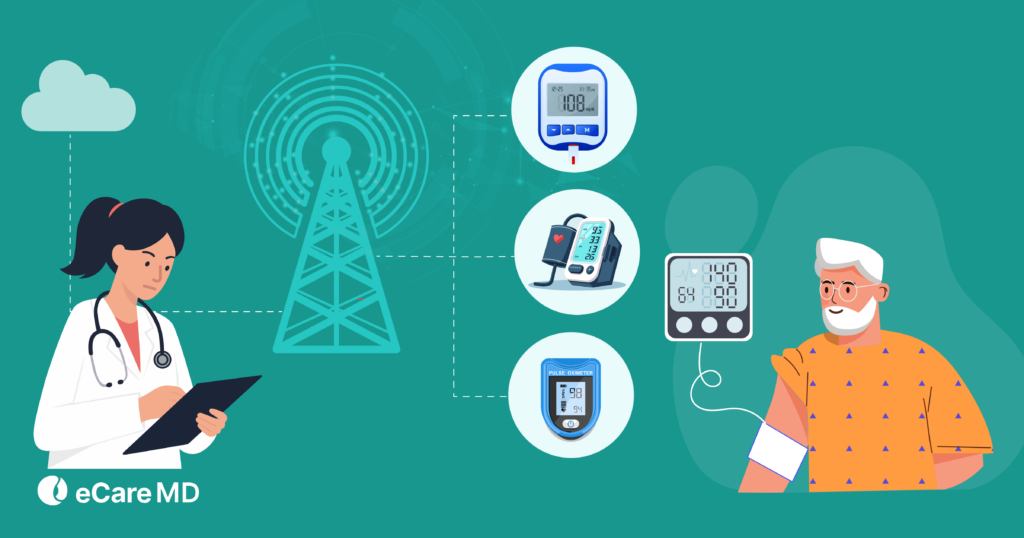
And that’s where things start to get interesting, as Remote Patient Monitoring (RPM) jumps in. A solution that was once considered an add-on is now becoming a core component of modern healthcare. In fact, RPM usage in the U.S. has increased more than 30 times, highlighting its fast-growing adoption in healthcare.
Many providers start their RPM journey by using tools built into their EHR systems. Fair enough, as everything is already in place, workflows are familiar, and adoption is quick. However, as your programs expand and patient volumes grow, what you once thought was efficient can silently turn into a limitation.
At its core, this comes down to a simple tradeoff: convenience vs. capability.
Even though EHR-based tools offer you an easy starting point, they can fall short in the case of flexibility and scalability that growing programs need. However, you can achieve it by standalone platforms when comparing standalone RPM software vs EHR RPM.
Let’s explore a clearer view of RPM Software vs EHR Built in RPM Comparison in this blog.
Moreover, this blog helps you to understand the difference between EHR-integrated RPM and standalone RPM software, the benefits of standalone RPM software vs EHR modules, and decide when to choose standalone RPM software over EHR-built-in tools.
Key Takeaways
- Standalone RPM software is better suited to growing programs that need advanced automation, device flexibility, and scalable workflows.
- EHR-built-in RPM can be a practical choice for smaller practices with basic monitoring needs and a preference for keeping workflows in one system.
- Standalone platforms can reduce manual work through automated monitoring, alerts, billing support, and patient management.
- EHR integration remains important even when using standalone RPM software because it allows RPM data to connect with the existing clinical record.
- The right choice depends on patient volume, workflow complexity, device requirements, automation needs, and long-term growth plans.
RPM Software vs. EHR Built-In — Which Is Better?
It is obvious that many providers start their RPM journey within their existing EHR systems. Platforms like Epic, Cerner, and Athenahealth offer built-in RPM features that create an all-in-one experience. This helps providers like you to make adoption decisions feel simple and familiar.
At first, this worked well. Everything is in one place, familiar workflows, and there is no need to learn new systems. Together, these factors make adoption quick and simple, especially for small practices or those just getting started.
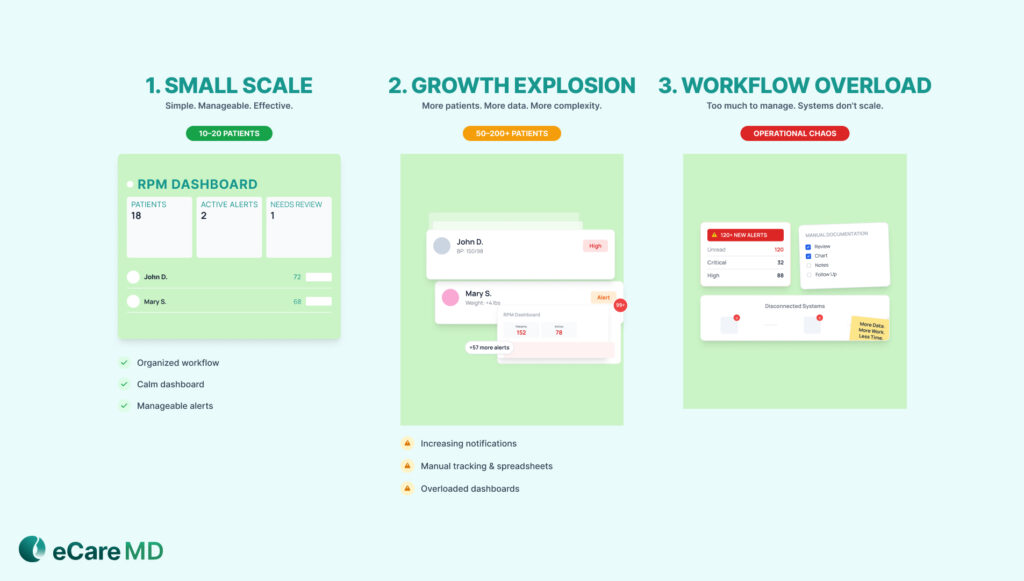
However, once your program starts to grow, things get complicated.
EHR-based RPM tools handle basic needs, yet they lack advanced features for monitoring and patient engagement. Automation is also limited, which can restrict your workflows when managing more patients, further highlighting the EHR-integrated RPM vs standalone RPM platform gap.
This can cause your care team to rely on manual work, including tracking data, following up patients, and handling extra documentation. This puts added pressure on your staff and makes scaling harder.
This brings us to an important question: Is the EHR integrated RPM vs standalone RPM platform decision really about convenience or capability?
Standalone RPM Platforms: Designed for Performance
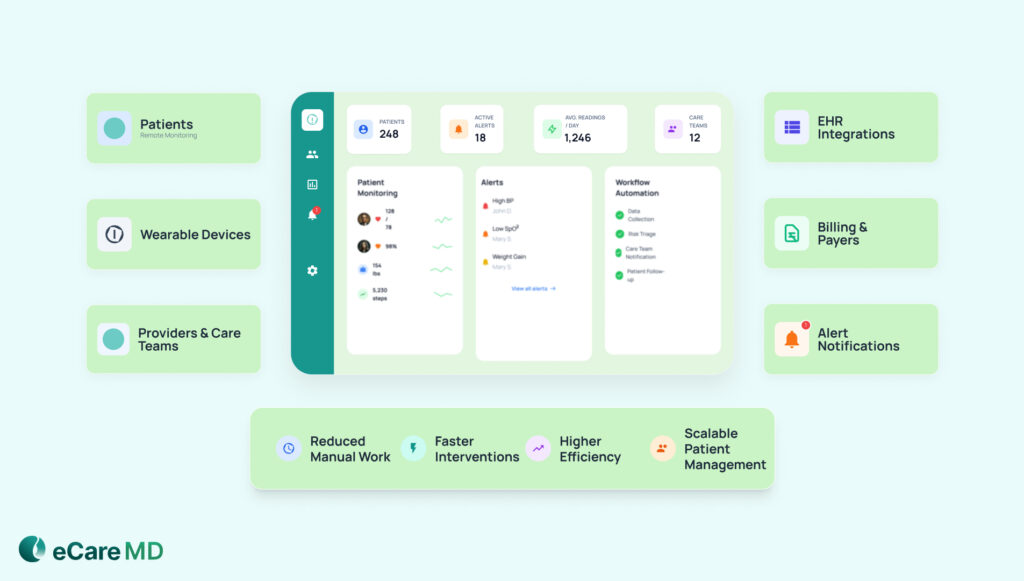
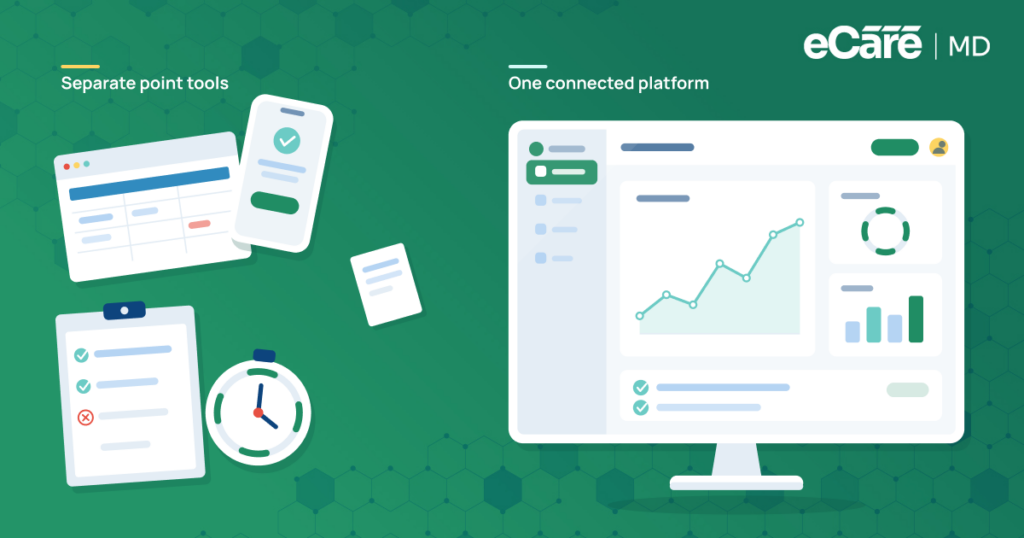
The biggest difference between EHR-based tools and standalone RPM platforms is EHR based tools are specifically built for convenience, while standalone RPM platforms are built for performance. You can clearly see this difference once your program starts to scale.
In contrast to built-in tools, standalone platforms are specifically built for RPM. Every feature, workflow, and integration is specifically designed to support continuous monitoring and long-term patient management, strengthening the benefits of standalone RPM software vs EHR modules.
Let’s explore how standalone platforms can support performance at scale:
1. Purpose-built workflows for continuous monitoring:
As we discussed above, standalone RPM platforms are specifically designed for ongoing patient care. Your workflows are structured around regular data collection, timely follow-ups, and proactive intervention. This approach makes it easier for you to stay on top of patient health without continuous manual effort.
2. Advanced dashboards, alerts, and patient insights:
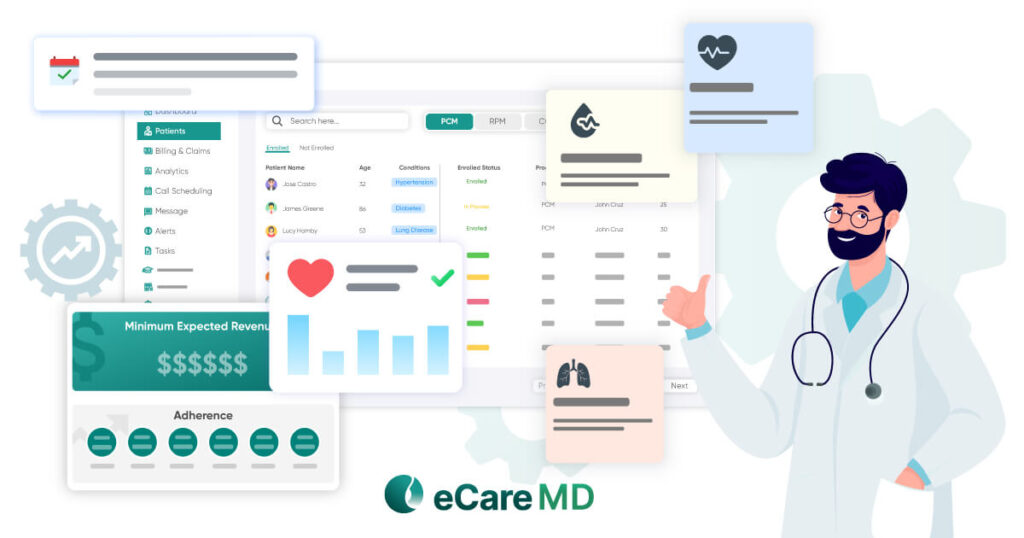
Along with these, with real-time dashboard and automated alerts, standalone platforms provide more detailed and actionable insights. This further helps you in quick trend identification, high-risk patients, and to make faster, informed decisions.
3. Automation across workflows:
Automation also acts as a primary driver by automatically handling routine tasks. These tasks may involve tracking readings, documenting interactions, or managing care plans, reducing repetitive manual work.
4. Better support for scaling patient populations:
Along with these, standalone platforms also handle load-balancing approaches as the number of patients can grow. Your care team can manage a larger population without adding extra burden due to factors like flexibility in workflows, device integrations, and centralized monitoring.
Even at eCareMD, we’ve seen that many practices that may move away from EHR-based tools report measurable improvement, including reduction in manual work, more seamless workflows, and more time to focus on patient care, especially when evaluating standalone RPM software vs EHR RPM.
This is exactly where the benefits of standalone RPM software vs. EHR modules really start to stand out. While EHR helps you to get started, standalone RPM platforms are built to help you grow.
RPM Software vs EHR Built in RPM: Side-by-Side Comparison
Now that we’ve looked at both sides, let’s break it down with a clear RPM Software vs EHR Built in RPM Comparison:
| Factor | Standalone RPM Software | EHR Built-In RPM |
|---|---|---|
| Core Purpose | Designed specifically for continuous monitoring and long-term care management | Functions as an add-on within a broader clinical system |
| Feature Depth | Offers advanced alerts, automation, and detailed analytics | Limited to basic tracking with restricted workflows |
| Scalability | Easily scales as patient volume grows | Becomes less efficient as patient numbers increase |
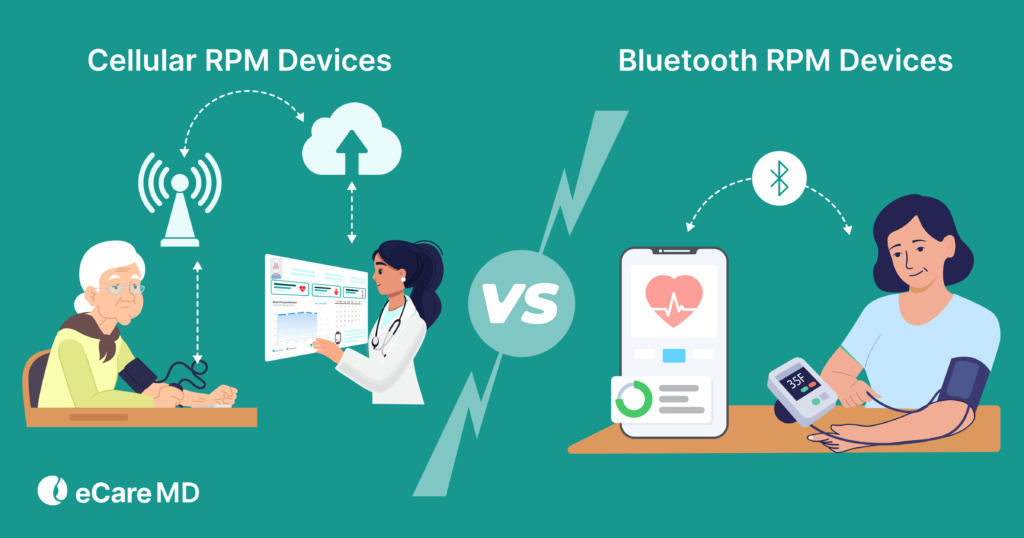
| Device Integration | Supports multiple devices, including cellular and Bluetooth | Limited compatibility with fewer device options |
| Workflow Efficiency | Automated workflows reduce manual effort and save time | Relies heavily on manual processes and staff input |
| Billing & Compliance | Strong support for CPT tracking, documentation, and compliance | Often manual, increasing chances of errors and missed revenue |
| Integration | API-based integration with EHR systems for flexibility | Native integration but within a limited ecosystem |
| Implementation | Requires moderate setup but optimized for long-term use | Quick to set up but less flexible over time |
| Cost Efficiency | Higher upfront investment but better long-term ROI | Lower initial cost but higher operational burden over time |
| Best Fit | Ideal for growing and scaling practices | Best suited for small practices with basic RPM needs |
As patient volume increases, automation needs grow, and billing workflows become more complex, you can see the clear difference between difference between EHR integrated RPM and standalone RPM software in this RPM software vs EHR built in RPM comparison.
Decision Matrix: When to Choose Each Approach
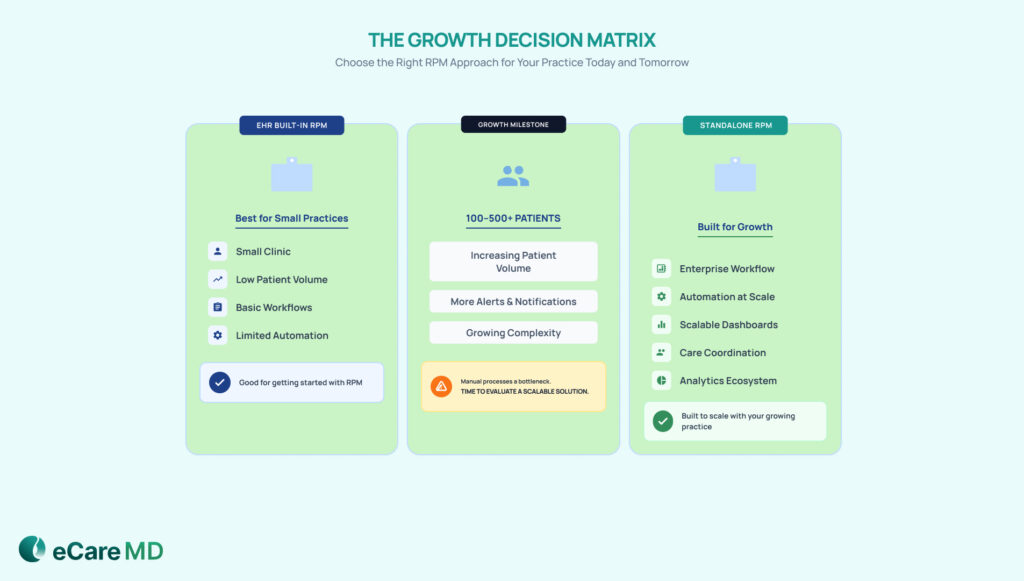
As we’ve seen in the RPM software vs. EHR built in RPM comparison, one thing you may understand is: there’s no one-size-fits-all answer. The right choice between these two depends on where your practice actually stands today and where you plan to go.
Let’s see a simple way to think about it:
1. Choose EHR Built-In RPM When:
- You’re managing a small patient population and don’t expect rapid growth.
- Your needs are limited to basic monitoring and data tracking.
- Your workflows are relatively simple with low operational complexity.
- You prefer working within a single, familiar system without adding new tools.
For this, it can be practical for you to start with EHR-integrated RPM. It keeps all things simple, helping you to get up and running quickly without major changes.
2. Choose Standalone RPM Software When:
- You’re scaling beyond initial patient volumes (100–500+ patients)
- You need automation to reduce manual work and improve efficiency.
- Your program requires advanced monitoring, alerts, and billing support.
- You’re focused on long-term growth, scalability, and revenue optimization.
ROI, Efficiency, and Clinical Outcomes
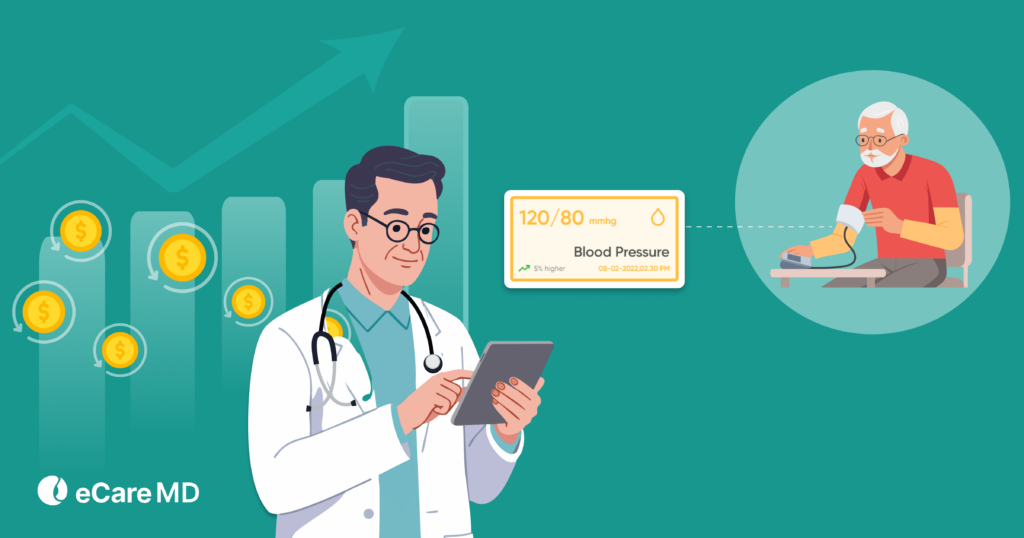
For both revenue and patient outcomes in the RPM software vs. EHR built in RPM comparison, efficiency is a critical factor. As EHR-based RPM depends on manual work such as documentation and tracking, it can make your team slow down and increase workload. As opposed to this, standalone platforms use automation to streamline these tasks and enhance productivity.
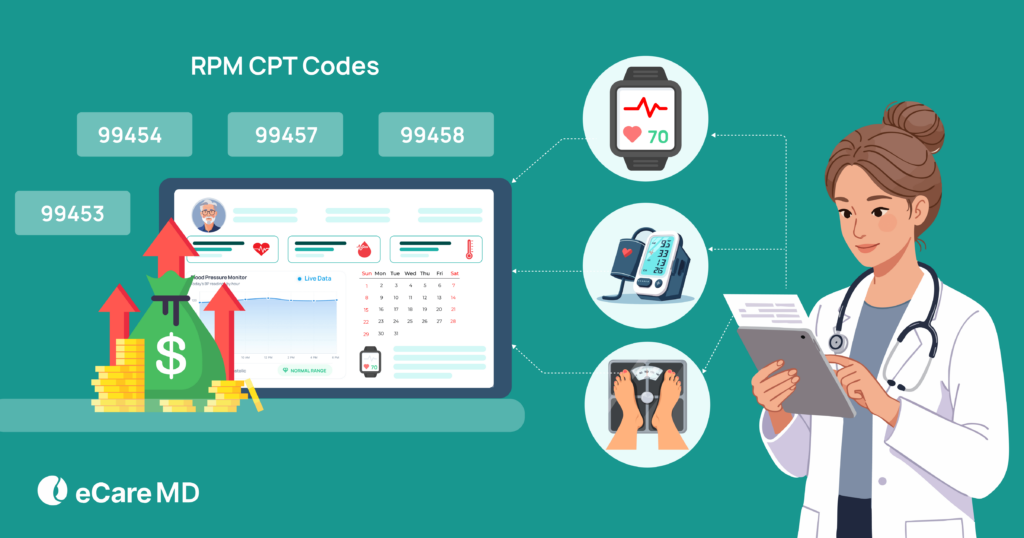
Overlooking these differences can result in missed entries and revenue leakage; dedicated RPM platforms can support better CPT tracking and more accurate documentation.
On top of that, predictive analytics is another advanced feature that can help you to act earlier, improving patient outcomes.
Until here, it might be clear to you that better efficiency not just saves your time, but also drives profitability and better care. To make it easier for you, eCareMD supports this with automation and seamless EHR integration for RPM software.
Download Free Guide - Care Coordination Software Cost Estimation Tool for Your RPM Program
Download NowConclusion
The RPM software vs. EHR built in RPM decision is more than technical; it’s strategic.
EHR tools offer convenience, but standalone platforms deliver the scalability and efficiency needed for long-term success. As this RPM Software vs. EHR Systems Comparison shows, better automation and workflow efficiency directly improve both revenue and patient care.
Combining strong EHR integration for RPM software with a specialized platform leads to better outcomes, especially when comparing EHR integrated RPM vs standalone RPM platform capabilities.
To give you a head start, click here to check out our software, where you can decide the features and the other way around.
Frequently Asked Question’s
The difference between EHR-integrated RPM and standalone RPM software lies in purpose and capability. EHR-based RPM is an add-on feature designed for basic monitoring, while standalone RPM platforms are built specifically for continuous care, offering advanced features like automation, alerts, and scalability.
The main advantages include better automation, advanced patient monitoring, real-time alerts, and improved workflow efficiency. These platforms reduce manual work and make it easier to manage larger patient populations effectively.
Providers should consider standalone solutions when scaling beyond 100–500+ patients, needing automation, or managing complex billing and monitoring requirements. This is typically when EHR tools start to fall short.
EHR systems can support basic RPM programs, especially at a small scale. However, they often lack the advanced features and flexibility needed for larger, more complex programs.
EHR RPM may have lower upfront costs, but standalone RPM software often delivers better long-term ROI due to automation, efficiency, and improved revenue capture.
RPM software improves billing by ensuring accurate CPT tracking and documentation. Automated systems reduce errors and help capture more billable time, leading to better reimbursement.
In most cases, EHR-based RPM struggles at higher volumes due to limited automation and manual workflows. Standalone platforms are better suited for managing large-scale patient populations efficiently.















![The Future of Remote Patient Monitoring: CMS Innovations & Emerging Trends [2026]](/wp-content/uploads/2024/07/Blog-36-The-Future-of-Remote-Patient-Monitoring_-Trends-AI-Innovation-CMS-Updates-for-2026-1024x538.png)