Last Updated: August 5, 2026
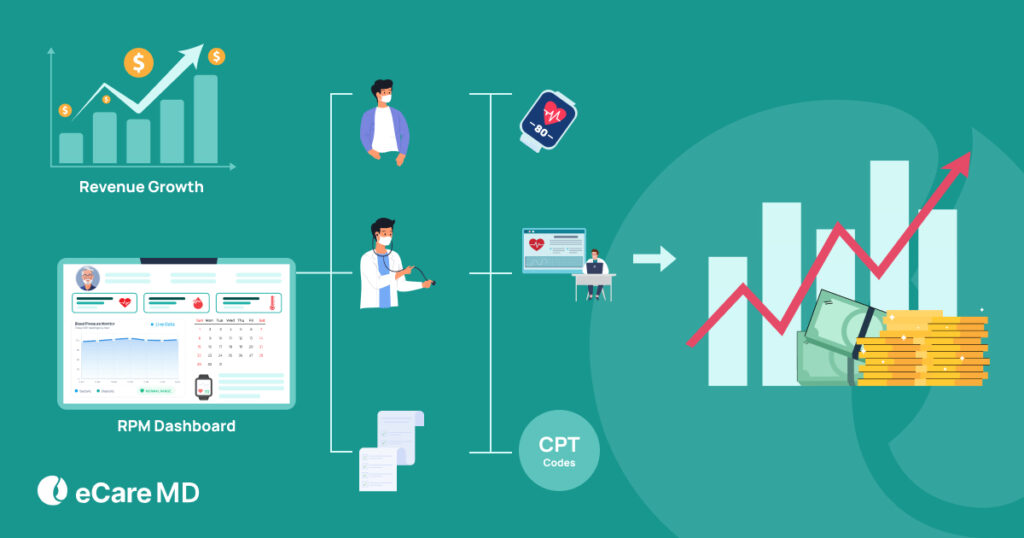
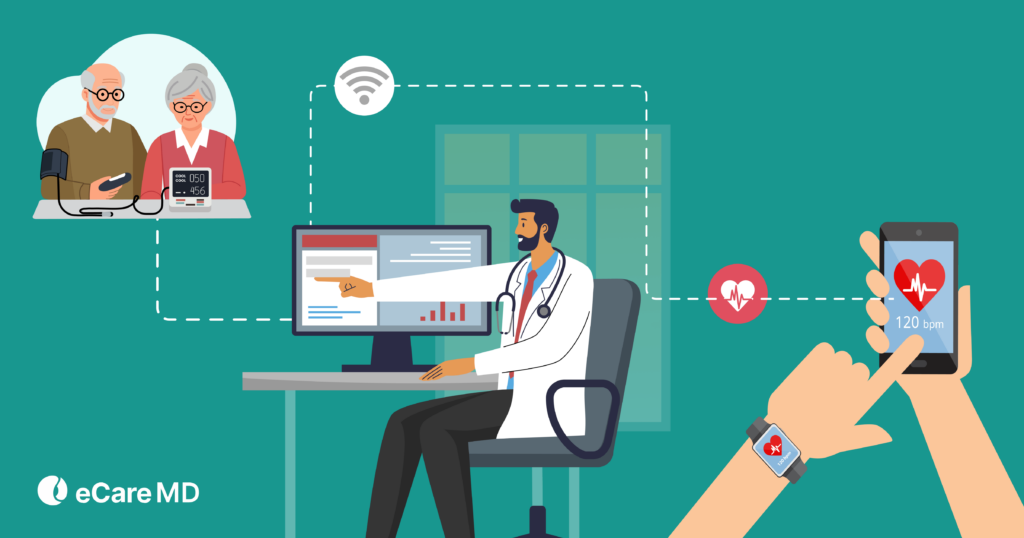
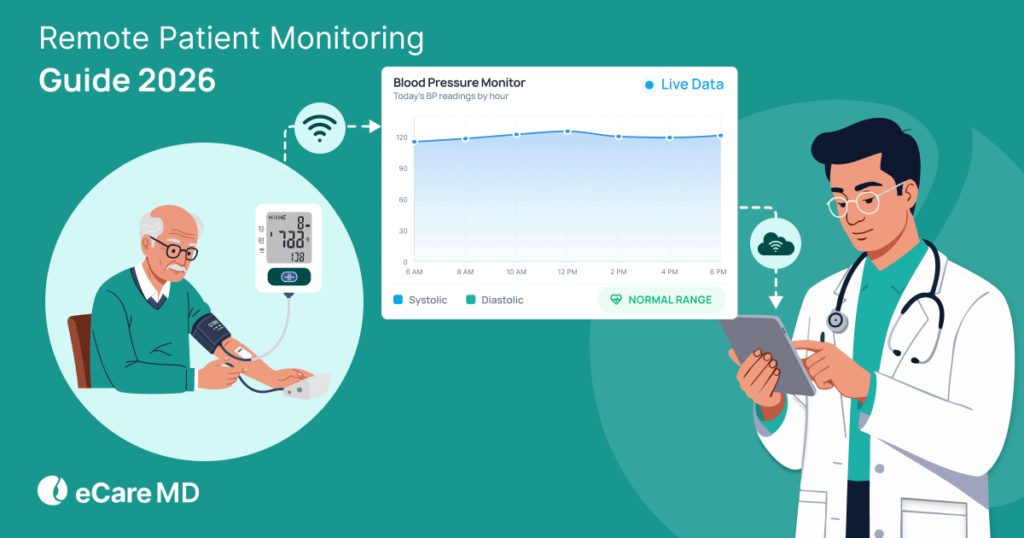
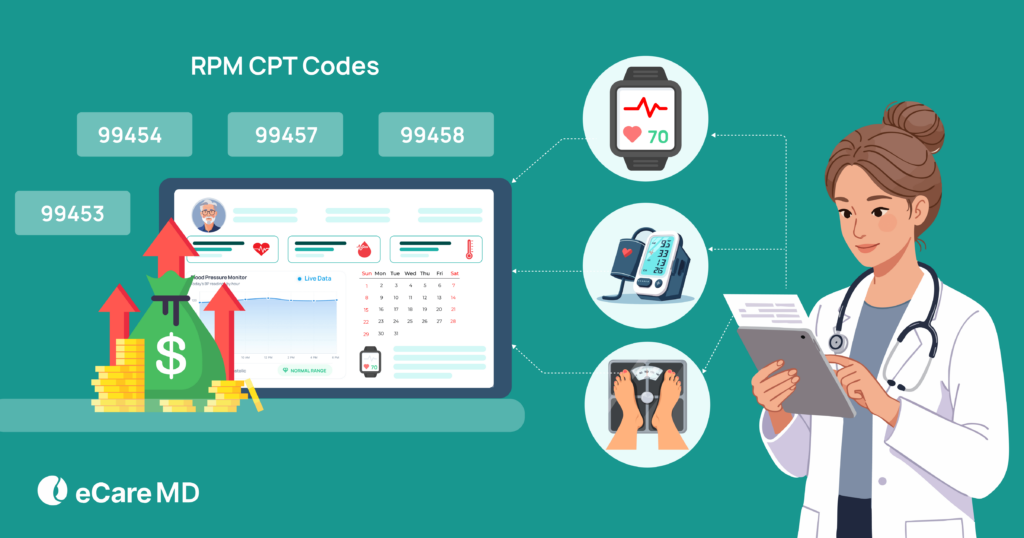
RPM is billed under four CPT codes—99453 (device setup and patient education), 99454 (device supply and data transmission), 99457 (first 20 minutes of remote care management), and 99458 (each additional 20 minutes of care management).
As a healthcare provider working in 2026, you may realize that the industry has undergone significant changes this year, one of which is the billing landscape. In fact, Medicare
Amid these evolving reimbursement models and care delivery expectations, Remote Patient Monitoring (RPM) has emerged as a key solution. It has become a central part of how clinics manage care and revenue. Even Medicare has positioned RPM as a primary revenue stream.
At eCareMD, we’ve also seen that clinics using RPM effectively are not only improving patient outcomes but also unlocking a reliable revenue stream.
However, even with this opportunity, many clinics are struggling to scale their RPM programs. The real challenge behind it is billing complexity. A major part of this complexity comes from understanding and correctly using RPM CPT codes.
Another reason behind this struggle is the lack of a structured understanding of how to bill for remote patient monitoring services.
At this point, you may have several questions about: ‘How do these codes actually work in RPM billing?”
So, before diving into the details, let’s take a simple example to understand where this complexity actually comes from.
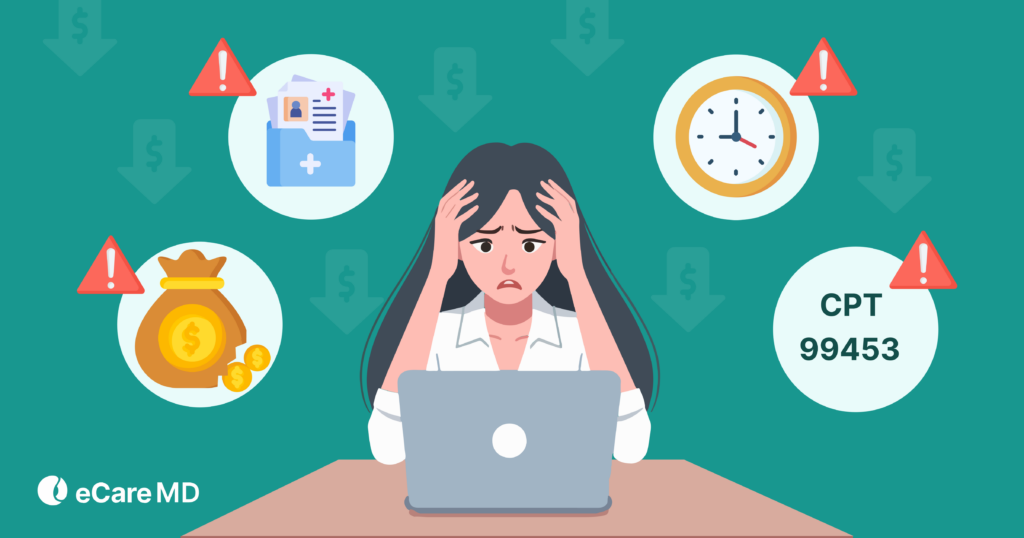
Let’s take an example for better understanding. If you are tracking patient data, managing all devices, recording the time you are spending, and following all Medicare rules for hundreds of patients, the process can quickly become confusing. One mistake in coding, and you could lose reimbursement or even face compliance problems.
So the real question is: ‘How can you overcome this confusion and avoid these mistakes?’
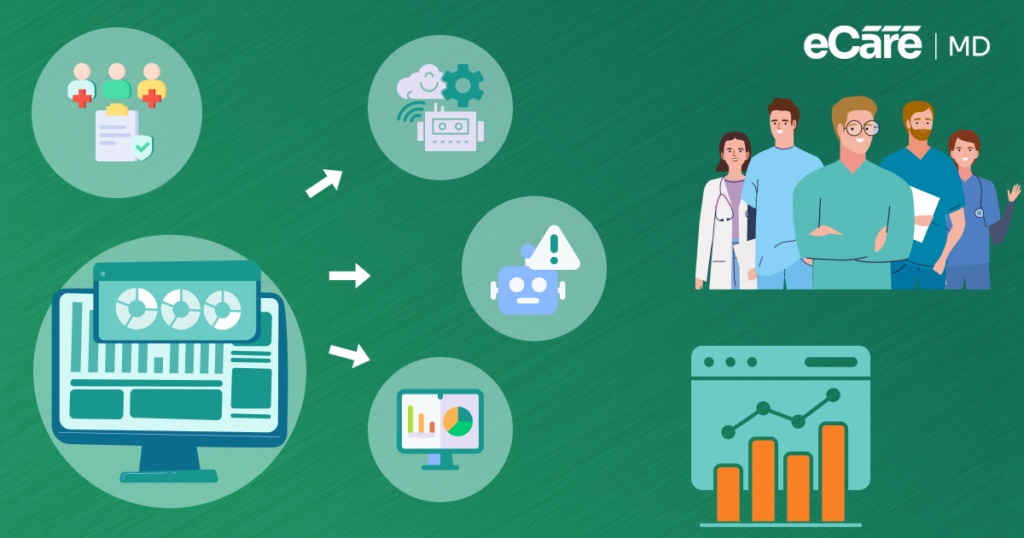
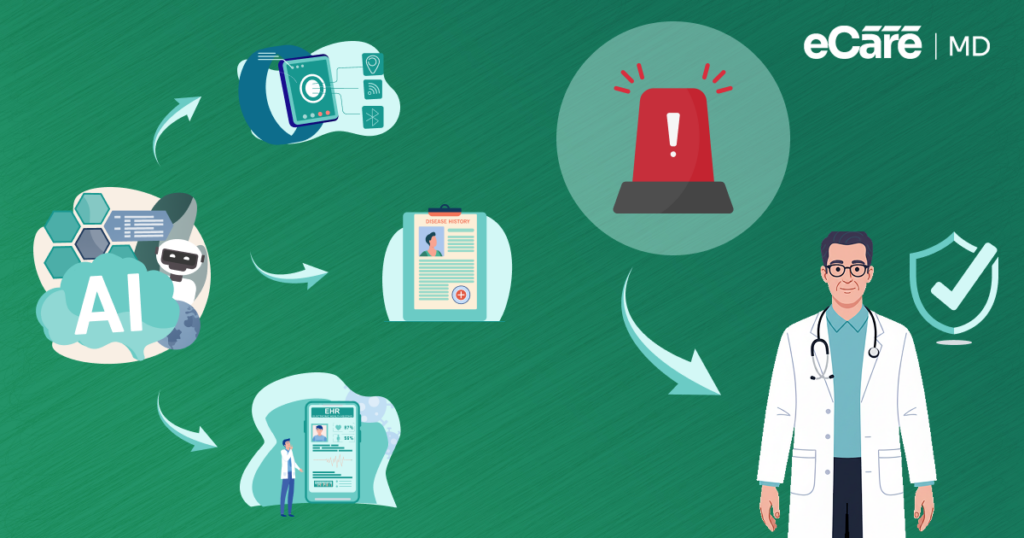
This is where automation and AI in remote patient monitoring applications come into play. Smarter RPM systems can make it easier for you to capture patient data, generate accurate documentation, and flag missing information. This helps you stay aligned with CMS remote patient monitoring regulations, while reducing errors, less stress, and more chances to maximize RPM reimbursement.
Let this blog be your guide to understanding CPT codes 99453, 99454, 99457, and 99458 and how they can help you to simplify billing and scale your RPM program with confidence.
What Are CPT Codes Used for in RPM?
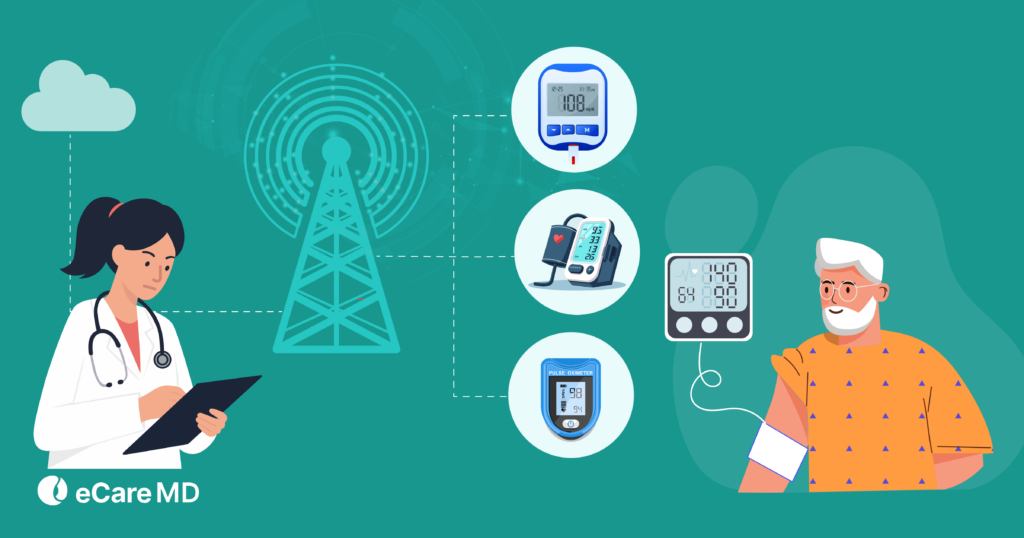
Remote Patient Monitoring (RPM) uses four primary CPT codes:
| CPT Code | What It Covers | Billing Frequency | Key Requirement |
|---|---|---|---|
| 99453 | Device setup and patient education | One-time | Initial onboarding completed |
| 99454 | Device supply and physiologic data transmission | Monthly | ≥16 days of data in a 30-day period |
| 99457 | First 20 minutes of remote care management | Monthly | Interactive communication required |
| 99458 | Each additional 20 minutes of care management | Monthly add-on | Must be billed with 99457 |
CPT Code 99453: Remote Monitoring Setup
The first thing to understand here is what RPM current procedural terminology (CPT) codes actually are. Simply, CPT codes are billing codes created by the American Medical Association (AMA) that help you get reimbursed for delivering remote monitoring services.
For example, CPT codes define the services that you provide, the time you spend on seniors, and the equipment you use. So, basically, they just define the rules for getting paid for monitoring patients outside the clinic.
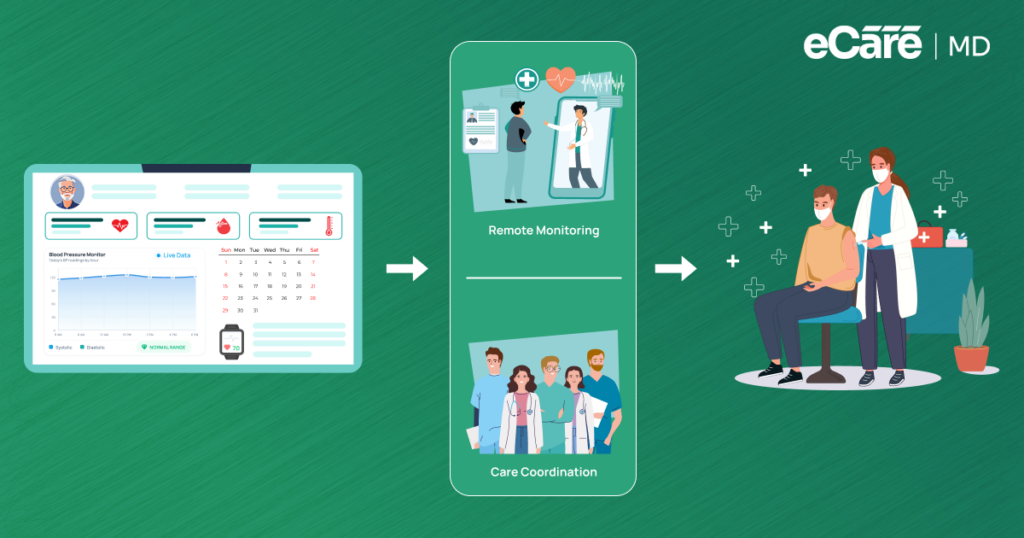
Even so, CPT codes are not just about billing. CPT codes are the backbone of a connected and proactive care program. They enable real-time patient monitoring, early intervention, and enhance better outcomes without consistent in-person visits.
But, are these CPT codes different in each remote care program like Remote Patient Monitoring (RPM), Chronic Care Management (CCM), or Remote Therapeutic Monitoring (RTM)?
Well, the answer is yes. Let’s explore how:
1. Remote Patient Monitoring (RPM)
2. Chronic Care Management (CCM)
Chronic care management covers patients with multiple chronic conditions like asthma, high blood pressure, high cholesterol, and diabetes. The focus of CCM is overall care management rather than just physiologic monitoring.
It uses CCM-specific CPT codes like 99490, 99491, and 99487, while highlighting the billing for overall care management, care planning, and coordination.
3. Remote Therapeutic Monitoring (RTM)
Lastly, RTM prioritizes therapy adherence, such as physical therapy, occupational therapy, or respiratory therapy. RTM-specific codes are perfect for the programs where behavioral or therapy data is monitored, by tracking therapy compliance, patient-reported outcomes, and device use.
Now that you understand how RPM, CCM, and RTM are different in billing, let’s explore more about RPM CPT codes:
| CPT Code | Purpose | Notes |
|---|---|---|
| 99453 | Initial setup of RPM devices and patient education | One-time code per patient/device setup |
| 99454 | Supplying devices and monitoring for over 30 days | Billed monthly per patient |
| 99457 | 20 minutes of remote care management per month | Requires documentation of patient interaction |
| 99458 | Each additional 20 minutes of remote care management | Add-on code for extra time spent |
Understanding how these codes fit together is important for scaling your RPM program and maximizing reimbursement. By using them correctly, you can ensure that your billing reflects your provided care, minimizes errors, and assists your practice in unlocking the actual potential of RPM.
How Does Each RPM CPT Code Work?
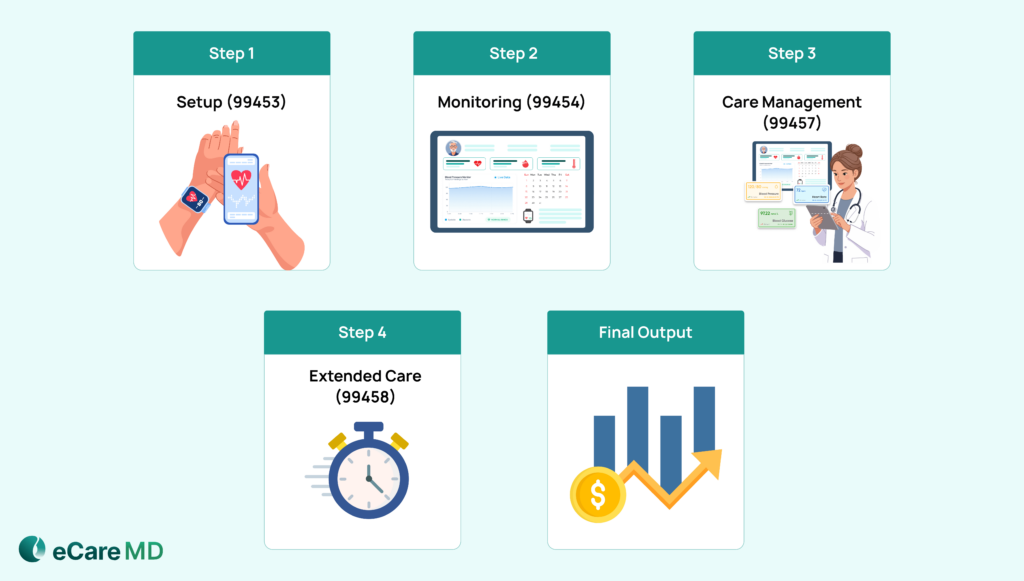
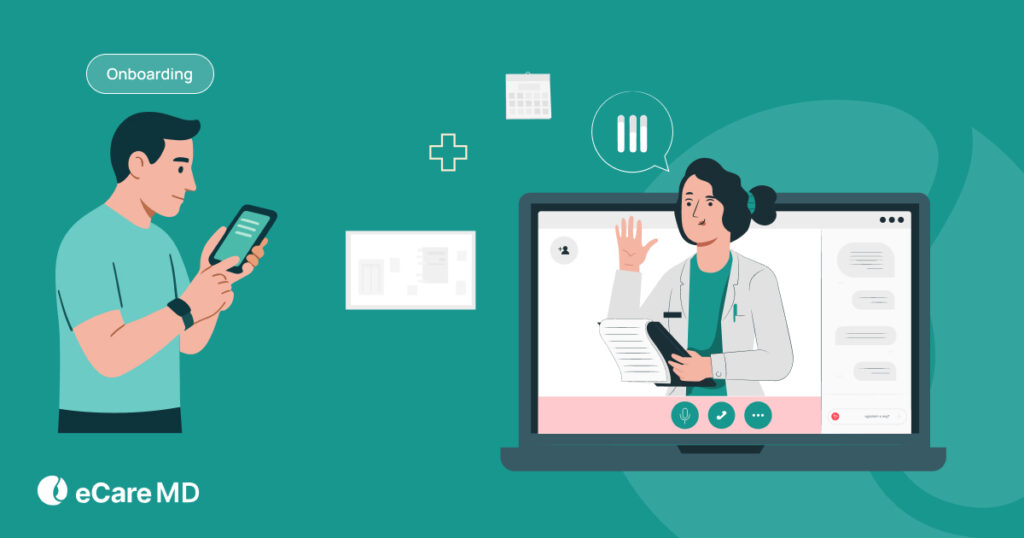
1. CPT 99453 – Initial Setup & Patient Education
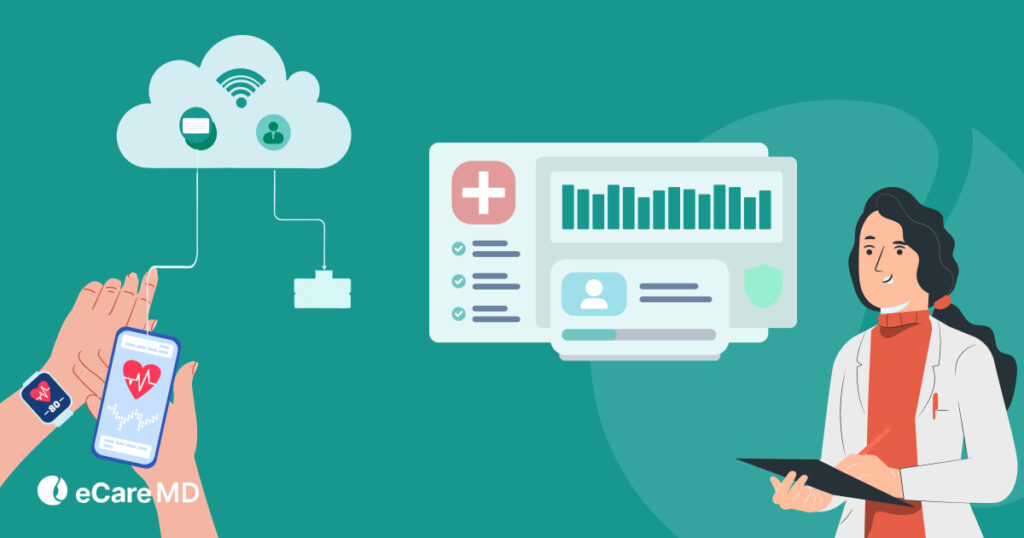
2. CPT 99454 – Device Supply & Data Transmission
3. CPT 99457 – First 20 Minutes of Care Management
4. CPT 99458 – Additional 20 Minutes for Extended Monitoring
CPT Code Comparison Table
| CPT Code | Purpose | Billing Trigger | Frequency | Key Rule |
|---|---|---|---|---|
| 99453 | Set up & patient education | Device onboarding completed | Typically, once per patient setup | Not billed repeatedly for the same patient setup |
| 99454 | Device supply & data transmission | At least 16 days of data collection within a 30-day period | Monthly | Requires an FDA-defined medical device (not consumer wearables) |
| 99457 | First 20 minutes of care management | 20 minutes of clinical staff/physician time + interactive communication | Monthly | Requires at least one real-time interaction with the patient/caregiver |
| 99458 | Each additional 20 minutes | Each additional 20-minute increment beyond the initial 20 minutes | Monthly add-on | Can be billed multiple times; requires 99457 to be billed first |
CMS Billing Rules Every RPM Provider Must Know
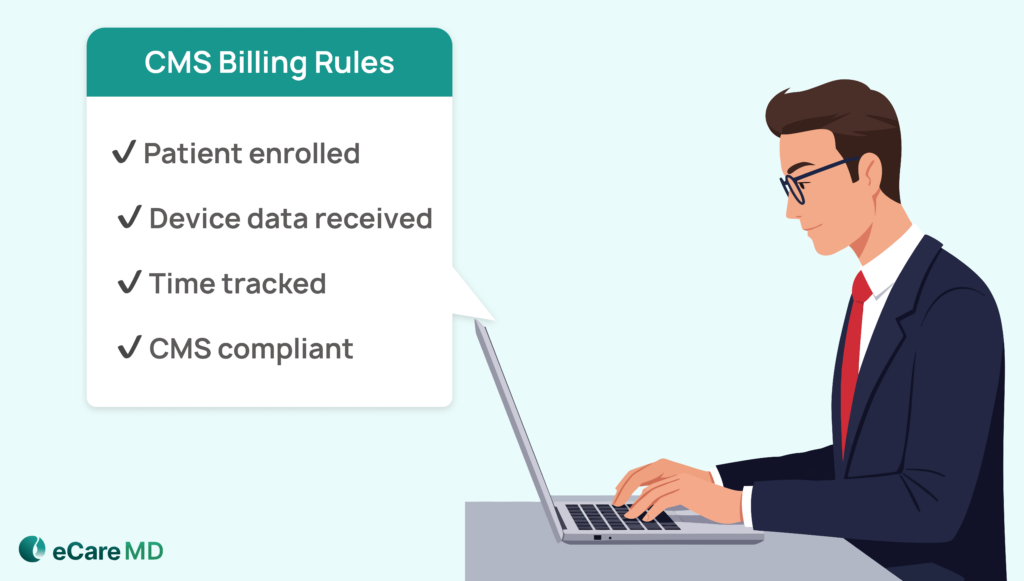
Understanding CMS regulations is a mandatory thing, as your reimbursement for RPM depends on it. CMS regulations define how, when, and by whom you can bill. If you miss even one requirement, it can cost both time and revenue.
Additionally, these CMS guidelines for remote physiologic monitoring reimbursement outline how to bill for remote patient monitoring services in a structured and compliant way.
Overview of CMS RPM Regulations
To ensure safe, continuous, and effective care, CMS has designed remote patient monitoring rules. The program covers remote health monitoring, pays for care management, and sets rules for device usage, documentation, and patient care. By following CMS RPM regulations, you can deliver better patient outcomes and secure proper reimbursement.
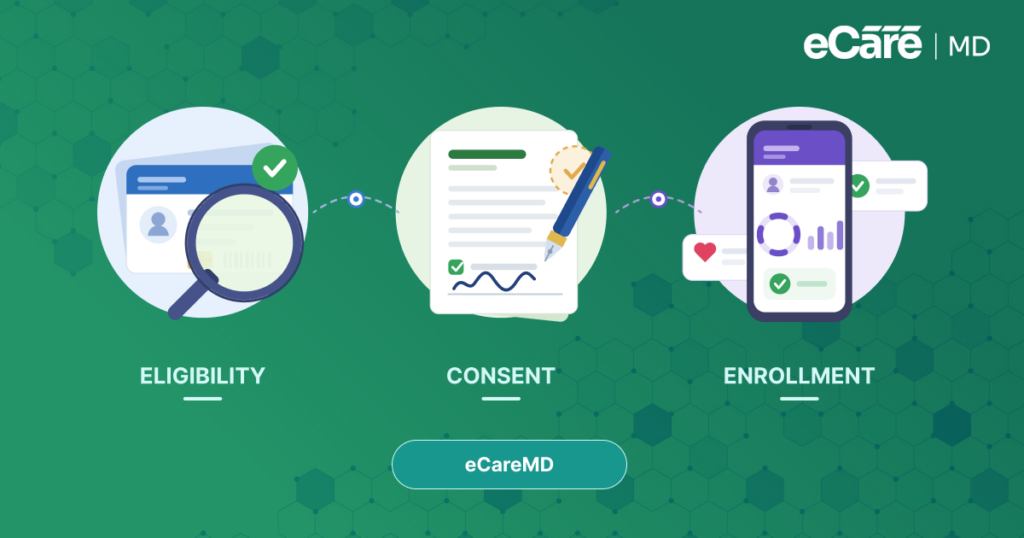
With these regulations, you can also define your patients’ eligibility criteria and document patient consent before initiating RPM services.
Supervision Rules for Providers & Clinical Staff
Billing does not just depend on codes; it also depends on who performs the services and how they are supervised. Selecting the wrong supervision level can result in claims denial or compliance issues.
CMS differentiates between two types of supervision:
- General Supervision: In this supervision, the provider just has to keep an eye on the program, but doesn’t need to be there in person. Your staff can do their own work, while the provider is still responsible for quality as well as documentation.
- Direct Supervision: In this supervision, the provider should be available virtually while the staff can perform the tasks. This is ideal for more complex services when CMS specifically requires it.
This supervision level helps you to ensure that your program remains compliant, reimbursable, and audit-ready, while enabling your staff to manage patients efficiently.
The 16-Day Data Requirement
To bill CPT 99454 accurately, CMS requires at least 16 days of data readings in a 30-day period. As we discussed earlier, this helps you to make sure that patients are monitored consistently. Claims may be denied if your patient’s device is inactive or if data collection is insufficient.
As this requirement can directly affect your overall ability to claim reimbursement, failing short on it is one of the most common RPM billing mistakes to avoid.
Interactive Communication Requirements
CMS requires interactive communication between providers and patients for qualifying codes 99457 and 99458. This may include phone calls, video visits, or secure messaging platforms.
For qualifying codes, reviewing the data is not enough. You must document the interaction, discuss findings, and incorporate it into your patient’s care plan. This enhances your patient engagement while satisfying CMS documentation requirements.
To meet compliance standards and support accurate billing, proper documentation of this communication is important.
Key Rules for Compliant Medicare RPM Billing
Let’s have a look at some of the key rules for staying compliant and making the most of RPM reimbursement:
- You can bill only eligible devices and services. For instance, your devices must be FDA-defined medical devices; consumer wearables are not eligible for billing.
- For care management codes, it is essential for you to document the exact time spent with your patients or reviewing their data.
- Keeping detailed records is another key trend. Your documentation should clearly show the services that you provide. This makes you audit-ready at any time.
- Depending on CMS rules, your care team should perform all the tasks under the correct supervision levels, like general or direct.
By consistently following these rules, you can lower errors, stay compliant, and maximize RPM reimbursement. Following a step-by-step approach from patient consent to documented care management can ensure accurate billing and improve your RPM reimbursement rates.
Download Your Free Guide to CMS Remote Patient Monitoring Regulations
Download GuideRPM Reimbursement: Revenue Potential and Rate Overview

Once you understand the billing structure, RPM becomes a strong and predictable revenue stream. By creating multiple revenue opportunities throughout your patient journey, CPT codes like 99453, 99454, 99457, and 99458 represent a different stage of care.
Payments are distributed across setup, device monitoring, and monthly care management in terms of RPM reimbursement rates. This helps you to build a consistent billing cycle instead of depending on one-time revenue.
However, reimbursement rates are not fixed. They can change based on factors such as geography, payer, and practice setting, with Medicare serving as a baseline for most reimbursement models.
Furthermore, the ability to generate predictable monthly revenue is one of the key advantages of RPM. As long as your patients stay enrolled and monitoring continues consistently, your practice can maintain a steady income stream without starting from scratch each month.
How to Maximize RPM Reimbursement Without Increasing Operational Burden
Now you’ve understood the RPM program, CPT codes, and billing criteria, but the question you might raise here is: ‘Are you truly capturing every dollar your program can earn?’
Many practices are experiencing this problem simply due to missing billing opportunities or slow workflows.
Let’s explore, without adding extra work for your care team, how you can maximize your RPM reimbursement:
1. Identify Missed Billing Opportunities
2. Optimize Workflows for Efficiency
You can make reimbursement easier by efficient workflows. Mapping out your RPM process helps you to streamline each step. This may include setting up devices, patient onboarding, or reviewing data. Furthermore, this helps you to reduce duplicate work, enhance documentation, and make it easier for your staff to capture every billable moment.
3. Avoid Undercoding
Accurate documentation is key to maximizing revenue. Using code 99458 ensures you are properly reimbursed for 40 minutes of care management.
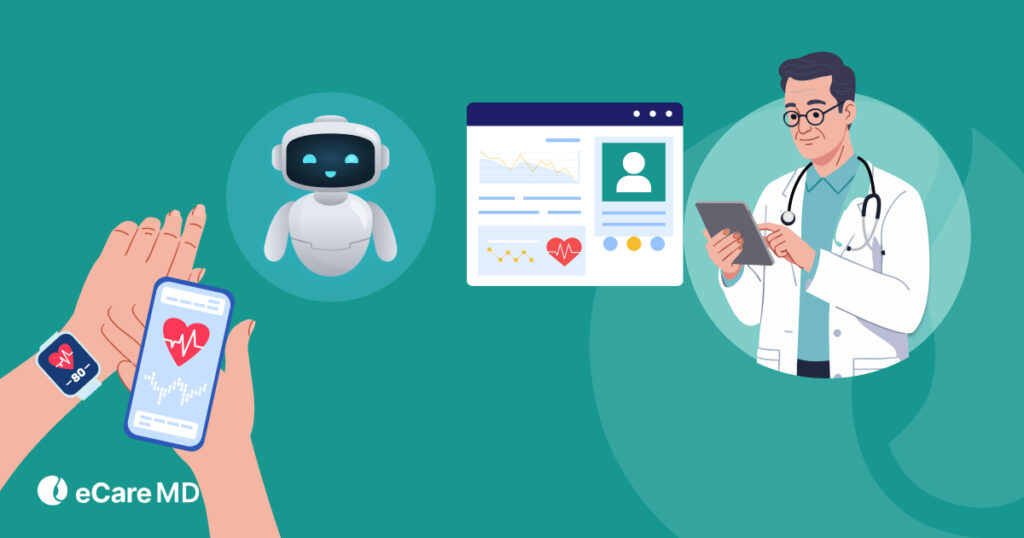
4. Leverage Automation & AI Tools
Check Out: How to Maximize RPM Reimbursement: Proven Strategies for Healthcare Providers
Download GuideCommon RPM Billing Mistakes & How to Avoid Them
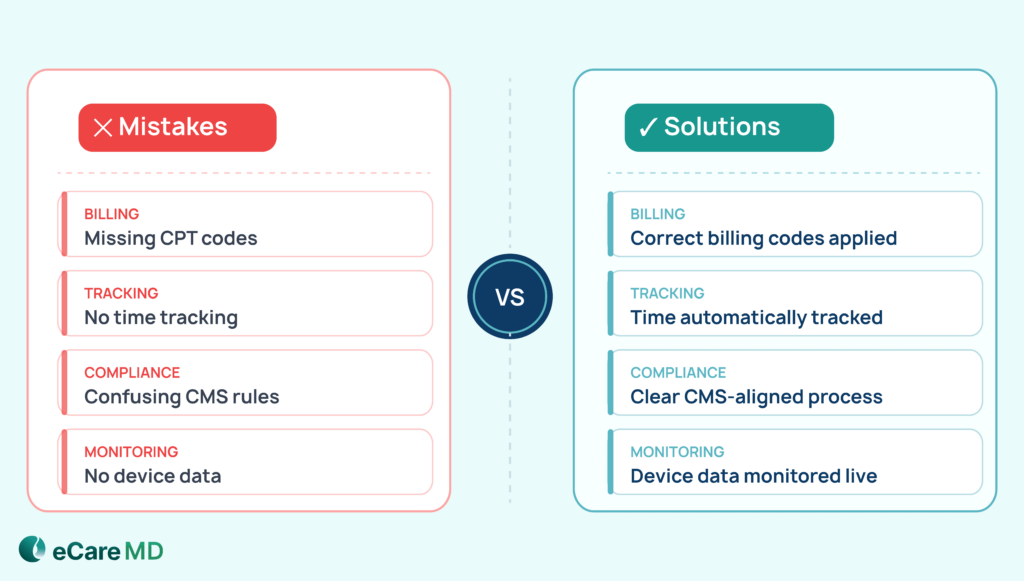
Even with a well-structured RPM program, you can face small billing mistakes that can result in missed revenue, denied claims, or compliance issues. However, by avoiding these mistakes early, you can protect your revenue and stay compliant.
Let’s have a look at some common mistakes and how you can stay ahead of them.
1. Missing the right CPT code combinations
Sometimes, you provide services, but not all of them get billed. The reasons are a failure to capture extra care time or overlooking certain steps in the workflow. These small misses can cost you significant revenue loss.
This often includes incorrect CPT code combinations or missing billing windows, where services are either underbilled or not billed within the required timeframe.
- What can you do? You should review your bill regularly to make sure that every service is properly captured while focusing on additional time-based billing opportunities.
2. Not tracking time properly.
Time-based codes depend completely on documentation. If your work was done, and the time spent on patient care or communication isn’t recorded, it can’t be billed. Especially for care management codes like 99457 and 99458, incomplete documentation is a key challenge.
- What can you do?: You should use a simple system or tool for consistent time tracking. If you make it part of your daily workflows, you miss nothing.
3. Not understanding CMS rules clearly.
Around supervision or service requirements, CMS guidelines can feel confusing. Misunderstanding these rules can result in incorrect billing or compliance issues. Misinterpreting supervision requirements or missing mandatory interactive communication are critical factors for compliant billing.
- What can you do?: You should set team rules and create a clear process for everyone to follow.
4. Not meeting data or device requirements.
RPM billing heavily depends on consistent data collection. If devices are not used regularly or data isn’t transmitted as required, claims may not qualify for reimbursement. If you fail to meet the minimum data transmission requirements, such as the 16-day rule, it can directly affect your billing eligibility.
- What can you do?: Monitoring device usage and patient participation regularly can help you ensure that all requirements are being met.
To understand these pitfalls in more detail and learn how to prevent them effectively, explore RPM billing mistakes to avoid.
The Role of Automation in RPM Billing
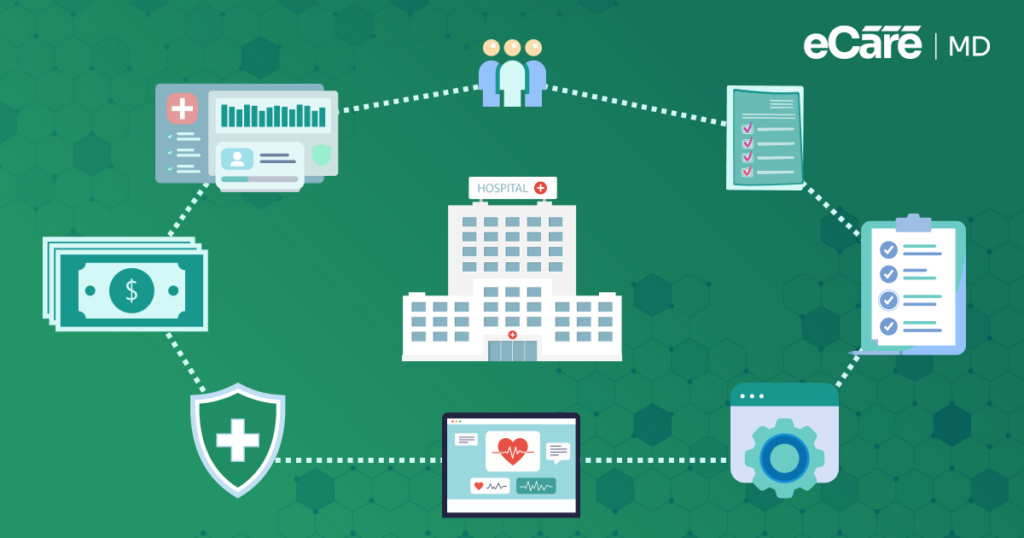
As RPM programs grow, you need to ensure your billing is accurate, compliant, and ready for audits. Manual processes create significant challenges, particularly when managing multiple patients, devices, and billing requirements at once.
This is why automated tracking and documentation have become essential to maintain billing accuracy and consistency at scale. When everything is recorded systematically, it can reduce dependency on manual processes and gaps in billing.
This is where automatic digital records make a huge difference. When everything is tracked in one place, it becomes easier to stay prepared for audits while avoiding last-minute issues.
For example, every patient interaction, data reading, and care activity gets recorded automatically, creating a clear history that supports your claims. This centralized documentation approach helps you to maintain compliant billing workflows without depending on scattered or manual records.
AI also helps you in time tracking, communication, and compliance requirements in real time. For example, rather than calculating time manually, smart systems can alert you when your services become billable or if something is missing. This saves your time while ensuring you don’t miss out on valid reimbursement opportunities.
Furthermore, AI-driven systems can also track key compliance thresholds like time spent, interaction requirements, and data collection benchmarks. This ensures that all billing conditions are met.
Moreover, another major benefit is the reduction of manual errors. Small mistakes like incorrect coding or missed documentation can impact both revenue and compliance. With automation, you can standardize processes, enhance accuracy, and make billing more consistent across your entire RPM program.
As healthcare is steadily moving towards value-based and outcome-driven care models, it is necessary to have accurate data, proper documentation, and consistent workflows. By using AI and automation, you can enhance your current billing process and prepare your practice for the future of reimbursement.
Conclusion: Building a Billing-First RPM Program
A successful RPM program depends on how well you understand CPT codes like 99453, 99454, 99457, and 99458, as they form the foundation of a consistent and scalable billing process.
However, true success comes from combining compliance, accurate documentation, and the right technology to ensure every service is captured and reimbursed properly.
With solutions like eCareMD, you can simplify billing, stay aligned with CMS guidelines for remote physiologic monitoring reimbursement, and scale your RPM program with confidence.
In the end, a billing-first approach helps you improve care while building a predictable and sustainable revenue stream.
Click here to know more about it.
Frequently Asked Question’s
- 99453 covers one-time device setup and patient education.
- 99454 covers ongoing device supply and the minimum 16-day data transmission requirement.
- 99457 bills for the first 20 minutes of interactive care management per month.
- 99458 is an add-on for each additional 20 minutes of care management beyond the first 20 minutes.
- 99457 requires at least 20 minutes per month of interactive care management.
- 99458 is billed for each additional 20-minute increment beyond the initial 20 minutes.
Documentation should include:
- Patient consent and eligibility
- Device setup and onboarding notes
- Daily or periodic data transmission logs
- Time spent on care management and interactive communication
- Any clinical decisions made based on RPM data











![The Future of Remote Patient Monitoring: CMS Innovations & Emerging Trends [2026]](/wp-content/uploads/2024/07/Blog-36-The-Future-of-Remote-Patient-Monitoring_-Trends-AI-Innovation-CMS-Updates-for-2026-1024x538.png)