



















“Managing our RPM program became much easier after switching to Medarch. Patient enrollment, device monitoring, and documentation are all handled from one system, which has significantly reduced our team’s workload. We can now monitor more patients without adding administrative overhead, and the platform has made scaling our RPM services much more manageable.”
The Medarch RPM Advantage
The Complete Remote Patient Monitoring Platform for Healthcare Practices
eCareMD is a cloud-based remote patient monitoring platform that brings patient enrollment, real-time monitoring, and CMS RPM billing together in one integrated system.
Quick Answer
What is remote patient monitoring software?
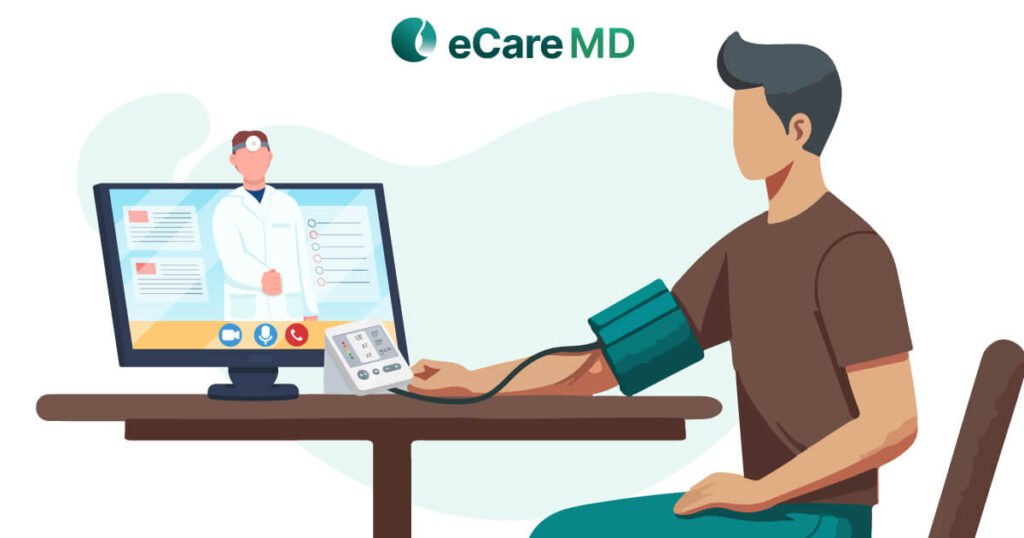
Remote patient monitoring (RPM) software lets healthcare providers collect and review patients' vital signs like blood pressure, blood glucose, weight, oxygen saturation, and heart rate between visits using connected devices, then document time and bill CMS RPM CPT codes 99453/99445/99454/99470/99457/99458 through one integrated remote patient monitoring system. eCareMD, developed by Medarch Inc., delivers all of this as a single cloud-based system.
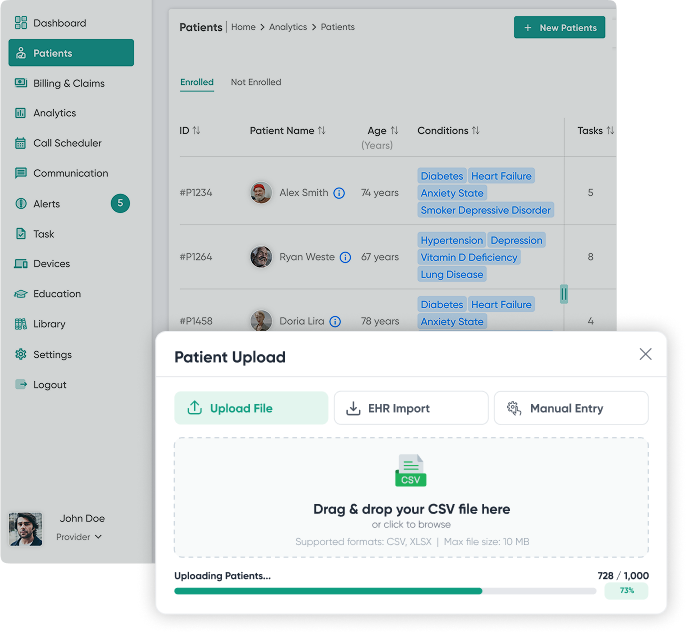
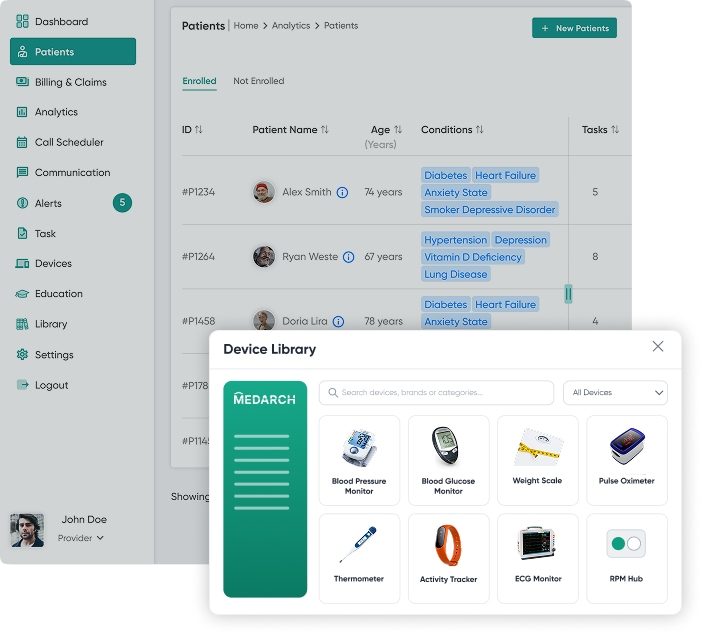
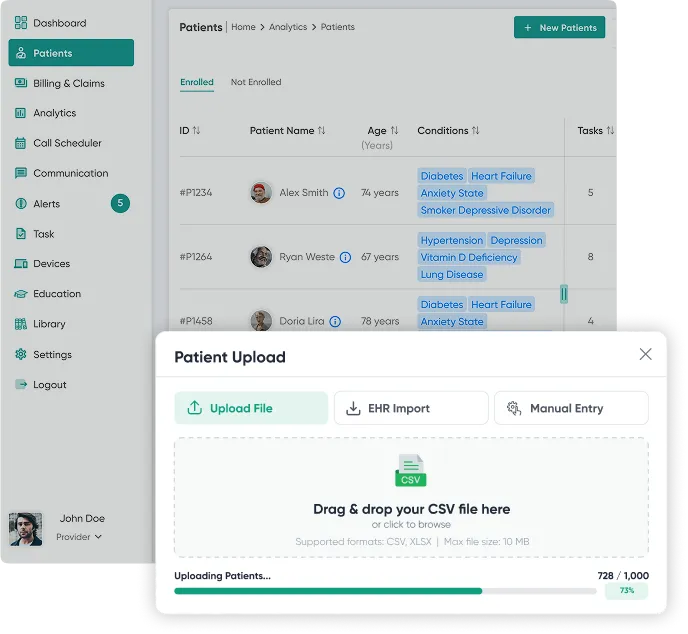
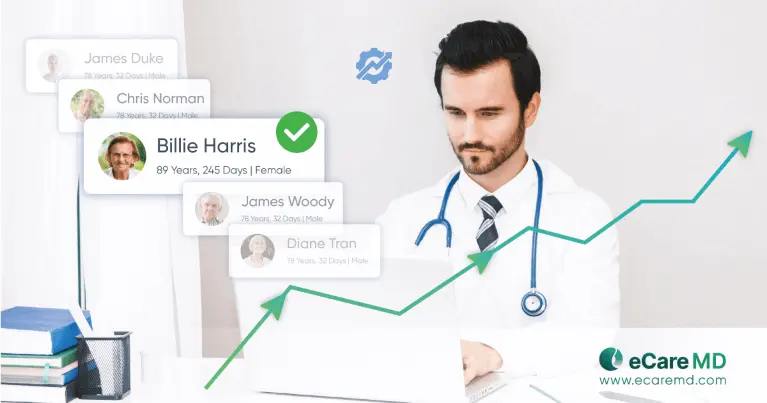
Rapid Bulk Patient Enrollment
- Bulk CSV upload for faster patient identification and onboarding
- Easy patient registration through HL7/FHIR EHR integration
- Secure digital patient consent with electronic signatures
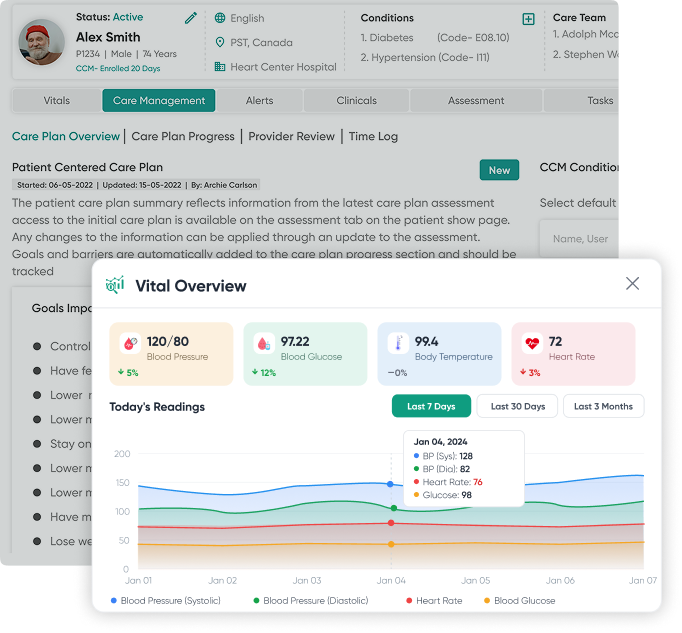
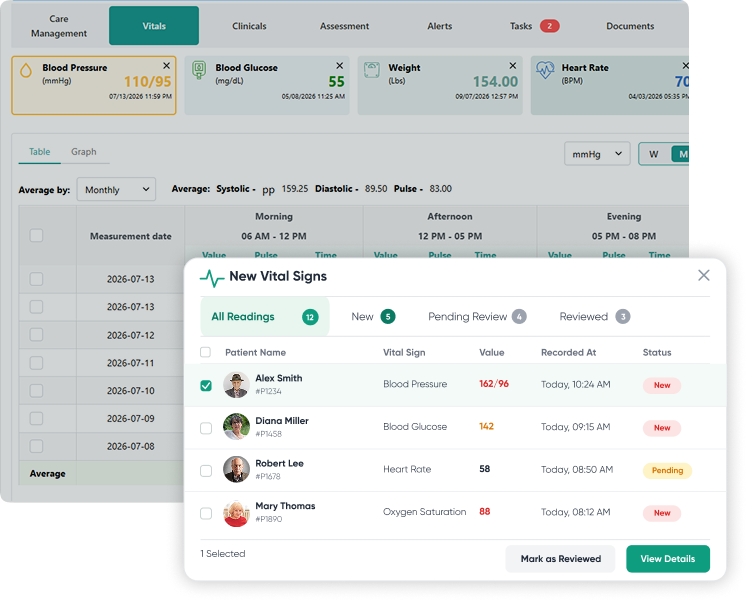
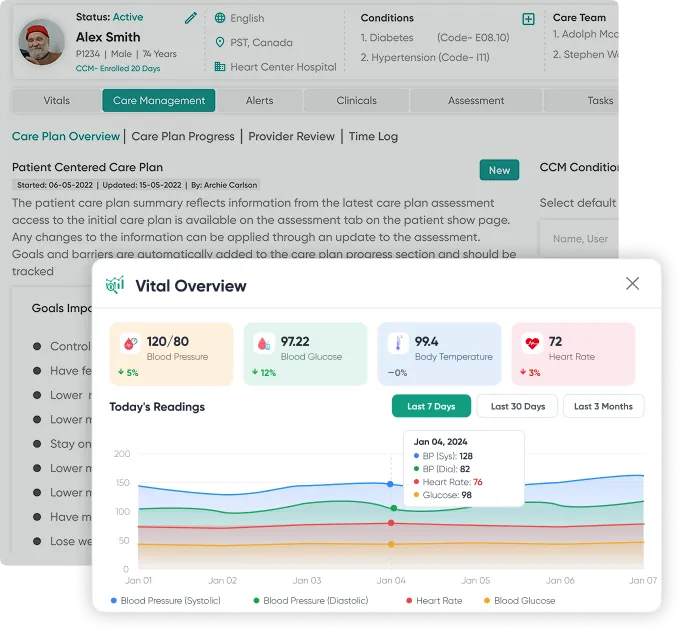
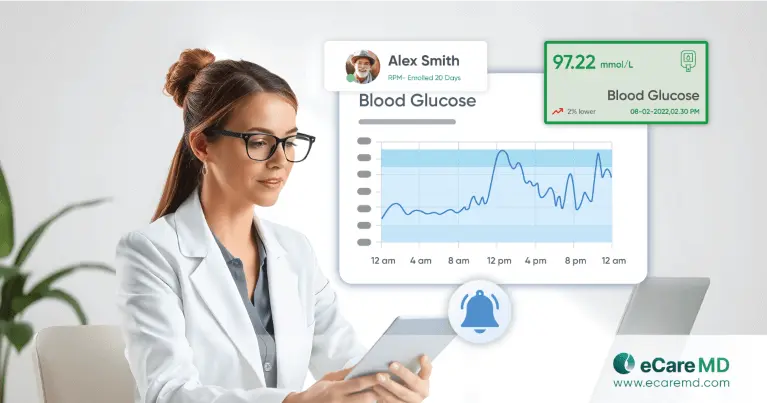
Continuous Monitoring for Proactive Care
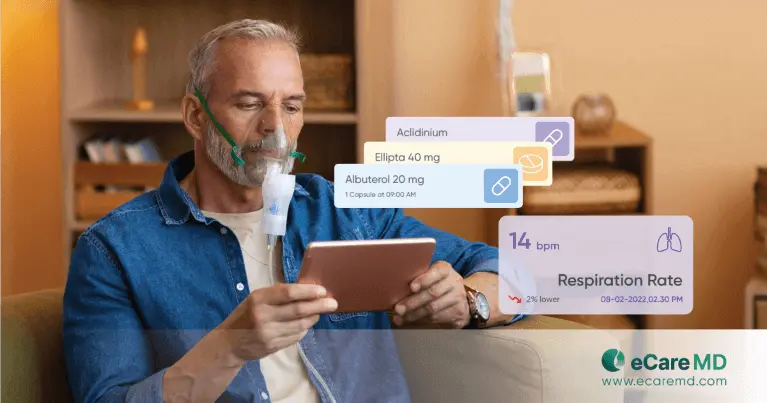
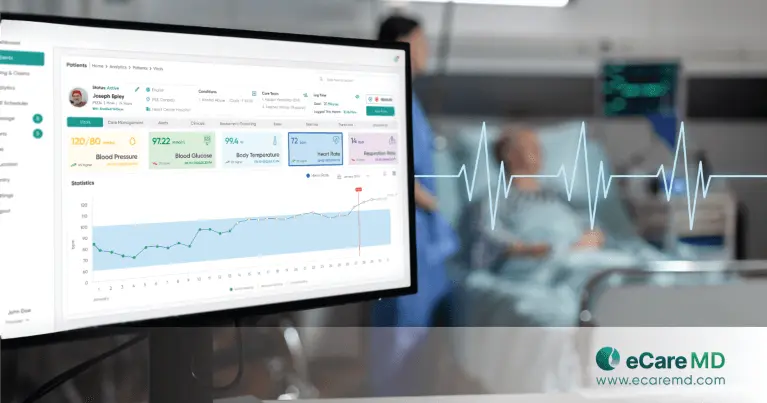
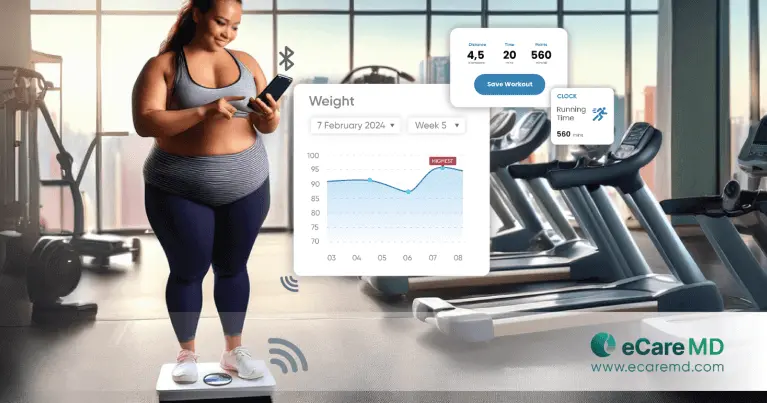
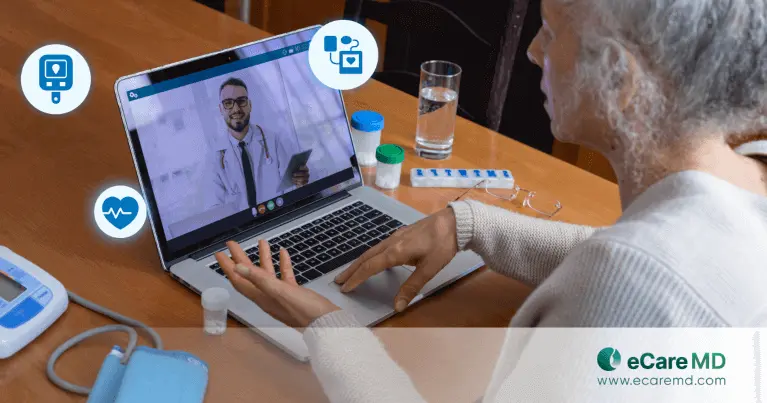
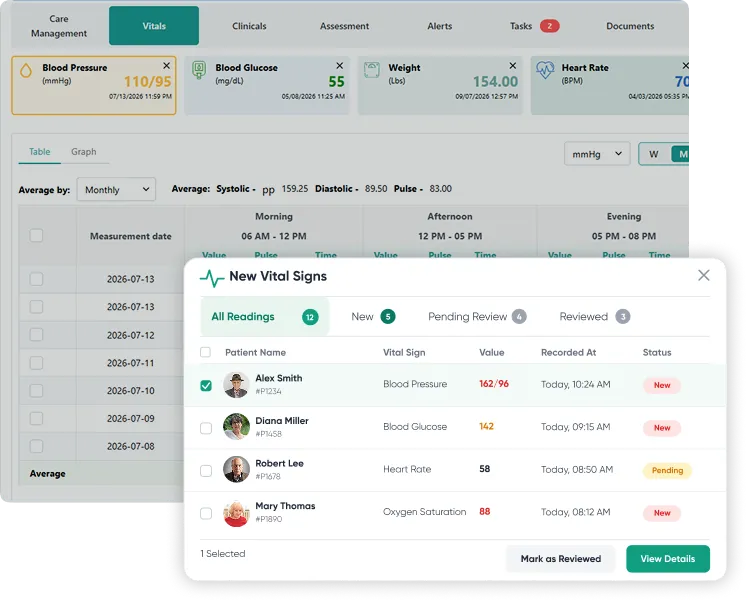
- Real-time patient vital tracking across connected RPM devices
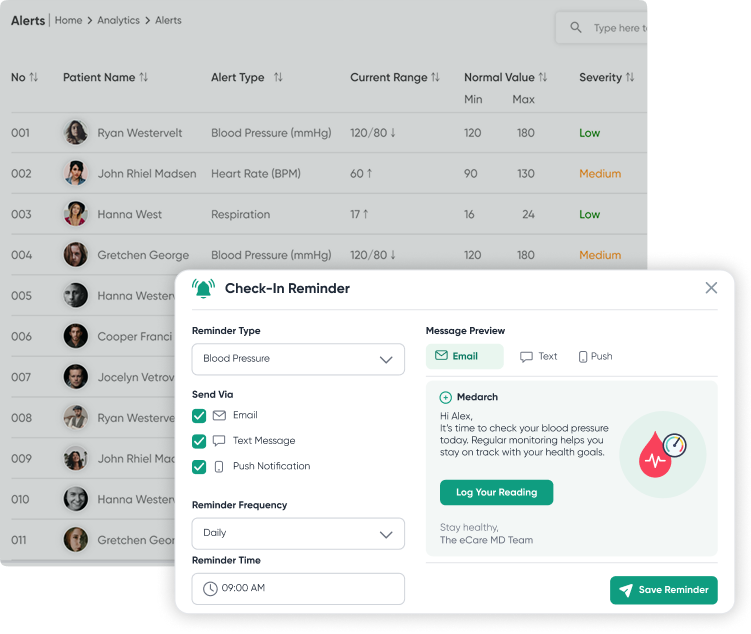
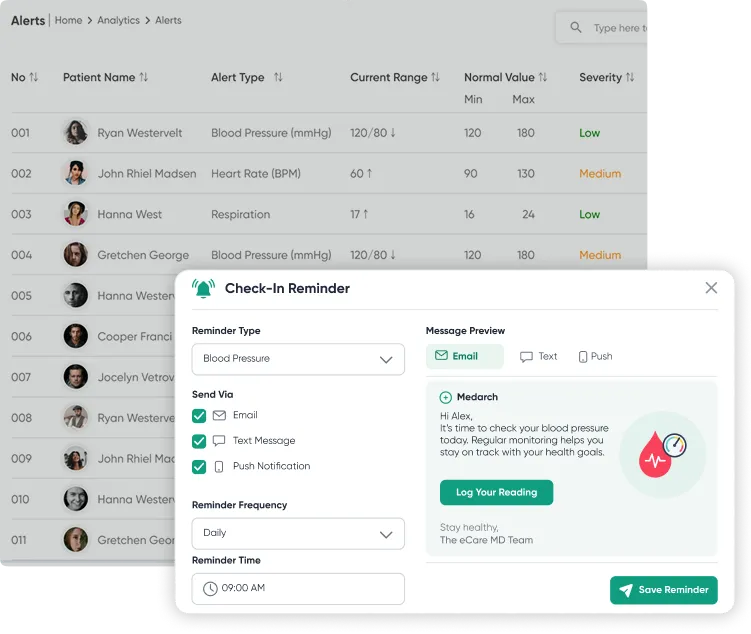
- Custom alerts for abnormal readings and timely intervention

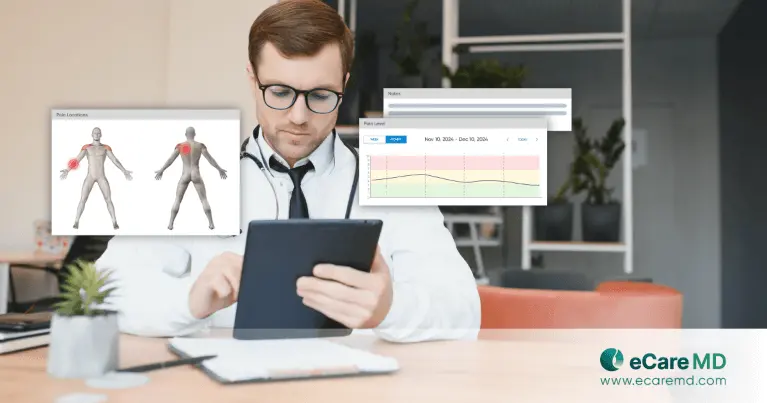
- Instant review of patient vitals for faster clinical decisions
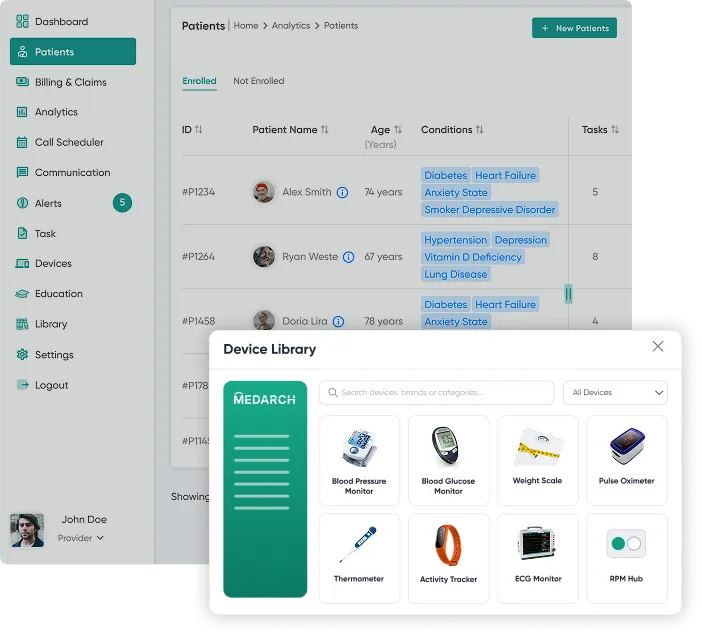
Easy RPM Device Integration
- Connect 100+ devices from 25+ trusted RPM vendors
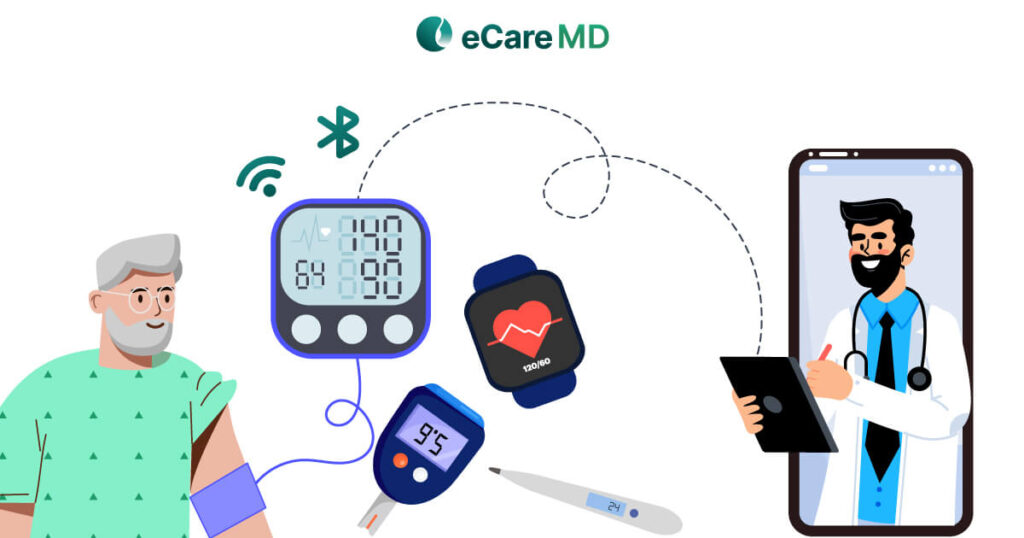
- Support for both cellular and Bluetooth-enabled devices
- Automatic, encrypted syncing of every patient vital reading
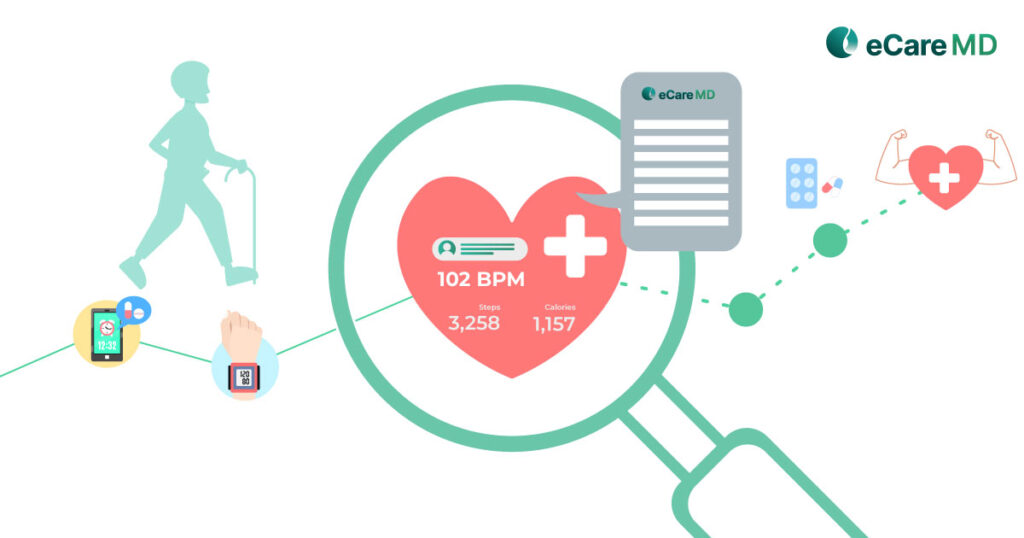
From real-time vitals to proactive care, all in one connected platform
How RPM Software Works
Remote Patient Monitoring Software That Syncs Every Reading Automatically
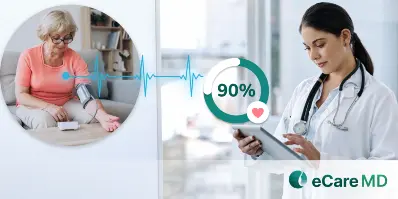
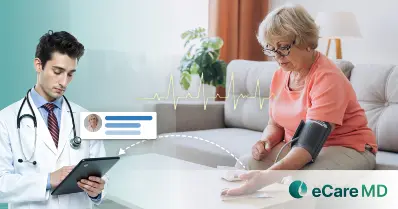
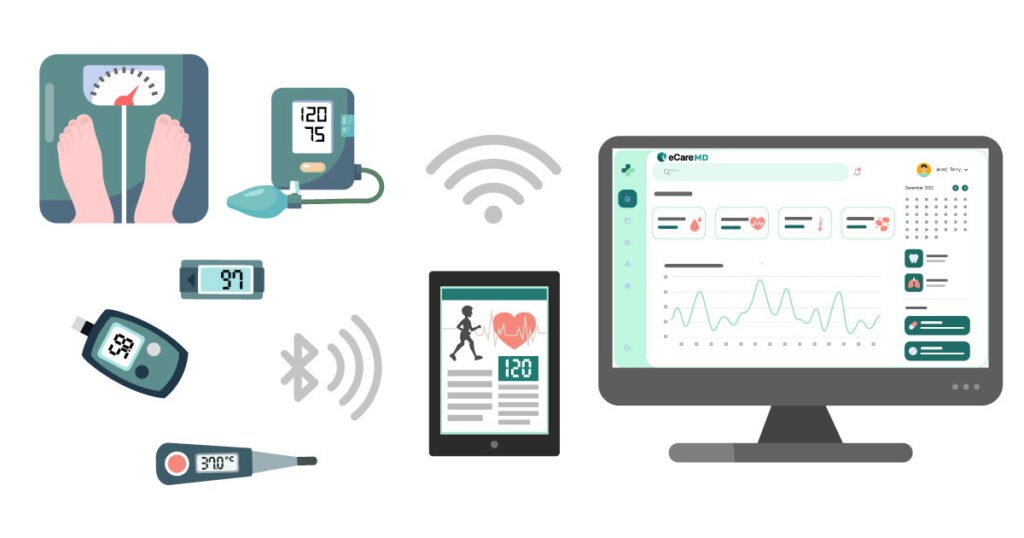
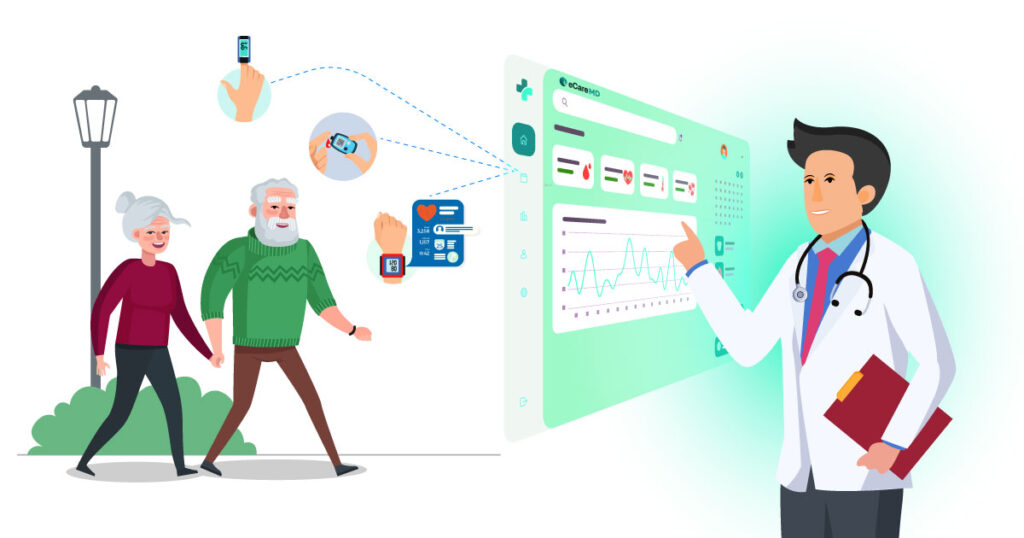
eCareMD's remote patient monitoring software automatically syncs every patient reading from cellular-connected devices to the patient app to your RPM dashboard, so your care team can review vitals in real time and log billable time with no manual data entry.
The Solution
How Does eCareMD's Remote Patient Monitoring Platform Work?
eCareMD's software for remote patient monitoring works in six simple steps, from patient enrollment and device setup to vital monitoring, patient engagement, and CMS RPM billing, all within one integrated platform. Explore each stage below.
Patient Registration
Quick & Automated Enrollment
Enhance patient registration for your remote patient monitoring program directly from the remote patient monitoring software.
Device Setup
Secure Device Connectivity & Data Transmission
Assign multiple devices with ease right away after patient enrollment and start vital tracking.
Vital Analysis
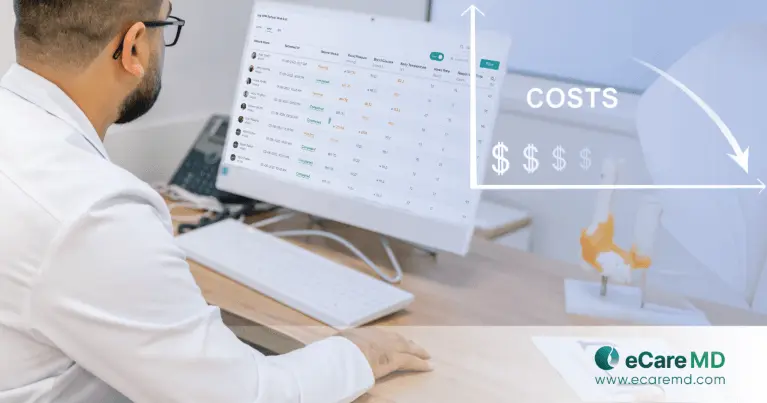
Insightful Comprehensive Dashboards
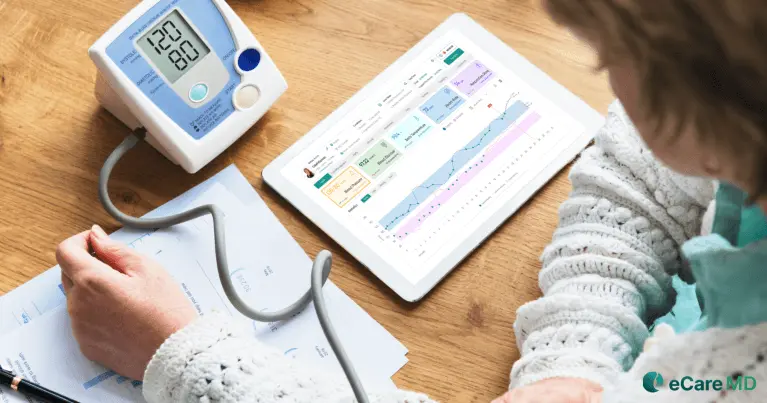
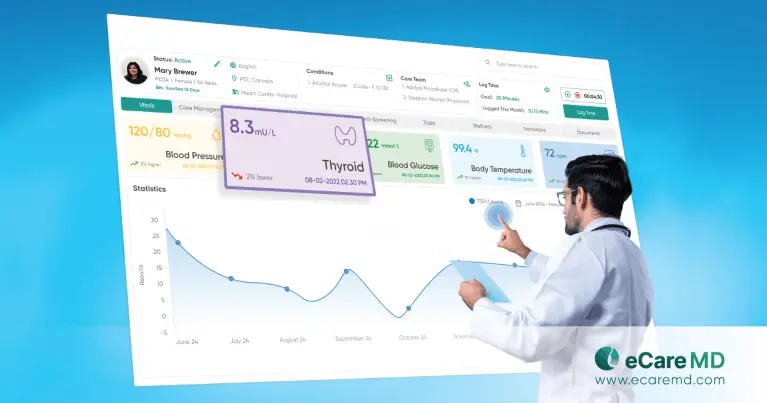
Use interactive dashboards on an intuitive remote health monitoring system to track patient conditions.
Seamless Care Coordination
Seamless Communication for Real-Time Proactive Care
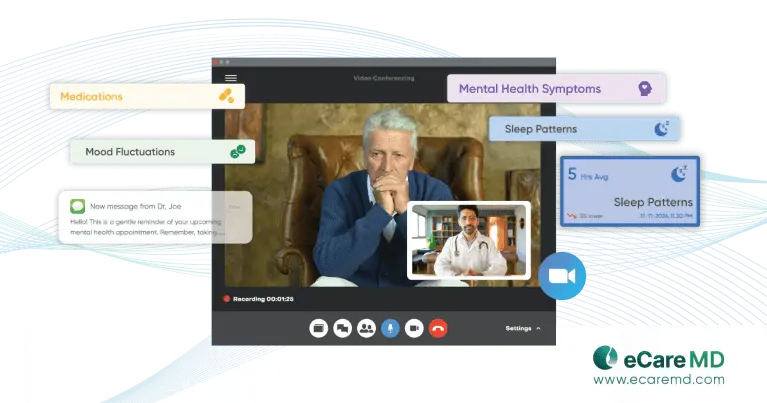
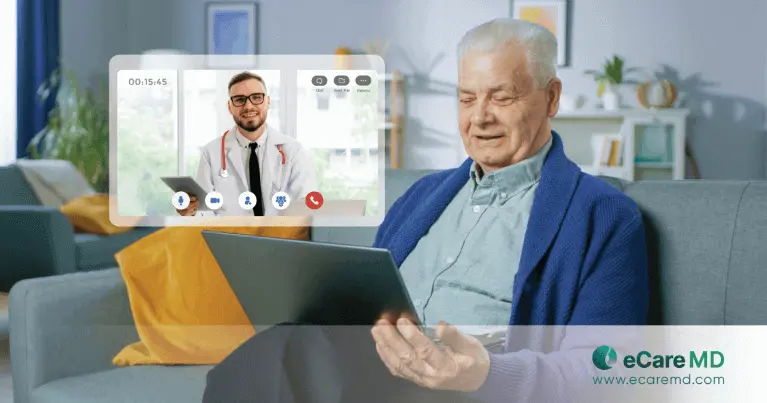
Coordinate care with two-way communication and AI-powered notifications — the real-time collaboration layer of the eCareMD remote patient monitoring solution.
Patient Engagement
Seamless Communication for Proactive Patient Participation
Two-way communication features for effective real-time communication to actively encourage patients in their care journey.
Reports & Billing
Automated Billing and Claims
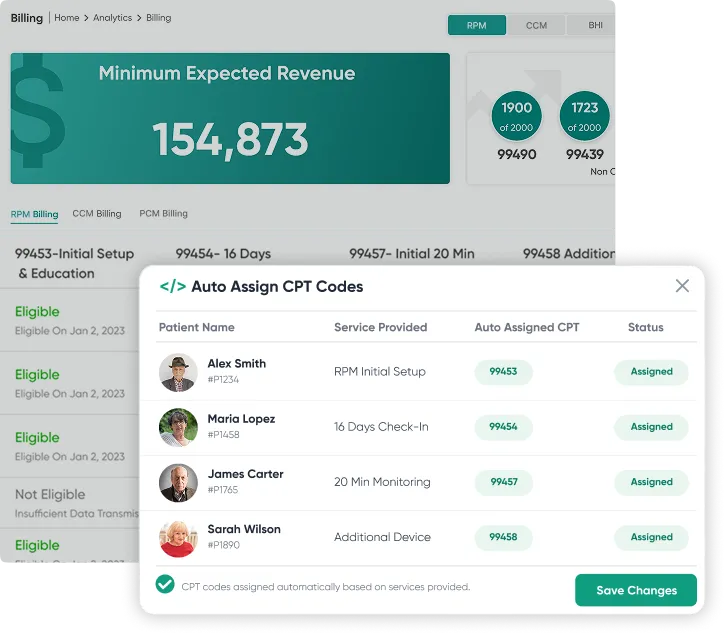
Streamline billing with an automated workflow for better revenue management from eCareMD's RPM software platform.
Trusted by 125+ Practices
Trust Those Who Trusted eCareMD
Who It's For
Remote Patient Monitoring Solutions for Practices and Health Systems
eCareMD supports remote patient monitoring programs across primary care, multi-specialty groups, FQHCs, ACOs, and health systems — for chronic conditions including hypertension, diabetes, CHF, and COPD.
By Specialty
Built for the clinicians who own chronic disease follow-up.
By Practice Type
Scales from a single site to a multi-location network.
By Condition
Device-agnostic monitoring for the highest-cost chronic cohorts.
Not sure if your program qualifies? We'll map your patient panel to billable RPM CPT codes in a 20-minute call. Book a Free Demo →
Integration
One Remote Patient Monitoring System for Every EHR and Device
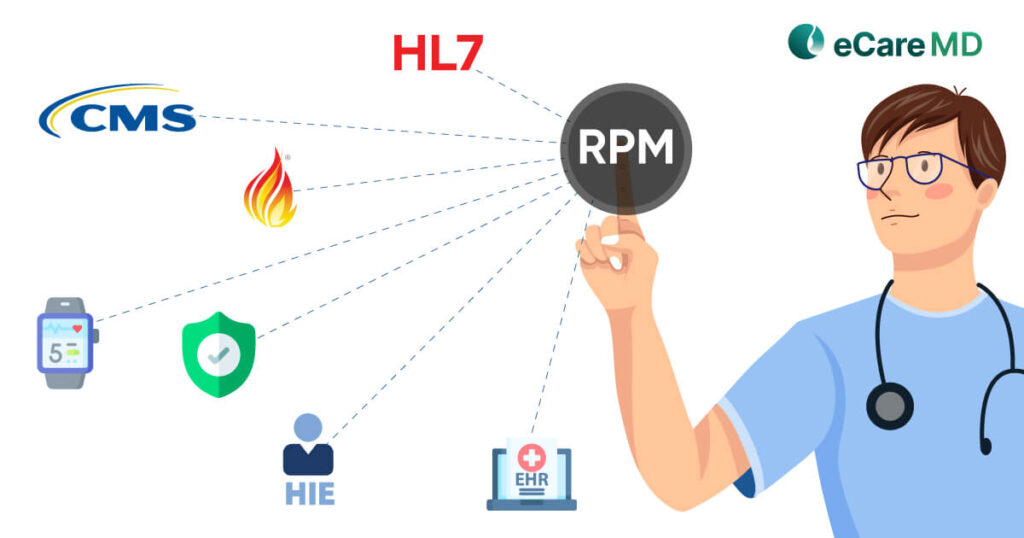
eCareMD connects with 40+ EHRs, including Epic, Cerner, eClinicalWorks, and athenahealth, as well as 100+ RPM devices and 25+ vendors, so patient readings remain up to date.
Measurable Outcomes
Measurable Results Providers See with eCareMD
Practices running RPM on eCareMD report 30% fewer avoidable readmissions, 20% of patients achieving blood-pressure control, and 3× RPM reimbursement captured.
Fewer avoidable readmissions
Early alerts on out-of-range readings let care teams intervene before a deterioration turns into an admission.

More patients hitting BP control
Daily readings plus structured follow-up close the gap between visits, where uncontrolled hypertension is usually lost.
RPM reimbursement captured
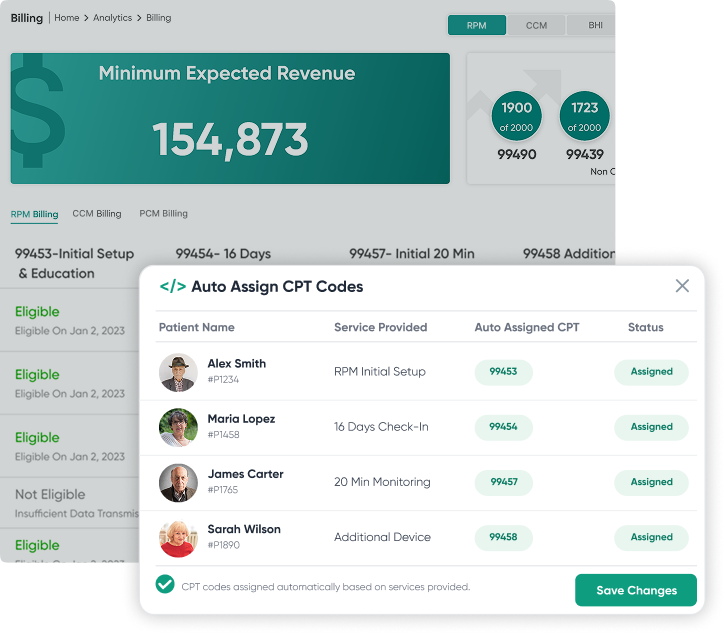
Automatic time tracking and device-day counts mean 99453, 99445, 99454, 99470, 99457 and 99458 get billed when the thresholds are actually met.
Figures reflect results reported by eCareMD RPM practices and are not a guarantee of clinical or financial outcomes. Individual results vary by patient panel, program design and adherence.
See Your Projected Results →Case Studies
Remote Patient Monitoring Case Studies
See how practices use eCareMD's remote patient care platform to improve outcomes and grow reimbursement.
eCareMD vs Typical RPM Tool
See How eCareMD Differs from Other RPM Software
eCareMD combines bulk enrollment, 100+ device integrations, and automated CMS billing in one remote patient monitoring platform, delivering more capability and revenue than typical RPM tools.
“Typical RPM tool” describes commonly advertised capabilities of single-purpose RPM point solutions. Individual vendor coverage varies — compare against your shortlist directly.
Compare eCareMD to Your Shortlist →Why eCareMD
Why Do Practices Choose eCareMD for Remote Patient Monitoring?
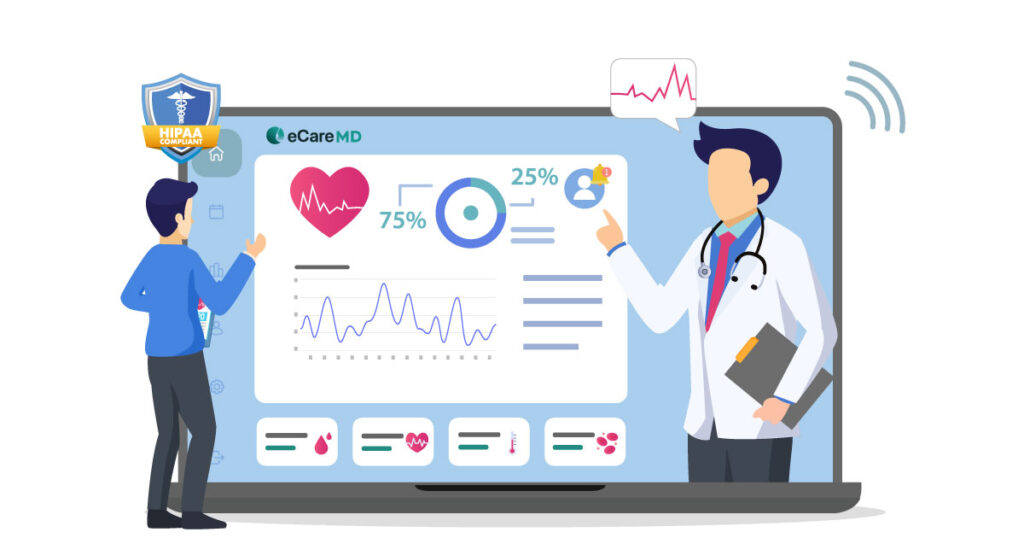
Practices choose eCareMD's remote patient monitoring platform because it unifies enrollment, live vitals, and reimbursement in one HIPAA-compliant, cloud-based system built for care outside the clinic, reducing staff workload while maximizing reimbursable RPM time.
A Purpose-Built RPM Software Platform
Built exclusively as a cloud-based remote patient monitoring software solution with intelligent workflows for patient enrollment, device management, vital monitoring, documentation, billing, and reporting.
Enroll Patients in Minutes
Quickly identify eligible patients, automate enrollment workflows, capture digital consent, and start using remote patient monitoring applications without unnecessary paperwork or manual coordination.
HIPAA & SOC 2 Secure
Protect sensitive patient data with enterprise-grade security, HIPAA compliance, SOC 2 standards, encrypted communication, and role-based access controls across all remote patient monitoring apps.
40+ EHR & Device Integrations
Connect seamlessly with leading EHRs and RPM devices through a unified remote health monitoring system that centralizes patient data, eliminates duplicate entry, and streamlines clinical workflows.
Automate RPM Billing
Automatically capture billable time, generate compliant documentation, and streamline billing for the applicable CMS RPM CPT codes from one connected cloud-based remote patient monitoring software platform.
Improve Patient Adherence
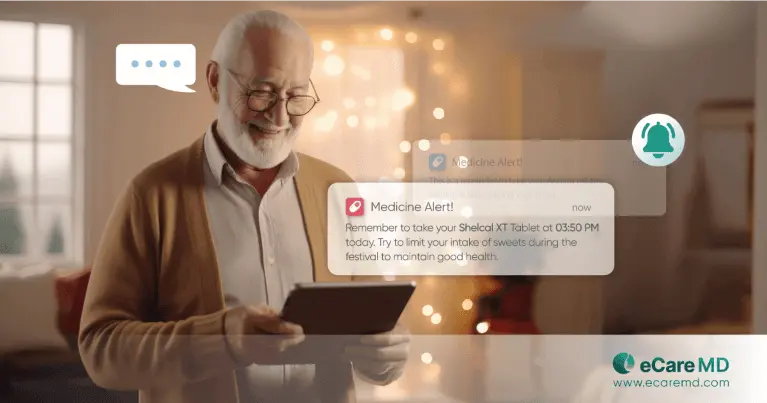
Keep patients consistently engaged with automated reminders, timely alerts, and remote patient monitoring applications that encourage regular device usage and continuous health data submission.
eCareMD's Exclusive Features
What You Get Beyond Remote Patient Monitoring
Beyond remote patient monitoring, eCareMD includes HIPAA- and SOC 2-compliant workflows, built-in Chronic Care Management (CCM), and dedicated onboarding at no extra cost.
HIPAA & SOC 2 Compliant
Protect patient data with HIPAA-compliant workflows, SOC 2 security, encrypted communication, and enterprise-grade access controls.
Patient & Provider Mobile Apps
Enable patients and providers to stay connected with dedicated mobile apps for monitoring, communication, and care management.
Advanced Analytics & Reports
Monitor patient adherence, RPM performance, reimbursements, and operational trends through customizable dashboards and real-time reports.
Comprehensive Audit Logs

Track every user activity, documentation update, and billing event with detailed audit trails for complete compliance visibility.
Dedicated Onboarding & Support
Get expert implementation, staff training, and ongoing support to launch and scale your RPM program with confidence.
Automatic Software Updates
Receive continuous feature enhancements, security patches, and compliance updates automatically without additional costs or service interruptions.
RPM Calculator
See How Much Revenue eCareMD Can Help You Generate
Estimate your monthly and annual Medicare RPM reimbursement based on eligible patients, enrollment rate, and billing codes, then get a personalized revenue report from the eCareMD team.
in recurring RPM reimbursement, every year
No credit card required — or book a live demo
Estimates use CMS 2026 national-average rates and assume patients meet the monthly device-day and time thresholds. Actual RPM reimbursement varies by locality, payer, and eligibility. For illustration only — not billing advice.
RPM CPT Codes
RPM CPT Codes 2026: What You Need for Reimbursement
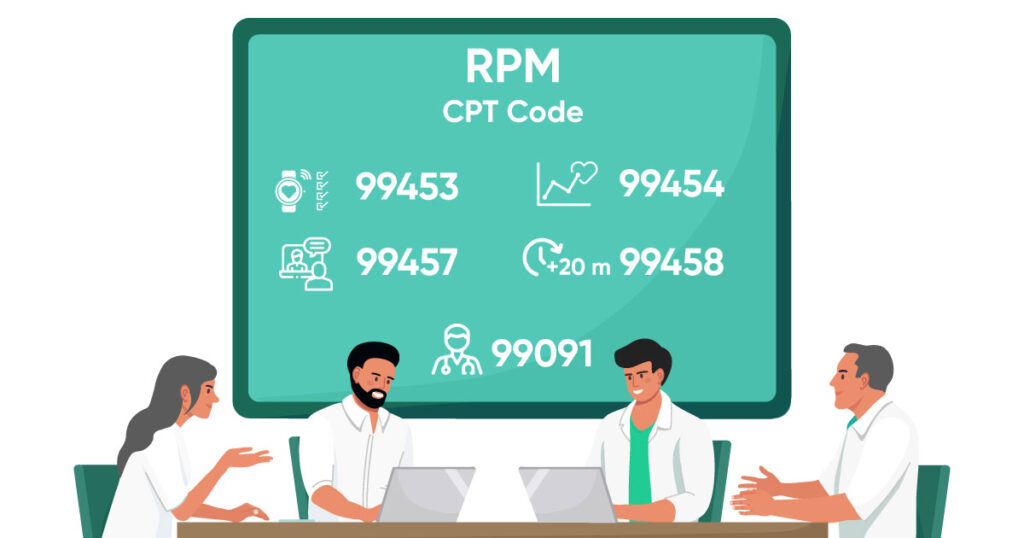
eCareMD auto-assigns the six CMS RPM CPT codes 99453, 99445, 99454, 99470, 99457, and 99458 and logs time to support audit-ready claims. Per CMS, each code covers a distinct part of the RPM workflow.
Code descriptors and time thresholds summarise current CMS guidance and are provided for reference only — not billing or legal advice. Payment amounts vary by locality, payer and year; confirm against the CMS Physician Fee Schedule before submitting claims.
See How eCareMD Codes It →FAQ
Frequently asked questions
Find answers to the most frequently asked questions about our Remote Patient Monitoring Software.
Blog
Remote Patient Monitoring Insights
How to Choose the Best Options for Remote Patient Monitoring...
Remote Patient Monitoring (RPM): How to Implement your Program
Top 10 Features to Look for in Remote Patient Monitoring Software
5 Best Practices When Starting a Remote Patient Monitoring Business