Last Updated: September 4, 2026
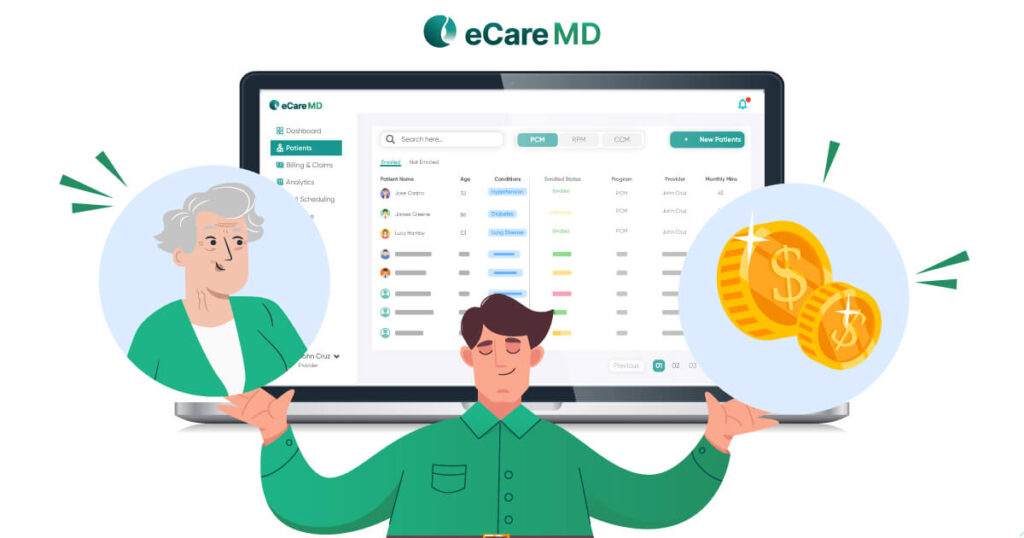
Imagine your practice adding 30 more patients to the CCM program, which means your practice is expecting better reach and stronger care. However, suddenly your team has 20 more care plans to update, follow-ups to track, time to document, and billing details to manage. The patient count goes up, so does the paperwork.
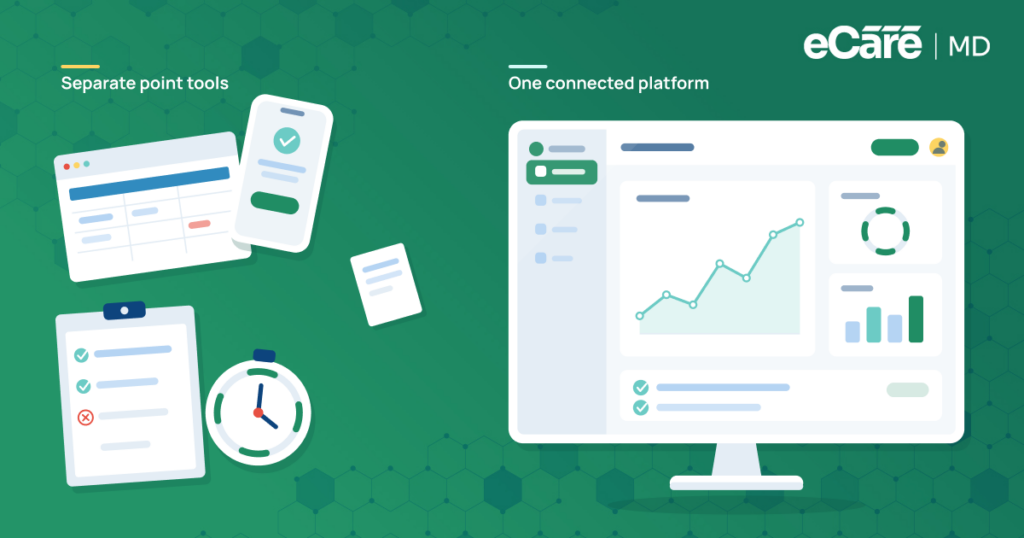
This is where your growing CCM program can hit a wall. Manual processes can be best when your program is small, but they become hard to manage as patient enrollment increases. As a result, your team ends up jumping between EHRs, spreadsheets, notes, and billing systems just to keep everyday tasks on track.
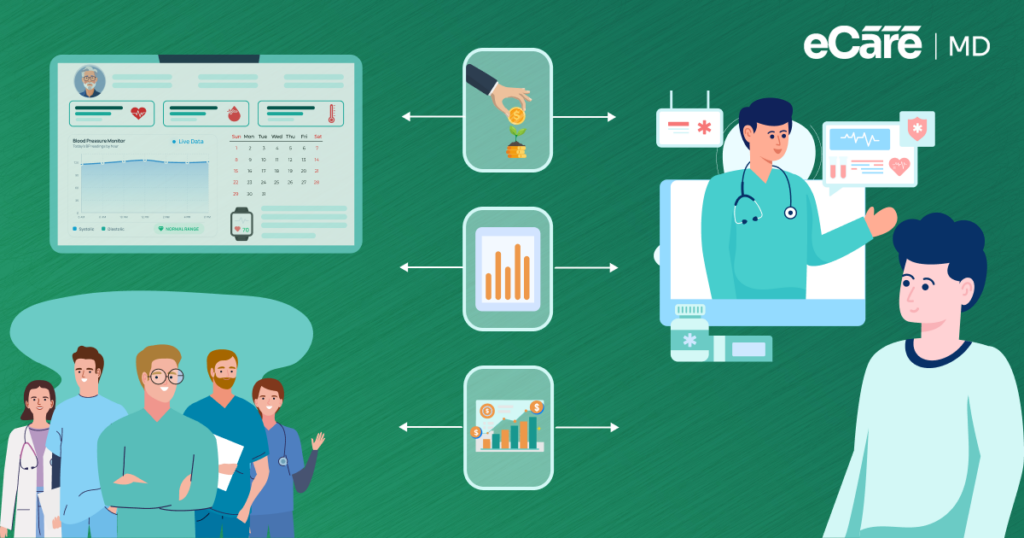
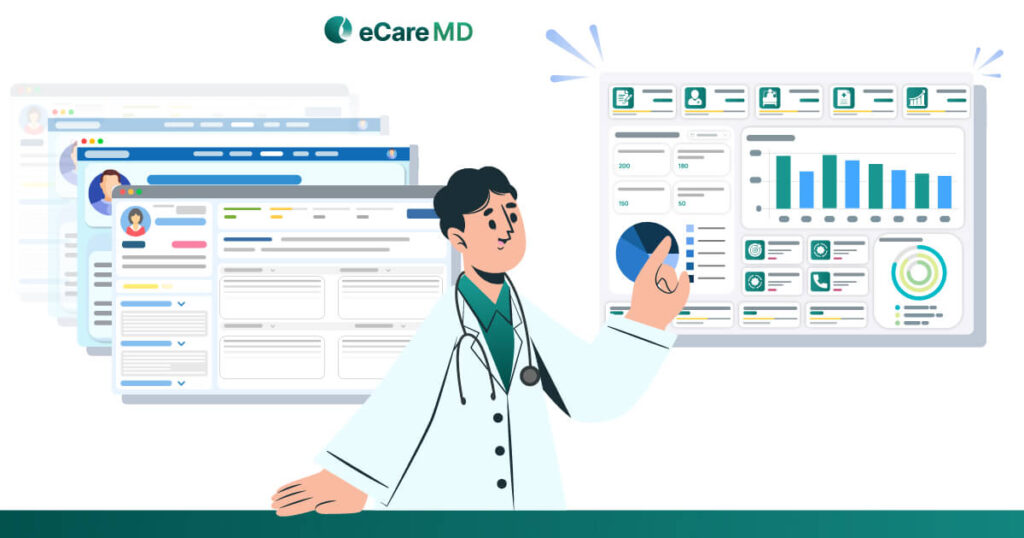
As these demands grow, CCM software for healthcare practices can help bring workflows under control. By bringing key CCM workflows together, it can reduce repetitive work while improving care coordination, practice efficiency, and financial visibility. The result? Practices can grow their patient panels without letting administrative work grow at the same pace.
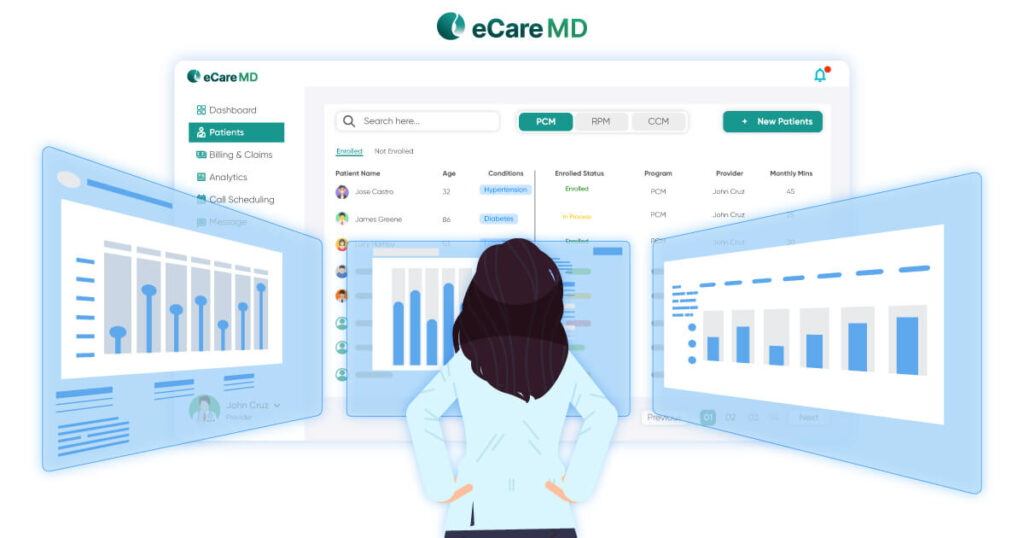
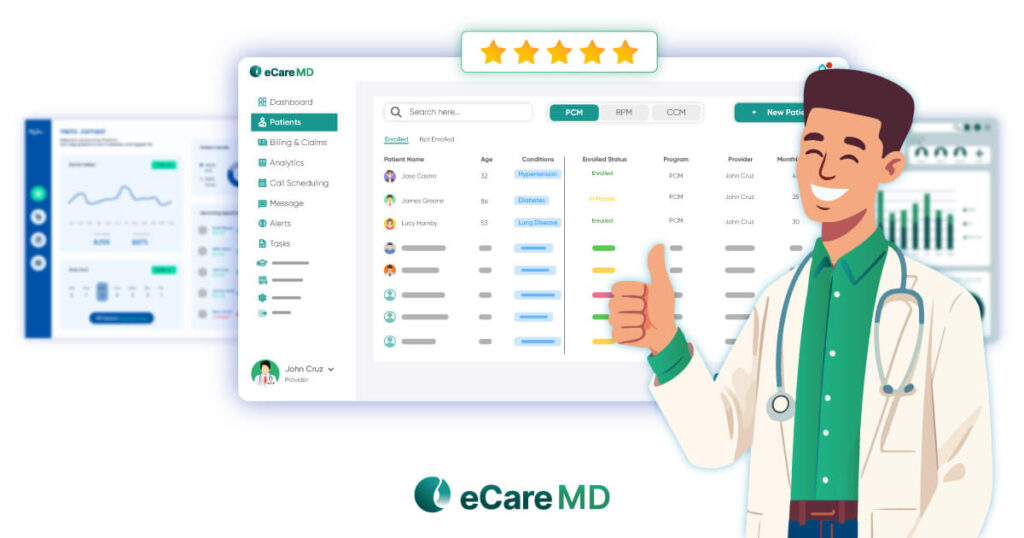
Platforms such as eCareMD, developed by Medarch Inc., are built to support these workflows in one place. In this blog, we’ll look at the key benefits of care management software for practices, from simplifying daily operations and improving coordination to strengthening program management and revenue visibility.
Let’s see how the benefits of CCM software for practices can help your team reduce administrative work, coordinate care more smoothly, improve financial visibility, and manage a growing CCM program without adding more work to every new patient.
What Are the Biggest Benefits of Chronic Care Management Software for a Practice?
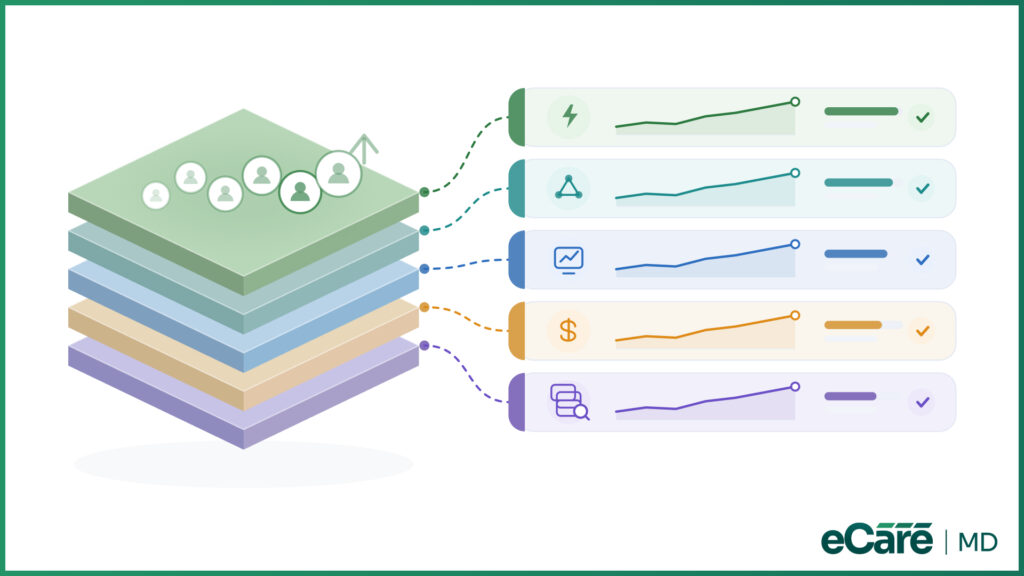
When a CCM program grows, the challenge is not simply keeping up with more patients. It is keeping the growing workload under control. The right CCM platform helps practices do more without making every new patient another administrative headache.
The CCM software benefits can be seen across five key areas:
1. Practice Efficiency and Staff Productivity
CCM software reduces repetitive work such as updating patient lists, tracking outreach, and entering CCM information. With less manual tracking and duplicate data entry, teams can manage a larger patient panel without their workload increasing at the same pace.
2. Care Team Coordination
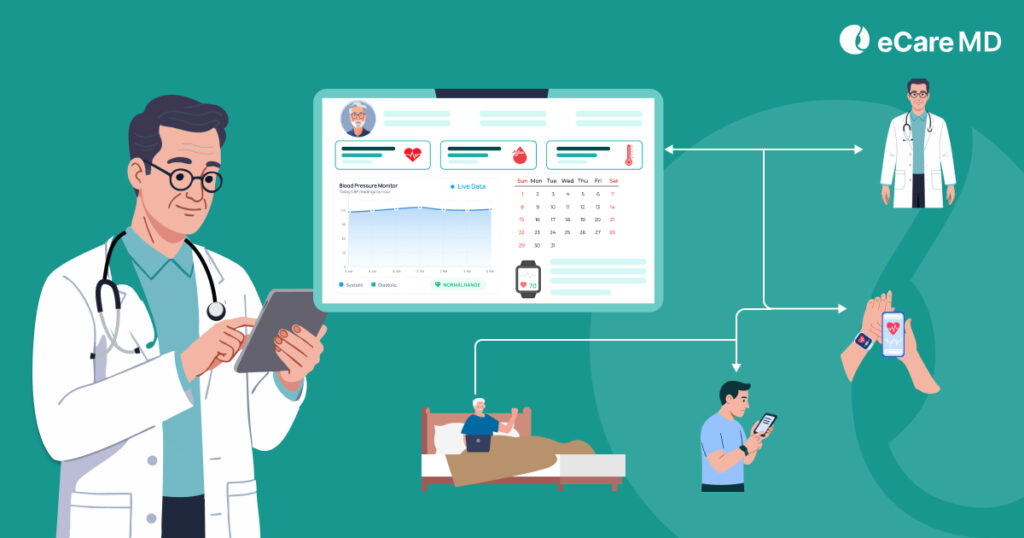
Physicians, care managers, and billing teams can work from the same view of CCM activities. Clear task ownership and visible progress make handoffs easier and help teams stay aligned on what is done and what still needs attention.
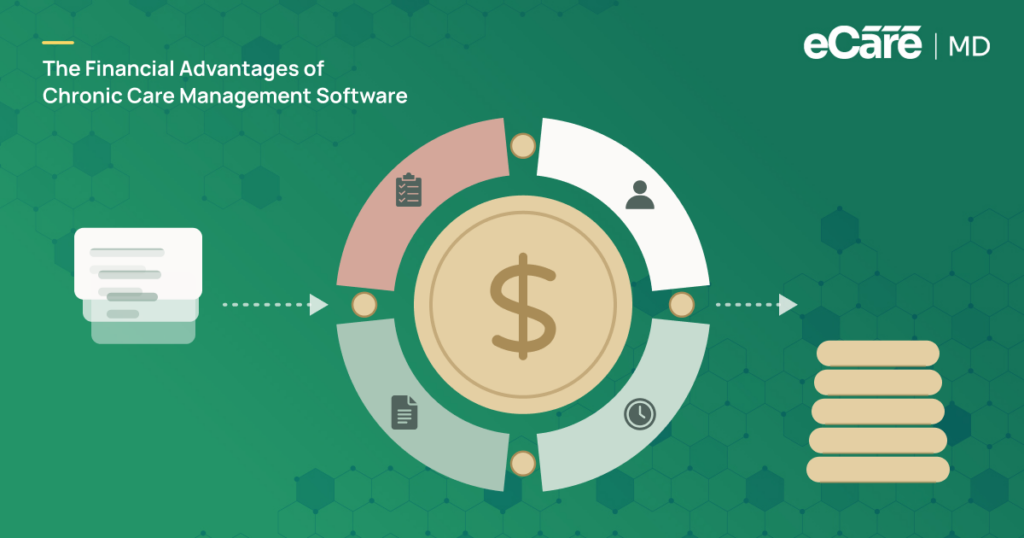
3. Revenue Capture and Financial Visibility
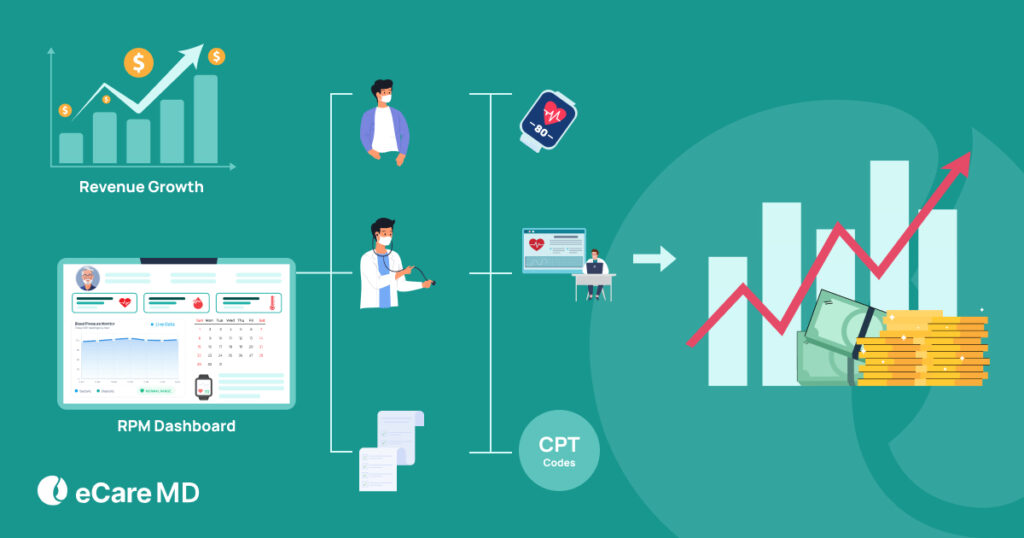
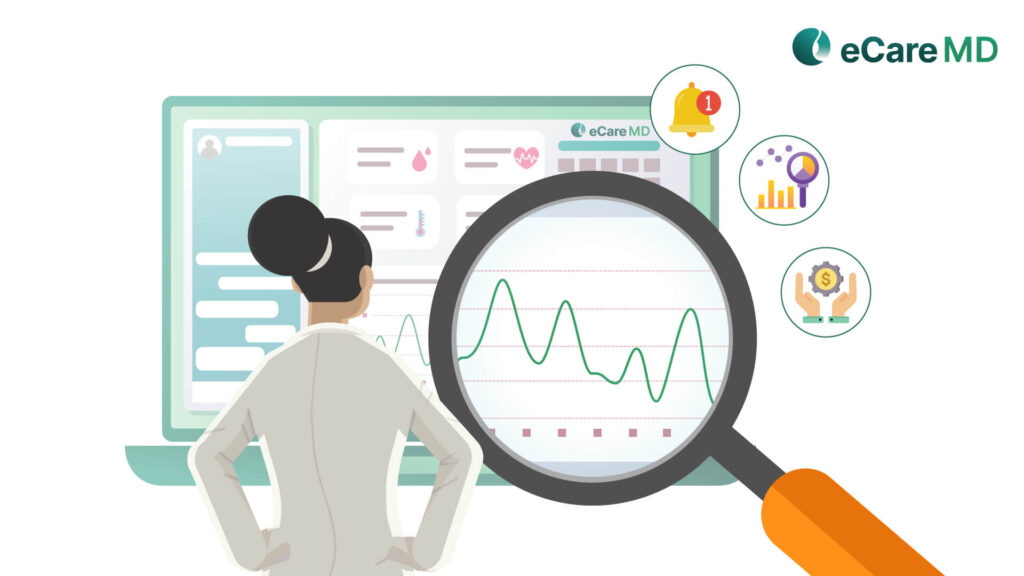
When CCM activities and time are recorded as work is completed, practices have fewer gaps in tracking eligible activities. This gives leaders a clearer view of their CCM-related financial activity and reduces the chances of billable work being missed.
4. Program Oversight and Scalability
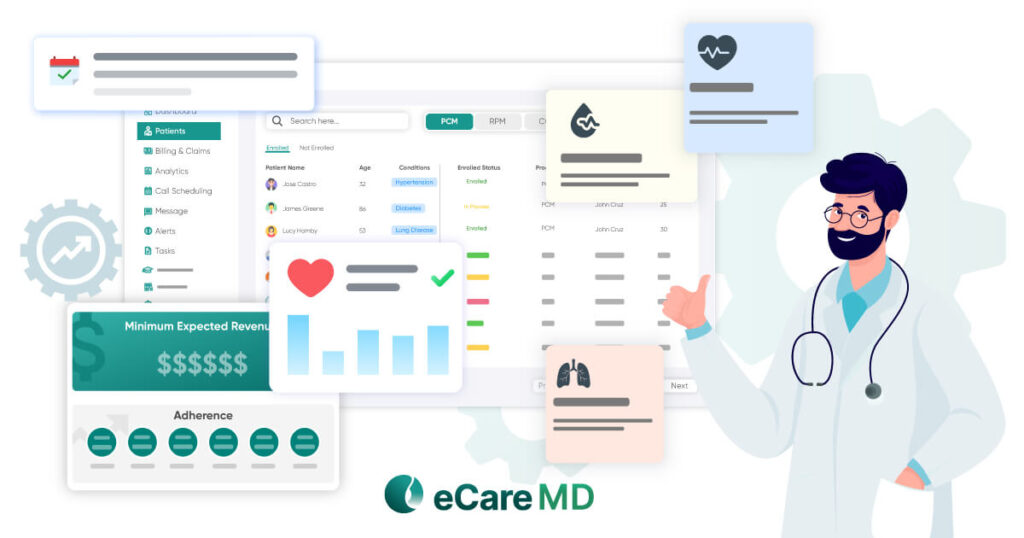
A growing program needs visibility, not more spreadsheets. CCM software helps leaders monitor patient activity, staff workload, and overall program operations while giving the same team a more organized way to manage a larger patient panel.
5. Documentation and Record Retrieval
Centralizing CCM records makes documentation easier to organize and retrieve. Instead of searching across spreadsheets, systems, or individual staff records, authorized team members can find the information they need in one place.
Together, these advantages explain what the benefits of CCM software for healthcare practices are beyond simple automation: it helps practices manage growth while keeping everyday CCM operations organized.
Why Use Chronic Care Management Software Instead of Manual Chronic Care Management?
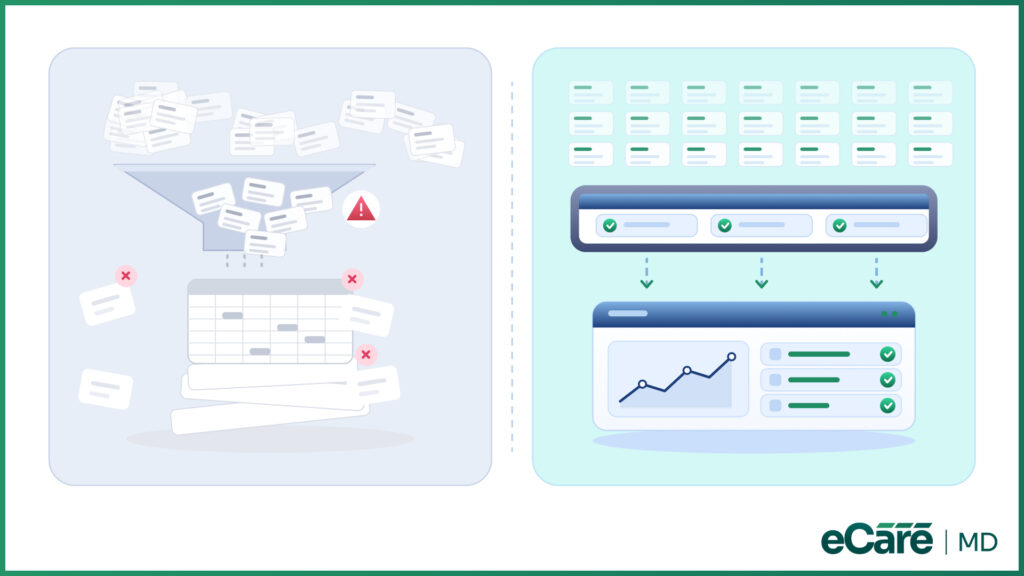
A spreadsheet can work surprisingly well, until it doesn’t. Managing around 50 CCM patients with a spreadsheet may still feel manageable. But when that number reaches 250, the same approach can turn routine work into a daily juggling act.
The difference becomes clearer as enrollment grows. With manual CCM management, more patients usually mean more rows to update, more information to cross-check, and more administrative hours.
Dedicated care manager software, on the other hand, organizes recurring activities through centralized workflows, so the workload depends more on how the process is managed than simply on how many patients are enrolled.
| Manual Chronic Care Management | Dedicated Chronic Care Management |
|---|---|
| ~50 patients: Spreadsheet may be workable | ~50 patients: Comparable workload |
| ~250 patients: Administrative work grows with the patient panel | ~250 patients: Workload scales more with organized workflows |
| Spreadsheet-based tracking | Centralized tracking |
| Fragmented information | Connected information |
| Limited program visibility | Centralized program visibility |
This is why practices looking at why they use CCM software should think beyond replacing a spreadsheet. The bigger advantage is having a structured system that can keep pace with a growing CCM program.
When considering the best care management software, practices should look for a platform that fits their existing workflows, keeps information connected, and can support growth without adding unnecessary complexity.
Conclusion
A growing CCM program should bring better patient management—not a bigger administrative headache. The right software can help practices improve efficiency, keep care teams aligned, gain clearer revenue visibility, manage larger patient panels, and keep documentation organized.
Ultimately, the biggest value of CCM software for healthcare practices is its ability to reduce the administrative burden that comes with growth. Instead of adding more manual work with every new patient, practices can build a more sustainable way to manage their chronic care programs.
Platforms such as eCareMD give practices a dedicated solution to consider when they want to bring these benefits together. However, the best care management software is ultimately the one that fits a practice’s workflows, team needs, and long-term CCM goals.
Frequently Asked Question’s
CCM software helps practices manage the operational side of chronic care more efficiently as their patient population grows. It can reduce repetitive administrative work, centralize patient and CCM activity information, improve coordination between team members, and make documentation easier to manage. Practices can also gain better visibility into completed activities and CCM-related revenue. Overall, the goal is to help teams manage a larger CCM panel without allowing administrative work to increase at the same pace.
Manual CCM management may be manageable with a small patient panel, but spreadsheets, paper logs, and disconnected systems become increasingly difficult to maintain as enrollment grows. Staff may have to repeatedly update information, check different records, and manually track activities across multiple tools. CCM software brings these recurring workflows into a centralized system, making information easier to access and tasks easier to track. This gives practices a more sustainable approach to managing CCM as the program expands.
CCM software can reduce the amount of time staff spend on repetitive administrative tasks such as maintaining patient lists, tracking outreach, updating records, and entering information in multiple places. Centralized workflows also reduce duplicate data entry and make it easier to find the information needed to complete daily tasks. As enrollment increases, these efficiencies become more valuable because teams can manage a larger patient panel without relying on additional manual tracking. This allows staff to focus more of their time on meaningful CCM activities.
Chronic care management software gives providers and care teams a clearer view of the activities taking place across their CCM program. Instead of relying on scattered notes or separate tracking tools, teams can access relevant information through a more organized workflow. This can make daily responsibilities easier to manage, reduce administrative friction, and support better coordination among the people involved in CCM. For providers, the benefit is a more structured way to manage chronic care without adding unnecessary administrative work.
CCM programs often involve physicians, care managers, and billing staff, so keeping everyone aligned is essential. CCM software provides shared visibility into tasks and activities, helping team members understand what has already been completed and what still requires attention. Clear task ownership can also make handoffs smoother and reduce the chance of work being overlooked. Instead of relying on separate spreadsheets, messages, or individual notes, teams can work from a more connected view of the CCM workflow.
Yes. CCM software can help practices capture a clearer record of the activities and time associated with their CCM work. When information is tracked as activities are completed, there is less reliance on staff remembering to update separate spreadsheets or records later. This can help reduce gaps caused by incomplete or disconnected tracking and give practice leaders better visibility into CCM-related financial activity. It does not replace sound billing processes, but it can provide a more organized foundation for tracking the work behind them.
A CCM program can become difficult to manage when every new patient adds another set of manual tasks. CCM software helps practices organize recurring workflows so the same care team can handle a larger patient panel more efficiently. Leaders can also gain better visibility into patient activity and staff workload as the program grows. In this way, software helps practices scale CCM operations without simply adding more spreadsheets, administrative steps, or manual tracking.
CCM software provides a centralized place to organize patient-related CCM information, activities, and records. This makes it easier for authorized staff to update documentation and retrieve information when needed. Centralized records also reduce the risk of information becoming scattered across spreadsheets, paper logs, or individual staff files. As the CCM patient panel grows, having organized documentation becomes increasingly important for keeping everyday workflows manageable.
Practices should look for software that fits their existing CCM workflows rather than choosing a platform based only on the number of features it offers. Important considerations include ease of use, centralized patient and activity tracking, task management, documentation capabilities, team visibility, and support for program growth. It is also worth considering how easily the platform fits into the practice’s current technology and daily processes. The right choice should make CCM management simpler for the team rather than introduce another complicated system to maintain.










![The Future of Remote Patient Monitoring: CMS Innovations & Emerging Trends [2026]](/wp-content/uploads/2024/07/Blog-36-The-Future-of-Remote-Patient-Monitoring_-Trends-AI-Innovation-CMS-Updates-for-2026-1024x538.png)